
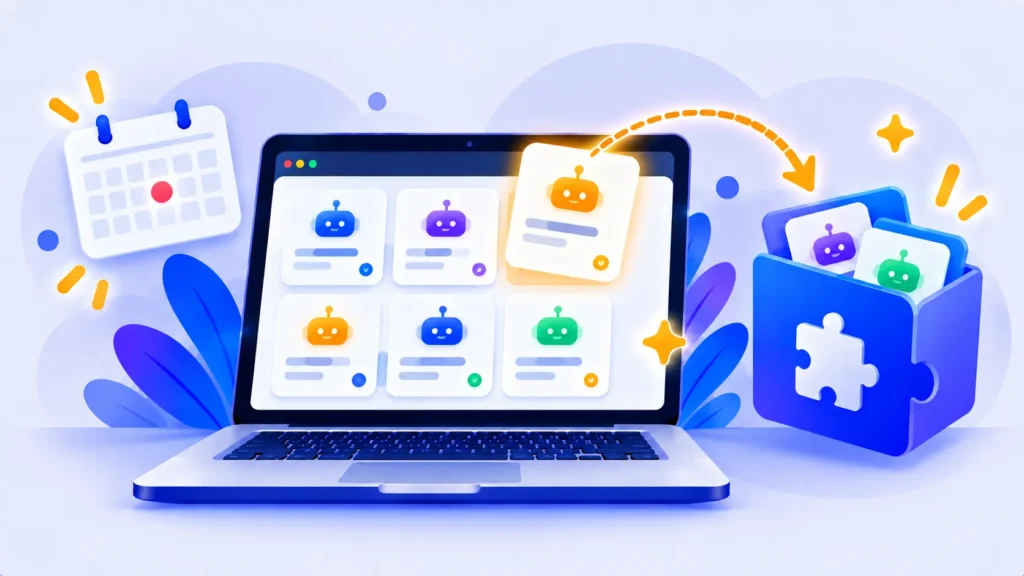
If you’ve built or rely on Custom GPTs in ChatGPT, there’s important news. OpenAI is retiring Custom GPTs and moving users to plugins instead. New GPT creation is ending, and existing GPTs are scheduled to stop working in December 2026.
Here’s what’s changing, the key dates, and what you should do now.
What Were Custom GPTs?
A Custom GPT is a saved version of ChatGPT with its own instructions, uploaded files and optional tools, built for a specific job. Examples include a brand-voice writer, a study tutor or a company FAQ bot. Millions were shared through the GPT Store.
Key Dates
| Date | What happens |
|---|---|
| September 2026 | Retirement announced; migration tools start rolling out |
| September 25, 2026 (planned) | Creation of new Custom GPTs ends |
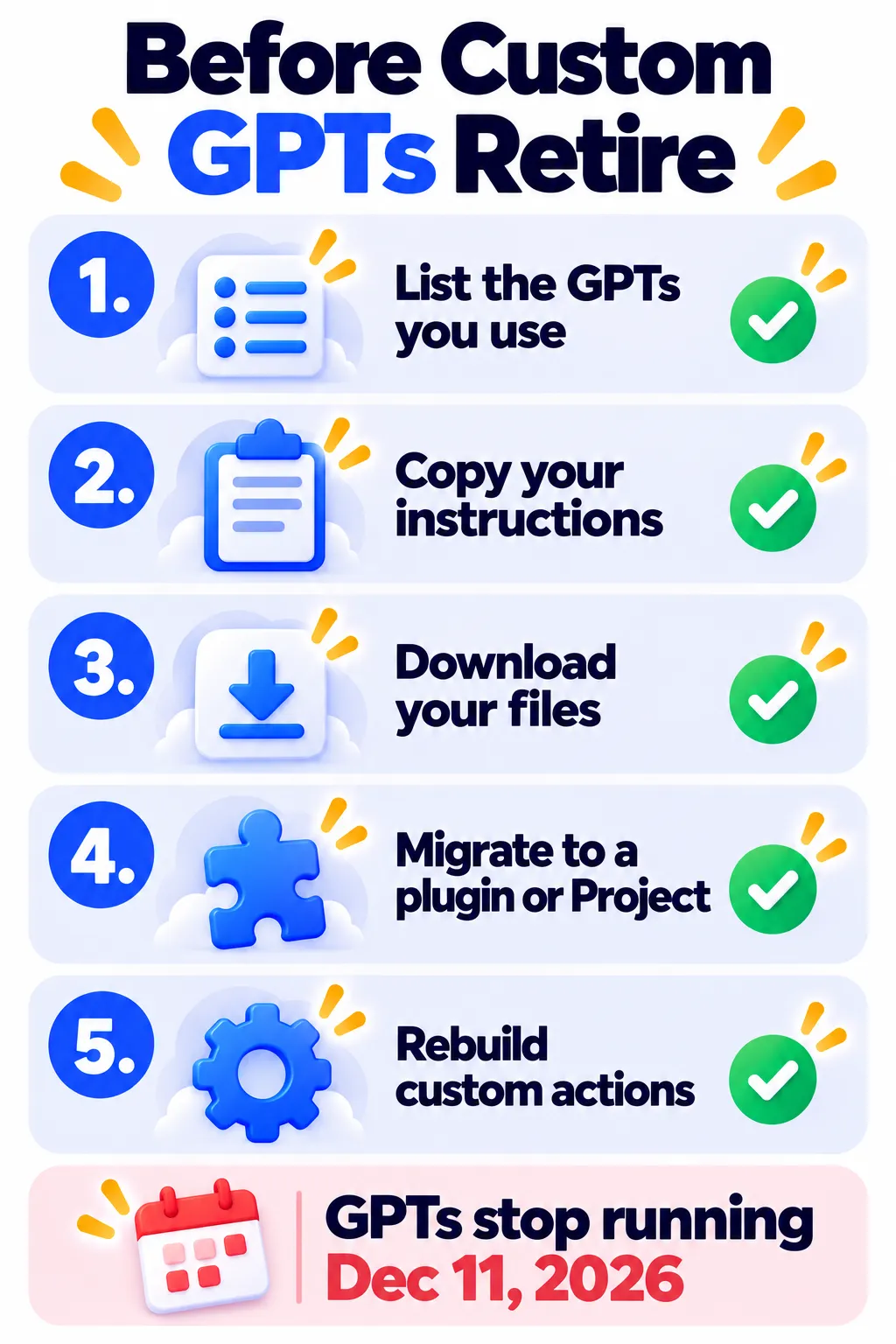
| December 11, 2026 | Custom GPTs stop running and leave the GPT directory |
Until retirement, you can still use existing GPTs. Dates may change, so check OpenAI’s Custom GPT retirement FAQ in the ChatGPT Help Center.
What Replaces Custom GPTs?
OpenAI is encouraging users to switch to plugins in ChatGPT and Codex, and is building a migration tool to convert existing GPTs into plugins. One important catch: custom actions (GPTs that connect to outside apps or APIs) don’t transfer automatically and will need to be rebuilt.
Note: Features and policies may vary by plan, region and app version, and can change at any time. Check the official help center for the latest information.
What You Should Do Now
- List the GPTs you use or built. Note which ones matter for your daily work.
- Save your instructions. Open each GPT you made, go to Configure, and copy the instructions into a document.
- Download your knowledge files or keep the originals somewhere safe.
- Use the migration option when it appears in your account, or rebuild the GPT as a plugin.
- Rebuild custom actions separately, and allow extra time for them.
Simple Alternatives for Everyday Users
If you used a Custom GPT just to save instructions and files for a task, you have easy options:
- ChatGPT Projects: Keep files and instructions for a topic together.
- ChatGPT custom instructions and memory: Save your preferences once. See how ChatGPT memory works.
- Claude Projects: A free alternative with files and instructions per workspace. See Claude Projects and Artifacts.
- Google Gemini Gems: Custom assistants inside Gemini.
Frequently Asked Questions
Can I still create a Custom GPT?
New GPT creation is ending, so it’s best to build new assistants as plugins or Projects instead.
Will my existing GPTs keep working?
Yes, until the scheduled retirement on December 11, 2026.
What happens to GPTs in the GPT Store?
At retirement, Custom GPTs are scheduled to stop running and leave the GPT directory.
Do I lose my instructions and files?
Save them now to be safe. The migration tool is designed to help, but custom actions don’t transfer automatically.
The Bottom Line
Custom GPTs are being phased out in favor of plugins. Save your instructions and files today, migrate the GPTs you rely on, and use Projects for simple, personal setups. Explore more guides in our AI tools directory.
Related Guides
- ChatGPT Atlas Is Gone: Why OpenAI Shut It Down and What Replaced It
- How ChatGPT Memory Works and How to Turn It Off (2026)
- Claude Projects and Artifacts: How to Use Them (Step by Step)
- Is ChatGPT Free? What You Get Without Paying in 2026
Explore more in our AI Tools Directory hub.
Disclaimer: This article is for general information only and is based on details available at the time of writing. Prices, plans, features, release dates, policies and availability can change at any time and may vary by country. Please verify the latest information on the official website of the company or product mentioned before making any decision or purchase. Next DigiTech is an independent website and is not affiliated with or endorsed by the companies mentioned; all trademarks belong to their respective owners. We are not responsible for any loss or decisions made based on this content.

