
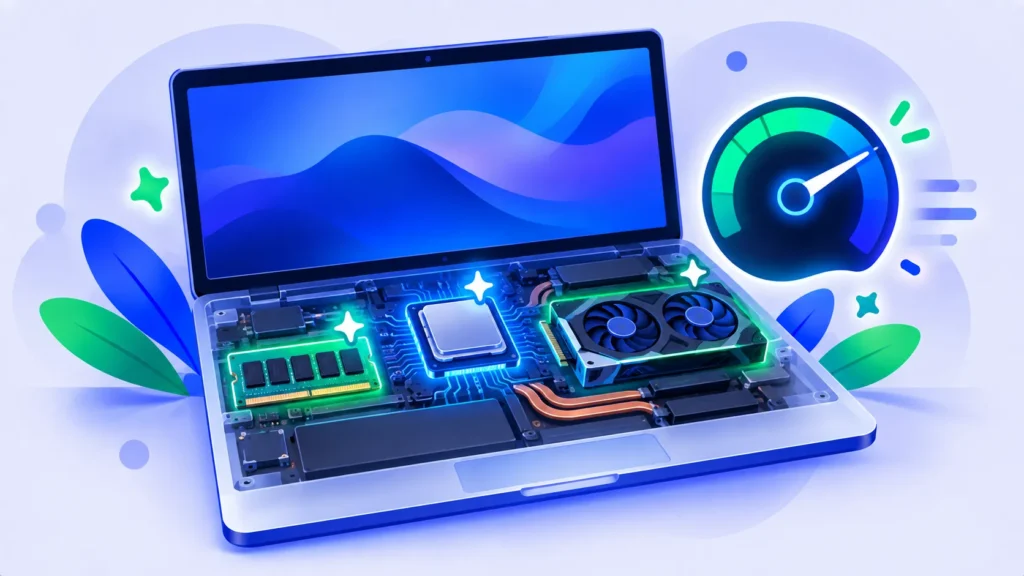
Running AI on your own computer is private, free and works offline. But can your laptop actually handle it? The answer depends mostly on three things: how much memory you have, what kind of chip or graphics card you have, and which model size you choose.
Here’s a simple guide to what your computer can run, with no jargon.
The Quick Answer
- 8 GB RAM: Yes, but only small models for simple tasks.
- 16 GB RAM or an Apple M-series Mac: Yes, comfortably. This is the 2026 sweet spot.
- 32 GB RAM or a strong graphics card: Yes, including larger, smarter models.
What Do “Model Sizes” Mean?
AI models are described by their number of parameters, written like 3B, 8B or 14B (billion). More parameters usually means smarter answers, but also more memory needed. Most local apps download a compressed (“quantized”) version that uses much less memory with only a small drop in quality.
| Model size | Memory needed (approx.) | Good for |
|---|---|---|
| 1B to 4B | 4 to 8 GB RAM | Simple chat, short summaries |
| 7B to 8B | 8 to 16 GB RAM | Everyday writing, Q&A, basic coding help |
| 12B to 14B | 16 GB+ RAM | Better reasoning and longer answers |
| 30B and up | 32 GB+ RAM or a strong GPU | Close to cloud-level quality for many tasks |
These are rough guides. Exact needs depend on the model and compression level.

RAM: The Most Important Spec
The model has to fit in memory to run smoothly. If it doesn’t fit, it will be very slow or won’t load at all. Before downloading a model, check your RAM:
- Windows: Settings > System > About > Installed RAM.
- Mac: Apple menu > About This Mac > Memory.
Apple M-Series Macs Are a Hidden Advantage
Macs with M-series chips use unified memory, meaning the processor and graphics share the same RAM. That lets a 16 GB MacBook run models that would need a separate graphics card on many Windows laptops.
Windows Laptops: The Graphics Card Matters
On Windows, an NVIDIA graphics card with at least 8 GB of video memory (VRAM) makes local AI much faster. Without one, models still run on the main processor, just more slowly. Many AMD and Intel graphics chips are also supported by popular tools.
Storage Space
Each model takes roughly 2 GB to 20 GB or more of disk space. Make sure you have room, and delete models you no longer use.
How to Test Your Laptop in 10 Minutes
- Install LM Studio (easiest) or Ollama.
- Download a small model around 3B to 4B.
- Ask a few questions and watch how fast it replies.
- If it’s quick, try a 7B or 8B model next.
Not sure which app to pick? Read Ollama vs LM Studio.
Should You Buy a New Laptop for AI?
Only if you’ll use local AI often. If you’re shopping anyway, aim for at least 16 GB of RAM, which also helps everyday multitasking. Laptop prices are higher in 2026, so read why laptop prices are going up before you buy. For occasional AI use, free cloud assistants like ChatGPT or Gemini are simpler.
Note: Prices are based on official announcements at the time of writing and may vary by country, retailer, taxes and promotions. Always check the latest pricing on the official website before buying.
Frequently Asked Questions
Can I run AI on a laptop with 8 GB of RAM?
Yes, small models work. Expect simpler answers and close other apps while chatting.
Do I need a graphics card?
No, but a good one makes local AI much faster, especially on Windows.
Will running AI damage my laptop?
No, but it can make your laptop warm and use more battery. Keep it plugged in and on a hard surface.
Is local AI as good as ChatGPT?
Smaller local models are less capable, but larger ones on strong hardware can come close for many tasks.
The Bottom Line
If you have 16 GB of RAM or an Apple M-series Mac, your laptop can run useful AI models today. Start small, test the speed and move up. Explore more tools in our AI tools directory.
Related Guides
- What Is Ollama? How to Run AI Models on Your Own Computer (2026)
- LM Studio Review 2026: Run Local AI Models With a Simple App
- MacBook Neo vs Windows Laptops: Which Budget Laptop Should You Buy?
- Black Friday 2026 Laptop Buying Guide: Specs That Matter and Deals to Avoid
Explore more in our AI Tools Directory hub.
Disclaimer: This article is for general information only and is based on details available at the time of writing. Prices, plans, features, release dates, policies and availability can change at any time and may vary by country. Please verify the latest information on the official website of the company or product mentioned before making any decision or purchase. Next DigiTech is an independent website and is not affiliated with or endorsed by the companies mentioned; all trademarks belong to their respective owners. We are not responsible for any loss or decisions made based on this content.

