

Most AI chatbots run on big company servers, so every message you send leaves your computer. Ollama lets you run AI models on your own laptop or desktop instead. Your chats stay on your device, it works offline, and the local version is completely free.
Here’s what Ollama is, what you need to run it, and how to get started in minutes.
What Is Ollama?
Ollama is a free, open-source app for Mac, Windows and Linux that downloads open AI models (like Llama, Qwen, Gemma, Mistral and DeepSeek) and runs them on your own computer. You can chat with them in Ollama’s app, use them from the command line, or connect them to other apps through a local API.
Why Run AI Locally?
- Privacy: Your prompts and files never leave your computer.
- Works offline: No internet needed once a model is downloaded.
- No subscription: Local use is free with no usage limits.
- Control: Choose and switch between hundreds of open models.
The trade-off: open models running on a normal laptop are usually less capable than the best cloud assistants like ChatGPT or Claude.
What Computer Do You Need?
| Your computer | What runs well |
|---|---|
| 8 GB RAM | Small models (around 1 to 4 billion parameters) for simple chat |
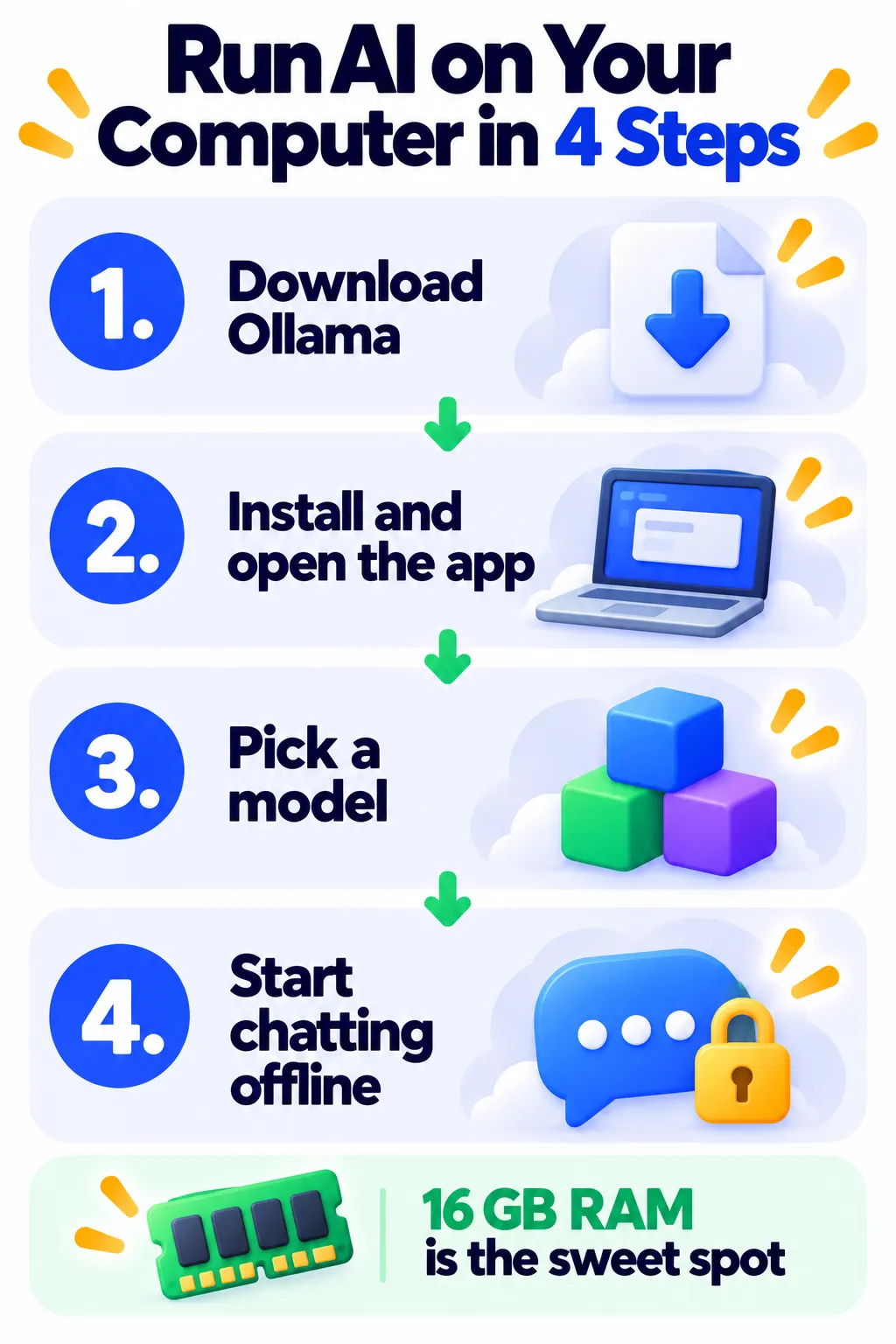
| 16 GB RAM, or Apple M-series Mac | The 2026 sweet spot: 7 to 14 billion parameter models |
| 32 GB+ RAM or a strong GPU | Larger, more capable models |
Ollama uses Apple Silicon, NVIDIA and many AMD graphics cards to speed things up. Without a good GPU, models still run but more slowly. For a full breakdown, read can your laptop run AI locally?
How to Get Started
- Go to ollama.com and download the app for your system.
- Install it. On Windows, it runs quietly in the background; on Mac, you’ll see a small llama icon in the menu bar.
- Open the Ollama app and pick a model, or type a command like
ollama run llama3.2in a terminal. - Wait for the model to download, then start chatting.
Start with a small model first. If it runs smoothly, try a larger one.
Is Ollama Free?
Yes. Running models on your own computer is free, with no usage caps and no credit card. Ollama also offers optional paid cloud plans, around $20/month (Pro) and $100/month (Max), which let you run very large models on Ollama’s servers when they won’t fit on your computer. You don’t need them for local use. Check Ollama’s pricing page for current details.
Pros and Cons
Pros
- Free and private for local use.
- Huge library of open models.
- Works offline.
- Easy to connect to other apps and coding tools.
Cons
- Needs a reasonably powerful computer for good results.
- Local models are less capable than top cloud assistants.
- Large models take a lot of disk space.
Ollama Alternatives
- LM Studio: A free desktop app with a very visual interface for finding and running local models. See Ollama vs LM Studio.
- Jan: Another free, open-source local AI chat app.
- Cloud assistants: ChatGPT, Claude or Gemini if you need maximum capability and don’t mind the cloud.
Frequently Asked Questions
Is Ollama safe?
Ollama is a widely used open-source project. Download it only from ollama.com, and only download models from trusted sources.
Does Ollama work without internet?
Yes. Once a model is downloaded, you can chat completely offline.
Can I run DeepSeek with Ollama?
Yes. Many DeepSeek models are available and running them locally avoids sending data to DeepSeek’s servers. Learn more in what is DeepSeek.
Is Ollama better than ChatGPT?
Not in raw capability, but it wins on privacy, offline use and cost. Many people use both. Read is it safe to use AI chatbots for privacy tips.
The Bottom Line
Ollama is the easiest way to run private, free AI on your own computer. If you have 16 GB of RAM or an Apple M-series Mac, it’s well worth trying. Explore more tools in our AI tools directory.
Related Guides
- Ollama vs LM Studio: Which Local AI Tool Should You Use?
- LM Studio Review 2026: Run Local AI Models With a Simple App
- Can Your Laptop Run AI Locally? RAM, GPU and Model Size Explained
- What Is DeepSeek? Features, Privacy Risks and Is It Safe to Use? (2026)
Explore more in our AI Tools Directory hub.
Disclaimer: This article is for general information only and is based on details available at the time of writing. Prices, plans, features, release dates, policies and availability can change at any time and may vary by country. Please verify the latest information on the official website of the company or product mentioned before making any decision or purchase. Next DigiTech is an independent website and is not affiliated with or endorsed by the companies mentioned; all trademarks belong to their respective owners. We are not responsible for any loss or decisions made based on this content.

