

Google AI Studio started as a free playground for testing Google’s Gemini AI models. In 2026, it’s also one of the most capable free tools for building full apps by describing them, with a database, logins and one-click hosting built in.
Here’s what Google AI Studio is, what you can do with it, what’s free, and how to get started.
What Is Google AI Studio?
Google AI Studio is a free web tool at aistudio.google.com. It has two main uses:
- A playground for Gemini: Chat with Google’s latest AI models, test prompts, try image and audio features, and get a free API key for your own projects.
- An AI app builder: In Build mode, you describe an app in plain English and an AI agent writes the code, connects a database and helps you publish it.
Google is also moving its older Firebase Studio users here. Read Firebase Studio is shutting down for the dates and migration steps.
What You Can Do in Google AI Studio
- Build web apps from a prompt: For example, “Build an expense tracker app.”
- Add a real backend: Turn on Firebase for a Firestore database and Firebase Authentication logins.
- Edit by pointing: Annotation mode lets you click a part of your app and describe the change you want.
- Publish with one click: Deploy your app to Google Cloud Run.
- Build Android apps: Google added Kotlin support for vibe coding native Android apps in 2026.
- Move to a code editor: Export a project, with your conversation context, to Google Antigravity for code-first development.
Note: Features and policies may vary by plan, region and app version, and can change at any time. Check the official help center for the latest information.
Is Google AI Studio Free?
Yes, Google AI Studio is free to start, including Build mode. When you publish an app, Google uses its Google Cloud Starter Tier, which lets you try Cloud Run, Firestore and Firebase Authentication at no cost and without a credit card.
Costs only begin when you outgrow the free limits, for example with a lot of traffic or heavy use of the Gemini API. At that point, you upgrade to a standard Google Cloud project with billing. Check Google’s official pricing pages for current limits.
How to Get Started
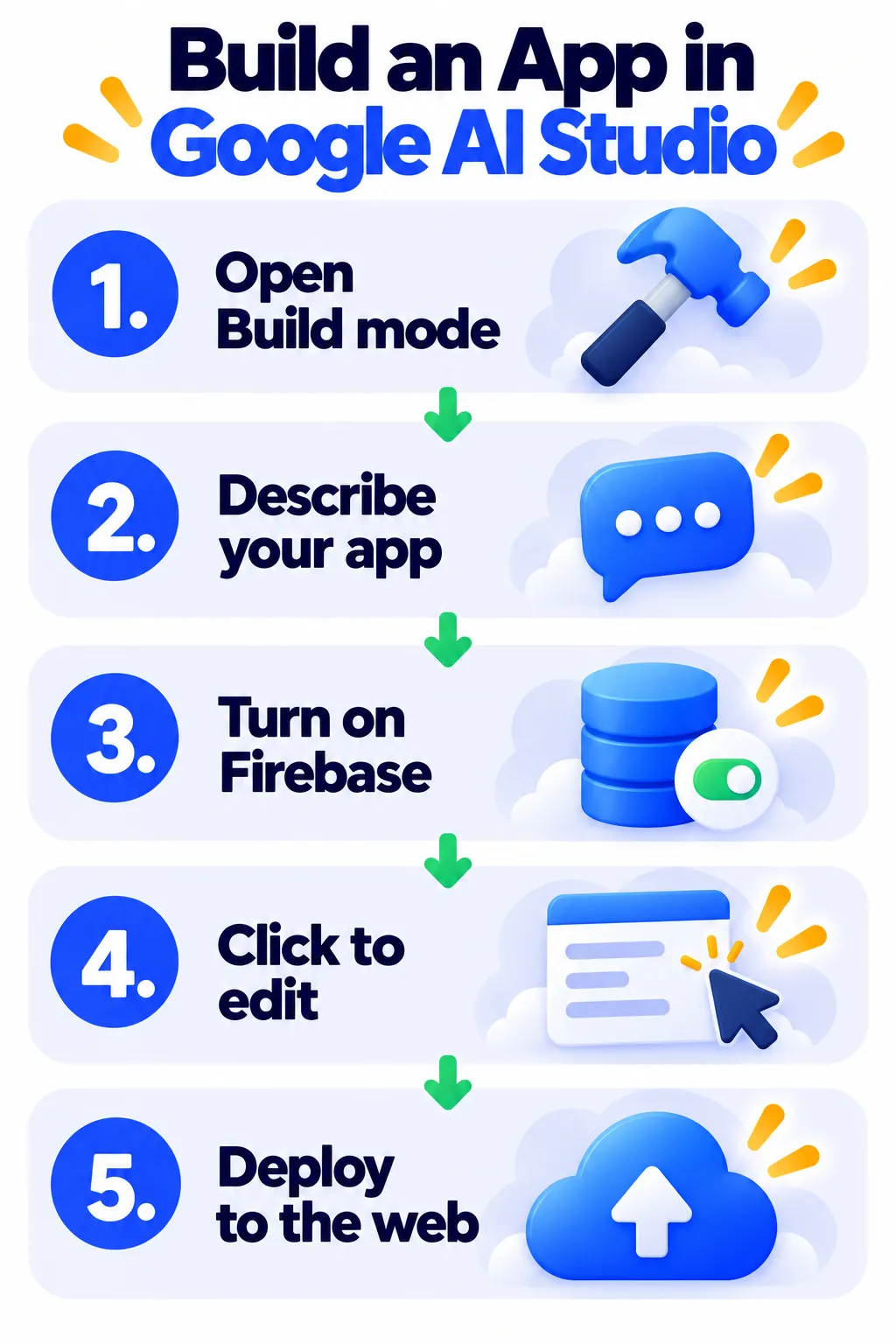
- Go to aistudio.google.com and sign in with your Google account.
- Click Build in the left sidebar.
- Describe your app clearly: who uses it, the main screens and what each button does.
- When the agent asks, click Enable Firebase to add a database and logins.
- Test your app, request changes, then deploy it.
Pros and Cons
Pros
- One of the most generous free options for building full apps.
- Real backend with Firebase and Google Cloud built in.
- Access to Google’s latest Gemini models.
- Clear path to more advanced tools as you grow.
Cons
- Costs can grow quickly once you go beyond free limits.
- Google Cloud settings can feel technical for beginners.
- Google’s AI tools change often, so features and names may shift.
Google AI Studio vs Other App Builders
Compared with Lovable and Bolt, Google AI Studio’s big advantage is its free tier and built-in Google Cloud backend. Lovable is still a little easier for complete beginners. For small AI helpers rather than full apps, Google’s free Opal is simpler. Compare more options in our Lovable vs Bolt vs Replit comparison.
Frequently Asked Questions
Is Google AI Studio the same as Gemini?
No. Gemini is Google’s AI assistant and model family. AI Studio is a tool for testing Gemini models and building apps with them.
Do I need to know how to code?
No. Build mode works from plain-English descriptions. Coding knowledge helps when you want more control. New to the idea? Read what is vibe coding.
Do I need a credit card?
Not to get started. The Google Cloud Starter Tier lets you deploy prototypes without one.
Can I build Android apps?
Yes. Google added Kotlin support for building native Android apps in AI Studio in 2026.
The Bottom Line
Google AI Studio is a powerful free starting point for building apps with AI, especially if you want a real database and hosting without paying upfront. Start small, keep an eye on usage as your app grows, and explore more tools in our AI tools directory.
Related Guides
- Firebase Studio Is Shutting Down: What It Means and Where to Move Your Projects
- Google Opal: Build Free AI Mini-Apps Without Code (2026 Guide)
- Cursor AI Review 2026: The AI Code Editor, Pricing and Is It Worth It?
- What Is Claude Code? A Simple Guide for Non-Developers (2026)
Explore more in our AI Tools Directory hub.
Disclaimer: This article is for general information only and is based on details available at the time of writing. Prices, plans, features, release dates, policies and availability can change at any time and may vary by country. Please verify the latest information on the official website of the company or product mentioned before making any decision or purchase. Next DigiTech is an independent website and is not affiliated with or endorsed by the companies mentioned; all trademarks belong to their respective owners. We are not responsible for any loss or decisions made based on this content.