
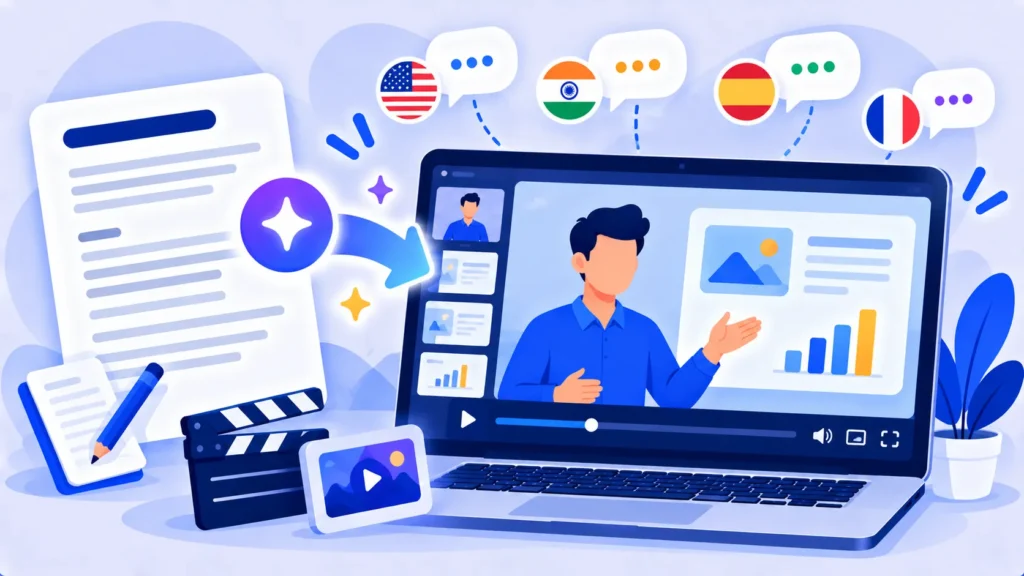
HeyGen is an AI video tool that creates videos with realistic talking avatars. You type a script, choose an avatar (or create a digital version of yourself), and HeyGen produces a presenter-style video. It can also translate videos into other languages with matching lip movements.
Here’s what HeyGen does, what’s free, and how to use AI avatars responsibly.
Quick Verdict
- Best for: Training videos, product explainers, social content and translating videos for global audiences.
- Skip it if: You want cinematic scenes or edits of your own footage. Runway or CapCut are better fits.
- Is the free plan enough? Only for testing. Free gives 3 short watermarked videos a month.
What Is HeyGen?
HeyGen is a web-based platform at heygen.com, with mobile apps too. It turns text into videos presented by AI avatars that speak with natural lip movement and gestures. You can choose from hundreds of stock avatars or create your own custom avatar from a short video of yourself.
Main Features
- Script to video: Type a script and get a presenter video.
- Stock avatars: Hundreds of avatars in different styles and settings.
- Custom avatar (digital twin): Create an AI version of yourself.
- Video translation: Translate videos into 175+ languages and dialects with lip sync (paid plans).
- Voice cloning: Use an AI version of your own voice.
- Templates: Ready-made layouts for ads, training and social posts.
Note: These details come from the company’s own announcements and have not been independently verified by Next DigiTech.

How to Make a Video With HeyGen (Step by Step)
- Go to heygen.com and sign up free.
- Click Create video and choose a template or a blank layout.
- Pick a stock avatar or your own custom avatar.
- Paste your script and choose a voice and language.
- Add slides, text, images or background music.
- Click Generate, review the video, and download or share it.
Tips for Natural-Looking Avatar Videos
- Write conversationally: Short sentences sound more natural.
- Keep videos short: 30 to 90 seconds works well for social and explainers.
- Add visuals: Slides, screenshots and captions keep viewers engaged.
- Fix pronunciation: Spell tricky names phonetically.
- Record a clean custom avatar: Good lighting and a quiet room make a big difference.
HeyGen Pricing (2026)
US prices as of October 2026:
| Plan | Price | What you get |
|---|---|---|
| Free | $0 | 3 videos a month, up to 1 minute each, watermarked |
| Creator | $29/month ($24 yearly) | 600 credits a month, videos up to 30 minutes, 1080p, no watermark, voice cloning |
| Pro | From $49/month | 1,000 credits a month, 4K export |
| Business | $149/month plus $20 per extra seat | Team features and more credits |
Premium, more realistic avatars use credits faster than standard ones. Check HeyGen’s pricing page for current credit rates.
Use AI Avatars Responsibly
- Only create avatars of yourself or people who have given clear permission.
- Be transparent: Let viewers know when a presenter is AI-generated.
- Know the risks: Deepfake videos and voice clones are used in scams. Learn how to protect your family in our guide to AI voice cloning scams.
HeyGen vs Other AI Video Tools
HeyGen specializes in talking-presenter videos and translation. Runway is better for cinematic scenes. For voiceovers without an avatar, try ElevenLabs. To edit your own recordings, use Descript or CapCut.
Frequently Asked Questions
Is HeyGen free?
Yes, there’s a free plan with 3 videos a month, up to 1 minute each, with a watermark.
Can I create an avatar of myself?
Yes. Record a short video following HeyGen’s instructions to create your digital twin.
Can HeyGen translate my videos?
Yes. Paid plans can translate videos into many languages with matching lip movements.
Is HeyGen good for YouTube?
It works well for explainers and faceless channels, but viewers often prefer some authentic human content too.
Why does my avatar look unnatural?
Try a premium avatar style, shorten sentences, and add natural pauses with punctuation.
The Bottom Line
HeyGen makes presenter-style videos possible without a camera or studio. Try the free videos, upgrade to Creator for watermark-free content, and always use avatars with consent and transparency. Explore more tools in our AI tools directory.
Related Guides
- Pictory Review 2026: Turn Scripts and Blog Posts Into Videos, Pricing
- Murf AI Review 2026: AI Voiceovers, Pricing and Murf vs ElevenLabs
- VEED Review 2026: Online Video Editor With AI Subtitles, Free vs Paid
- How to Make YouTube Shorts With AI: A Simple 6-Step Workflow
Explore more in our AI Video and Audio Tools hub.
Disclaimer: This article is for general information only and is based on details available at the time of writing. Prices, plans, features, release dates, policies and availability can change at any time and may vary by country. Please verify the latest information on the official website of the company or product mentioned before making any decision or purchase. Next DigiTech is an independent website and is not affiliated with or endorsed by the companies mentioned; all trademarks belong to their respective owners. We are not responsible for any loss or decisions made based on this content.

