
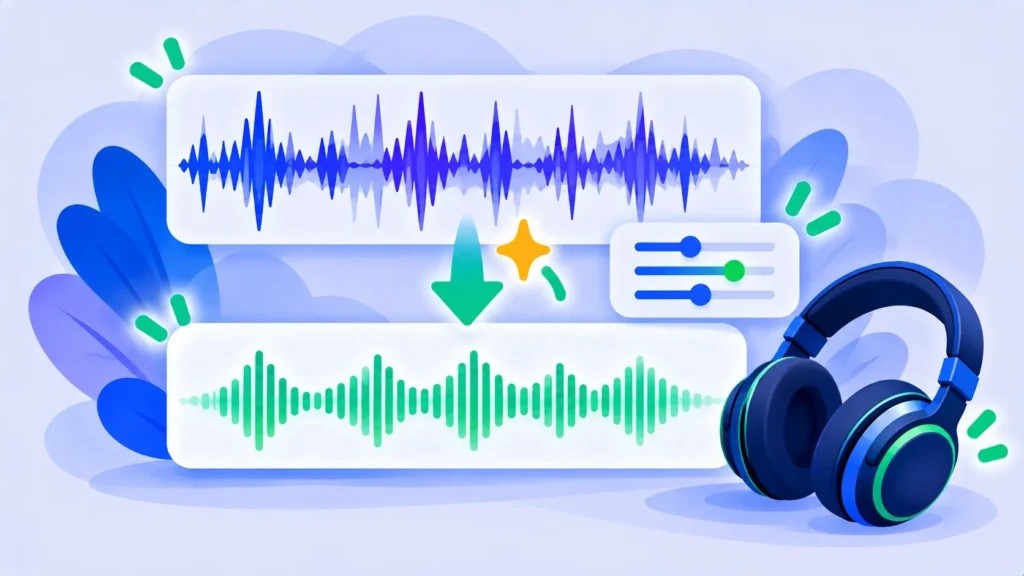
One guest is too quiet, another is too loud, and there’s background hum. Auphonic fixes these problems automatically. Upload your podcast or video audio, and it balances levels, reduces noise and meets loudness standards for podcast apps and YouTube.
Here’s what Auphonic does, what’s free and how its credit pricing works.
Quick Verdict
- Best for: Podcasters, YouTubers and educators who want consistent, professional-sounding audio with no editing skills.
- Skip it if: You need a full editor for cutting and arranging audio. Auphonic only processes.
- Free plan: Yes, 2 hours of processing every month.
What Auphonic Does
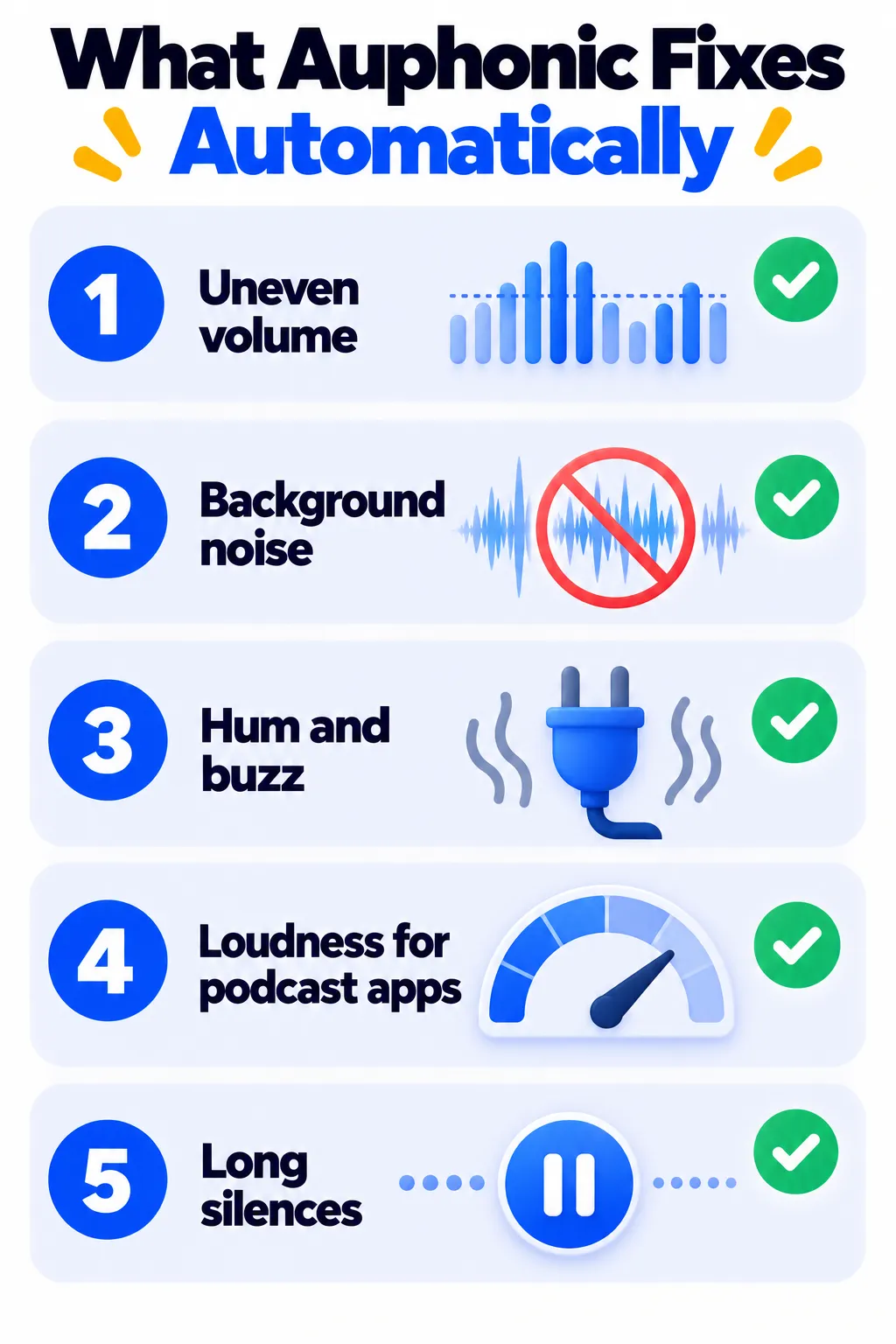
- Leveler: Balances volume between speakers and quiet or loud sections.
- Loudness normalization: Matches standards for podcasts, YouTube and broadcast.
- Noise and hum reduction with AI.
- Filler and silence cutting for cleaner episodes.
- Multitrack processing for separate speaker recordings.
- Automatic publishing to hosting services, plus an API.
Auphonic Pricing (2026)
- Free: 2 hours of processed audio per month. Free productions include a short Auphonic jingle.
- Recurring credits (billed yearly): About $11/month for 9 hours, $24 for 21 hours, $49 for 45 hours and $99 for 100 hours per month. Monthly billing costs more, and unused recurring hours don’t roll over.
- One-time credits: From about $12 for 5 hours. These never expire.
Check Auphonic’s pricing page for current rates and taxes.
Pros and Cons
Pros
- Generous free plan that resets every month.
- Excellent, consistent loudness and leveling.
- One-time credits never expire.
Cons
- Not an editor, so you still need a separate tool to cut episodes.
- Free productions include a jingle.
- Interface feels technical for beginners.
How to Use Auphonic (Quick Start)
- Create a free account and start a new production.
- Upload your finished audio or video file.
- Pick a preset, or turn on the Leveler, Noise Reduction and Loudness target.
- Start the production and download the processed file.
Auphonic Alternatives
- Adobe Podcast Enhance Speech: Free one-click voice clean-up.
- Podcastle: Record, edit and clean in one tool.
- Descript: Edit by text with Studio Sound.
Frequently Asked Questions
Is Auphonic free?
Yes, for 2 hours of processed audio each month.
Do Auphonic credits roll over?
Recurring monthly credits don’t roll over. One-time credits never expire.
Does Auphonic work for video?
Yes. It can process the audio track of video files.
The Bottom Line
Auphonic is the easiest way to make every episode sound consistent and professional. Most small podcasts can stay on the free 2 hours a month. Find more tools in our AI tools directory.
Related Guides
- Murf AI Review 2026: AI Voiceovers, Pricing and Murf vs ElevenLabs
- Clipchamp Review 2026: Microsoft’s Free Video Editor (No Watermark at 1080p)
- Opus Clip Review 2026: Turn Long Videos Into Viral Shorts, Pricing and Tips
- What Is ElevenLabs? How to Create AI Voiceovers (2026 Guide)
Explore more in our AI Video and Audio Tools hub.
Disclaimer: This article is for general information only and is based on details available at the time of writing. Prices, plans, features, release dates, policies and availability can change at any time and may vary by country. Please verify the latest information on the official website of the company or product mentioned before making any decision or purchase. Next DigiTech is an independent website and is not affiliated with or endorsed by the companies mentioned; all trademarks belong to their respective owners. We are not responsible for any loss or decisions made based on this content.

