

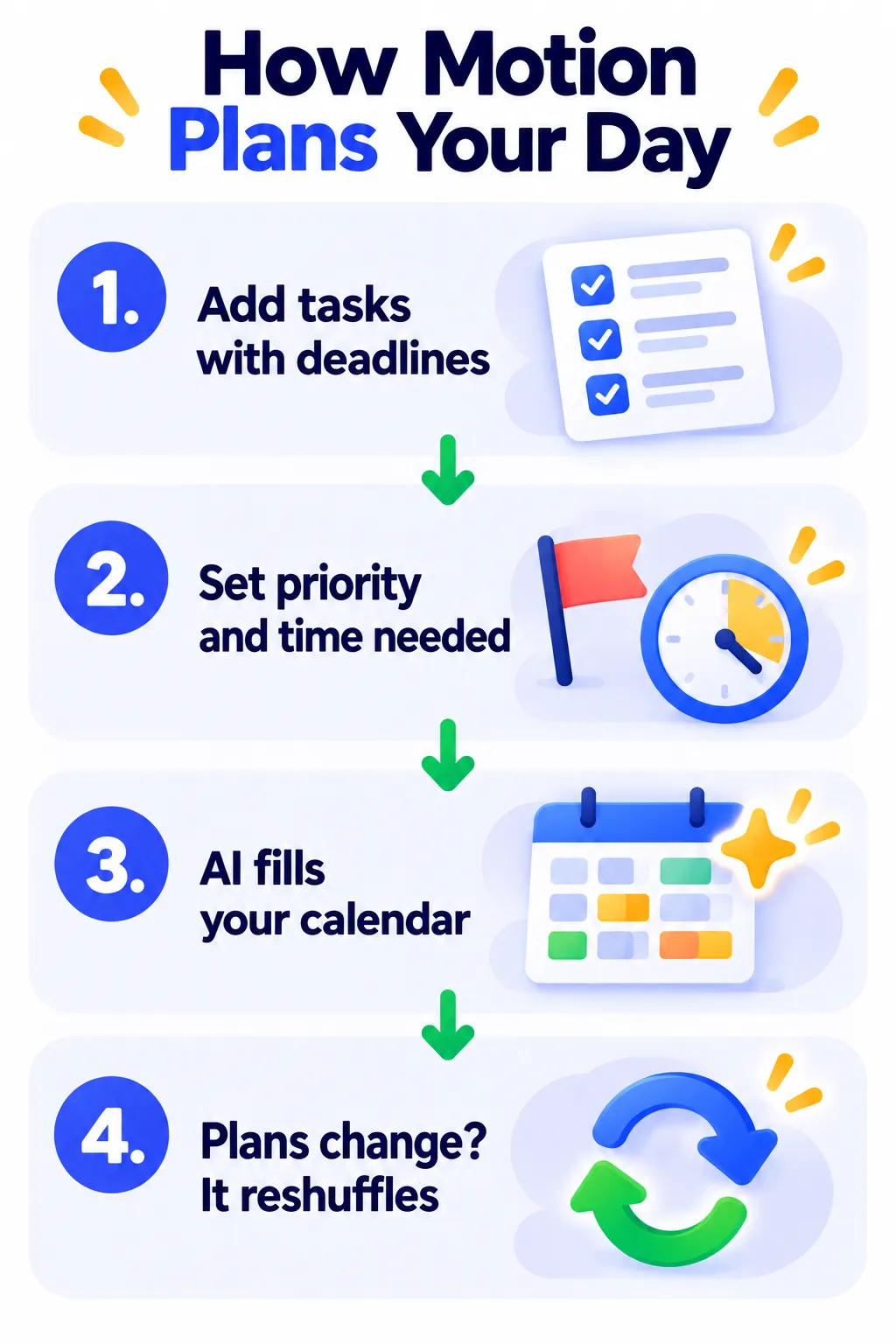
Your to-do list says one thing, your calendar says another, and the day falls apart by noon. Motion tries to fix that. You add tasks with deadlines and priorities, and its AI automatically schedules them into your calendar, then reshuffles everything when plans change.
Here’s what Motion does in 2026, what it really costs, and who it’s worth it for.
Quick Verdict
- Best for: Busy professionals and small teams drowning in tasks and meetings.
- Skip it if: You want a cheap or free planner, or you prefer to plan your day yourself.
- Free plan: No. There’s a 7-day free trial (a card is required).
What Is Motion?
Motion started as an AI calendar that auto-schedules tasks. It has since grown into an all-in-one work app with projects, docs, meeting notes and AI chat. Its core idea is still the same: let AI decide when you should work on each task.
Key Features
- AI auto-scheduling: Tasks are placed into free time slots based on deadlines, priorities and estimated time.
- Automatic re-planning: When a meeting runs over or a new task appears, Motion reshuffles your day.
- Projects and dependencies: Manage multi-step projects and team workloads.
- Calendar sync: Two-way sync with Google Calendar and Outlook.
- AI meeting notes, docs and chat: Powered by monthly AI credits.
- Booking links: Let others book time that fits your schedule.
Motion Pricing (2026)
| Plan | Price (approx.) | Best for |
|---|---|---|
| Pro AI | $29/month billed yearly ($49 monthly) | Individuals |
| Business AI | From about $49 per user/month billed yearly | Teams needing more AI and admin features |
| Higher tiers and Enterprise | Higher or custom pricing | Larger organizations and AI “employee” add-ons |
Advanced AI tools use monthly AI credits. Some users report different prices inside the app than on the website, so compare before you subscribe and check Motion’s pricing page.
Pros and Cons
Pros
- Removes daily decision-making about what to work on next.
- Automatically adjusts when your day changes.
- Combines tasks, projects and calendar in one place.
Cons
- Expensive for individuals, especially billed monthly.
- No free plan, and the trial is short.
- Works best only if you move all your tasks into Motion.
- Some users find constant reshuffling stressful.
Tips to Get the Most From Motion
- Start with just the calendar and tasks, then add projects later.
- Give realistic time estimates for each task.
- Protect focus time and lunch breaks in your settings.
- Review the plan each morning in the first week while the AI learns.
Motion Alternatives
- Reclaim AI: Smart scheduling inside Google Calendar or Outlook, with a free plan.
- Taskade: Tasks, mind maps and AI agents for teams.
- Notion AI: Projects and docs with AI help.
Frequently Asked Questions
Is Motion free?
No. Motion offers a 7-day free trial, then requires a paid plan.
Does Motion work with Google Calendar?
Yes, it syncs both ways with Google Calendar and Outlook.
Is Motion worth $29 a month?
If your biggest problem is planning a packed day, it can save hours each week. If you have a light schedule, a cheaper planner is enough.
The Bottom Line
Motion is one of the most powerful AI planners available, but it’s pricey and works best when you commit fully. Use the free trial for a busy week before deciding. Explore more tools on our AI productivity tools page.
Related Guides
- Bardeen AI Review 2026: Browser Automation Without Code, Pricing
- What Is Zapier? How to Automate Your Work Without Code (2026 Guide)
Explore more in our AI Productivity Tools hub.
Disclaimer: This article is for general information only and is based on details available at the time of writing. Prices, plans, features, release dates, policies and availability can change at any time and may vary by country. Please verify the latest information on the official website of the company or product mentioned before making any decision or purchase. Next DigiTech is an independent website and is not affiliated with or endorsed by the companies mentioned; all trademarks belong to their respective owners. We are not responsible for any loss or decisions made based on this content.

