
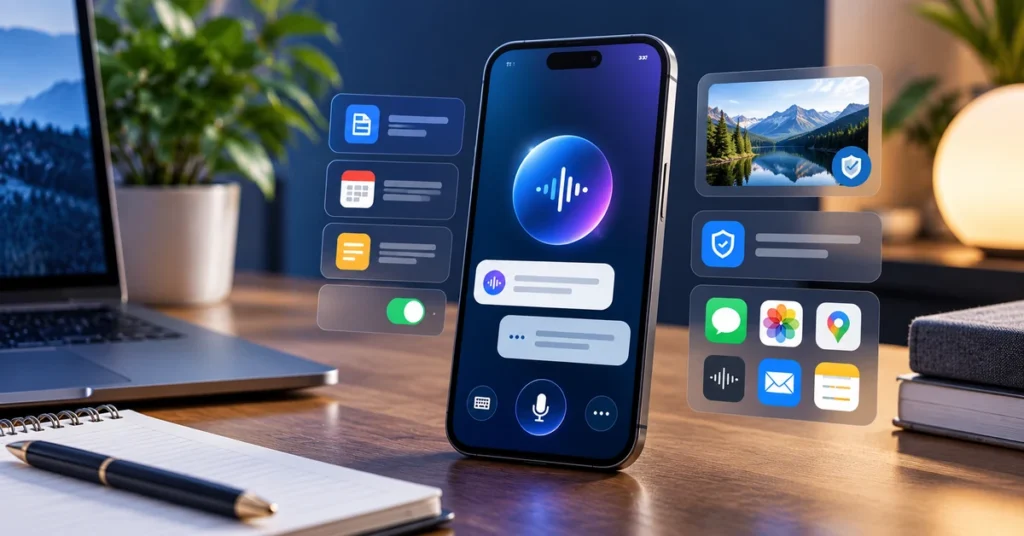
Apple’s iOS 27.2 update adds more useful context to Siri AI, gives users a way to exclude apps from Siri and Search access, and brings contextual suggestions to Messages. It also includes changes to Photos, Podcasts, Games, Apple TV and FaceTime. If you are wondering what changed, which iPhones can use the newer Siri features and whether you should install the update, this guide breaks it down.
The important distinction is that not every iOS 27 feature is available on every iPhone. Apple lists Siri AI support for iPhone 16 models and later, plus iPhone 15 Pro and iPhone 15 Pro Max. Availability can also vary by region, language and feature. Check Apple’s current compatibility information before expecting every feature on your device.
What’s new in iOS 27.2?
Apple’s support notes describe iOS 27.2 as an update that improves Siri AI, adds contextual suggestions in Messages and includes additional features, bug fixes and security updates. The most practical changes are:
- More conversational memory: Siri AI can recall useful context from previous Siri interactions.
- Broader personal context: Siri can use more sources, including photos attached in Messages, Calendar event attendees, voicemails, Safari history and Reading List.
- Excluded Apps: A central control lets you choose which apps Siri, Search and suggestions can access.
- Suggestions in Messages: Relevant actions, such as creating a Calendar event from a conversation, can appear when the context supports it.
- Photos and media refinements: Shared Albums gain additional management options, and Photos and Image Playground add SynthID watermark support to help identify AI-generated or AI-modified images.
These are additions to the broader iOS 27 release, which introduced the redesigned Siri experience, new photo tools, Safari intelligence features and expanded family safety controls.
1. Siri AI can remember previous conversations
One of the most noticeable changes is Siri’s ability to retain useful context from earlier Siri interactions. Rather than treating every request as completely separate, Siri can use relevant information from a previous conversation when you ask a follow-up question.
For example, if you previously asked Siri to suggest places for a weekend trip, you may be able to ask a follow-up about the recommendations without repeating the entire request. Apple also says Siri can draw on more personal sources, such as information in Messages attachments, Calendar event attendees, voicemails and Safari browsing history or Reading List.
What this means in everyday use
- Follow up on an earlier Siri conversation with less repetition.
- Ask for information connected to something in your personal apps.
- Use context from supported sources to make requests more specific.
Context-aware assistance can be convenient, but it also makes access controls important. Review which apps are available to Siri and understand that results still need checking, especially when dates, bookings or important details are involved.
2. Excluded Apps gives you more control over personal data access
iOS 27.2 adds an Excluded Apps control. Apple says this lets you choose which apps Siri, Search and suggestions can access, all from one setting.
This matters because personal context is only helpful when you are comfortable with the information being used. You may want Siri to work with Calendar and Reminders but prefer to exclude a particular app that contains sensitive or work-related information.
How to review app access
- Open the iPhone Settings app.
- Look for the Siri, Apple Intelligence or related Search settings available on your iPhone.
- Open the app-access or Excluded Apps controls when shown.
- Review the listed apps and exclude any that you do not want Siri, Search or suggestions to use.
- Revisit the list after installing major iOS updates or changing the apps you use.
Apple’s support notes confirm the control exists, but the exact menu wording can vary by software version, language and device. If you do not see it, first confirm that your iPhone is updated and supports the relevant Apple Intelligence features.
3. Messages can suggest useful actions from conversations
Messages in iOS 27.2 can surface suggestions based on the context of a conversation. Apple gives the example of adding a Calendar invitation for a dinner discussed in a chat.
Imagine a friend messages you with a date and time for a get-together. Instead of manually switching to Calendar and entering every detail, a contextual suggestion may help you start the action from the conversation.
Suggestions are intended to reduce repetitive steps, not to make decisions for you. Check the event title, date, time and participants before confirming anything. A message can be informal or incomplete, and an automated suggestion may not interpret every detail correctly.
4. Photos adds SynthID support and Shared Albums improvements
Apple lists support for SynthID watermarking in Photos and Image Playground. SynthID is designed to help identify images generated or modified with generative AI tools. This can provide an additional clue about an image’s origin, although it should not be treated as a universal detector for every AI image on the internet.
Shared Albums also receive practical changes. Apple says participants can edit captions and comments, avoid adding duplicate photos and see a reminder before an album expires so they have a chance to save important photos and videos.
If you regularly share family photos, event pictures or travel albums, these changes can make shared collections easier to maintain. It is still sensible to keep your own copy of important images rather than relying on a shared album as the only backup.
5. Other iOS 27 features worth knowing
The iOS 27 platform update includes several changes beyond the 27.2 additions. Some of the most useful ones are:
Safari tab organisation and website alerts
Apple says Safari can organise tabs by topic using Apple Intelligence. A Notify Me feature can periodically check a webpage for changes such as a product restock or price drop. Apple also describes a way to create a custom extension by describing how you want a website’s content or formatting adjusted.
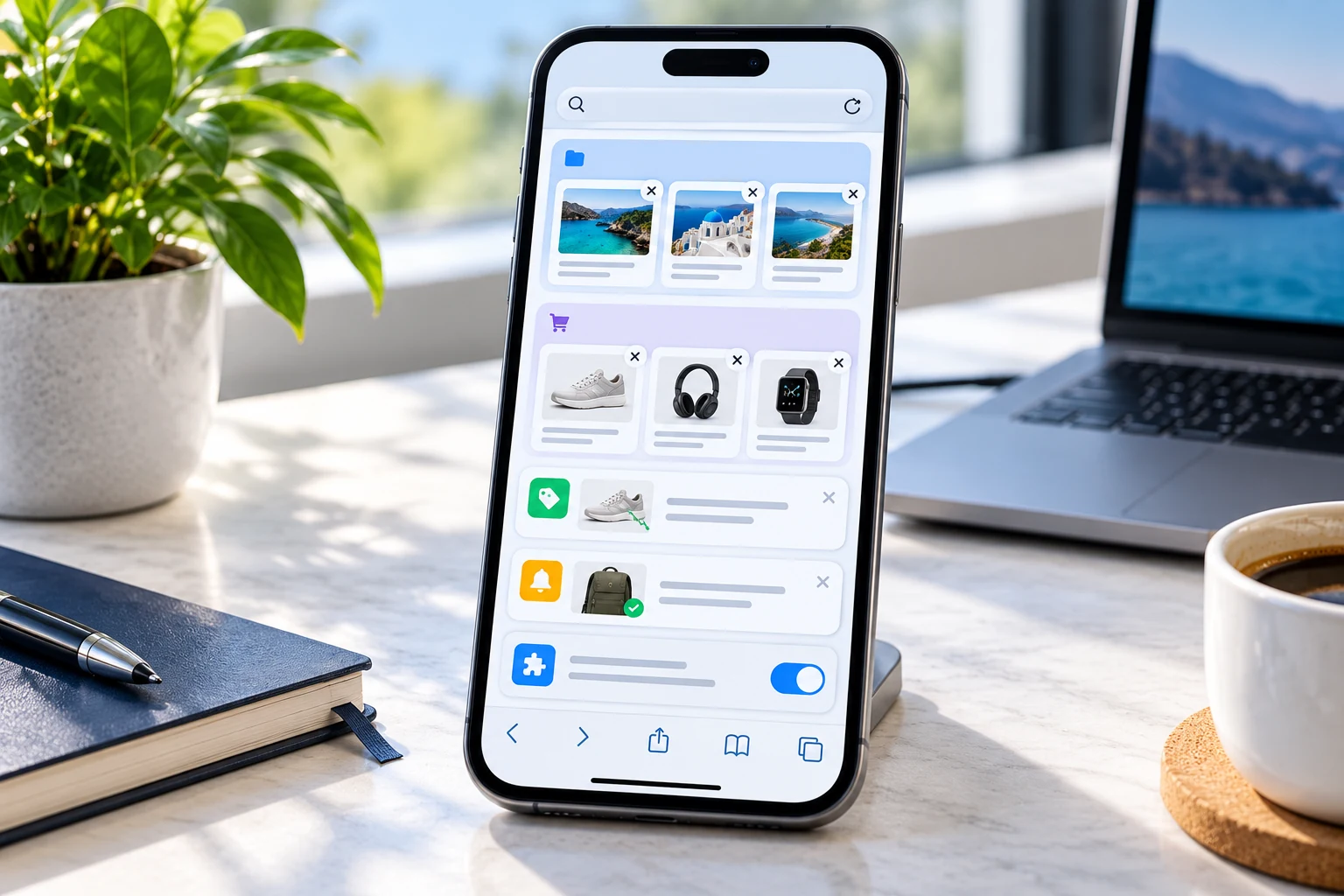
Photo editing with Spatial Reframing, Extend and Clean Up
Photos adds tools to adjust the composition of an image after capture, extend the edges of a photo and remove distracting objects. These features can help with everyday edits, but review the result carefully if accuracy or documentary authenticity matters.
Improved child safety and Screen Time controls
Apple has expanded parental controls, including Ask to Browse for website approval, additional Communication Safety protections and more flexible app time allowances and schedules. Parents can use these controls to set boundaries that suit a child’s age and needs.
More changes across Apple apps
The wider iOS 27 release also includes changes to the Podcasts and Games apps, individual profiles in Apple TV and support for adding a sign-language interpreter or live captioner to a FaceTime call.
Which iPhones support the new Siri AI features?
Apple’s iOS 27 support notes list Siri AI for all iPhone 16 models and later, plus iPhone 15 Pro and iPhone 15 Pro Max. This is the stated compatibility for the Siri AI features described in the update notes. It does not mean every iOS 27 system improvement is restricted to those models.
Some Apple Intelligence features may also depend on language, region, usage limits or additional hardware requirements. Apple’s feature availability page is the best place to confirm support for a specific device and country.
If your iPhone does not support Apple Intelligence, you may still receive compatible iOS improvements, app changes and security fixes offered to your model. Feature availability is not identical across the entire iPhone lineup.
How to download and install iOS 27.2
Before updating, connect your iPhone to Wi-Fi, make sure it has sufficient battery or connect it to power, and back up important information. Then follow these steps:
- Open Settings on your iPhone.
- Tap General.
- Select Software Update.
- Wait while your iPhone checks for available updates.
- If iOS 27.2 is offered for your device, review the update details and tap Update Now or the available install option.
- Keep the iPhone connected to power while the update downloads and installs.
If the update does not appear, it may not yet be available for your device or region, or your iPhone may already be running a newer version. Check again later rather than downloading an update file from an unofficial website.
Should you install iOS 27.2?
For most supported users, installing a current iOS update is sensible because Apple includes bug fixes and security updates alongside feature changes. The new Siri context and Excluded Apps controls are particularly relevant if you use Apple Intelligence regularly. Messages suggestions and Photos refinements are smaller quality-of-life improvements.
Before updating, consider these points:
- Back up your iPhone, especially if it contains important photos or work data.
- Check whether your model supports the Siri AI features you want to use.
- Review privacy and app-access settings after the update.
- Allow time for the installation and any background processing to finish.
- Install only through Settings or Apple’s official update process.
If you are comparing AI assistants across platforms, our guide to ChatGPT, Gemini and Claude explains how their everyday capabilities differ.
Frequently asked questions
What is new in iOS 27.2?
iOS 27.2 improves Siri AI context and personal information access, adds the Excluded Apps control, introduces contextual suggestions in Messages and includes changes to Photos and other apps, along with bug fixes and security updates.
Can Siri remember previous conversations in iOS 27.2?
Yes. Apple says Siri AI can retain useful context from previous Siri interactions, allowing relevant follow-up questions without repeating all the earlier details.
How do I stop Siri from accessing certain apps?
Use the Excluded Apps control in the relevant Siri or Apple Intelligence settings to choose which apps Siri, Search and suggestions can access. The exact menu location may vary by device and software version.
Does every iPhone support the new Siri AI features?
No. Apple lists all iPhone 16 models and later, along with iPhone 15 Pro and iPhone 15 Pro Max, for Siri AI. Other iOS 27 features can have different compatibility requirements.
Does iOS 27.2 detect every AI-generated image?
No. Apple lists SynthID watermark support in Photos and Image Playground to help identify some AI-generated or modified images. It is not described as a universal detector for every image from every source.
Why can’t I see iOS 27.2 on my iPhone?
The update may not be available for your model or region yet, or your iPhone may already have a newer version installed. Check Settings, General and Software Update, and consult Apple’s official support page for compatibility details.
Final thoughts
iOS 27.2 is a practical refinement of Apple’s latest software platform. Siri’s improved context can make follow-up requests more natural, while Excluded Apps gives users a clearer way to manage which apps are available to Siri and Search. Messages suggestions and Photos improvements add convenience, but compatibility and regional availability still matter. Check your device’s support status, review privacy controls and verify important actions before relying on automated suggestions.
Official Apple sources
- Apple Support: About iOS 27 Updates
- Apple: iOS 27 features
- Apple Newsroom: Major updates for Apple’s software platforms
- Apple: iOS feature availability
Information checked on October 31, 2026. Feature availability may vary by iPhone model, language and region.

