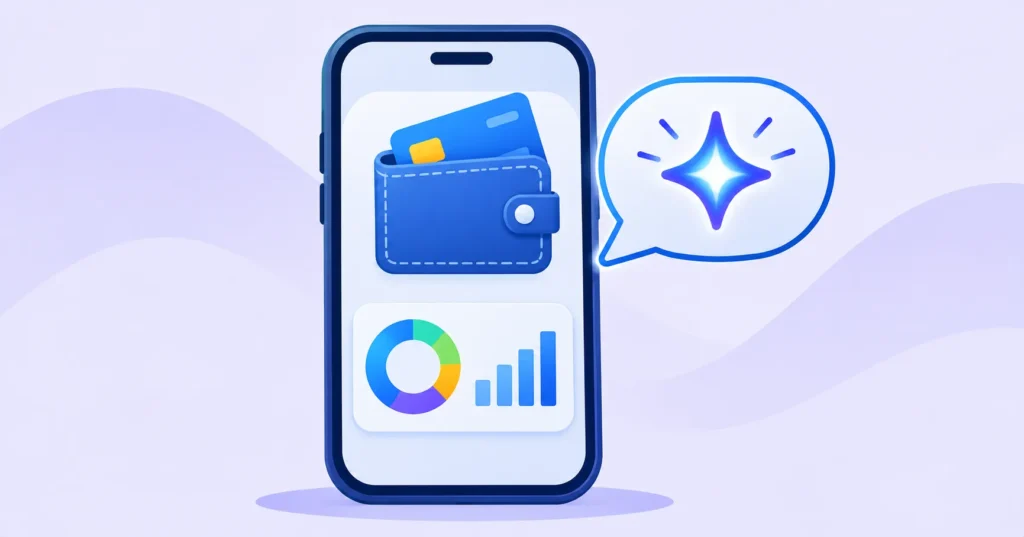
Ever wondered where your money actually goes each month? Google’s Gemini app can now answer that. A new Google Wallet connector lets Gemini look at your linked cards and bank accounts and give you answers, charts and insights about your spending. It is rolling out to users in the US on Android, iPhone and the web. Here is how it works, how to set it up and what to know about privacy.
Quick answer: In the Gemini app, go to Customize > Connectors (or gemini.google.com/customize/connectors) and turn on Google Wallet. Gemini can then answer questions about your spending with interactive charts. Access is read-only: Gemini cannot move, manage or invest your money, and you can turn the connection off at any time. It is available in the US only for now.
What the Gemini and Google Wallet connection does
- Spending answers: ask “How much did I spend on food delivery last month?” or “What are my biggest subscriptions?”
- Visual breakdowns: Gemini shows interactive charts of your spending by category or merchant.
- Personalised tips: responses are informed by your real spending habits, which helps with budgeting.
Google treats this as part of Personal Intelligence, which already lets Gemini use Gmail, Photos, Search and YouTube to personalise answers. 9to5Google has more on the rollout.
How your accounts are linked
The integration uses Plaid, a widely used financial data service, to link your credit cards and bank accounts to Google Wallet. Gemini then reads that data when you ask a question. If you already use Google Wallet for tap-to-pay, see our guide to setting up Google Wallet safely.

How to connect Google Wallet to Gemini
- Open the Gemini app on Android or iPhone, or go to gemini.google.com.
- Tap your profile, then Customize > Connectors.
- Find Google Wallet and turn it on.
- If you have not linked accounts yet, follow the prompts to link your cards or bank through Plaid.
- Ask Gemini a question like “Show my spending by category for October.”
You can also type @Google Wallet in a chat to point Gemini at your financial data.
Is it safe?
| Gemini can | Gemini cannot |
|---|---|
| Read transactions from linked accounts | Move or send money |
| Summarise and chart your spending | Manage or invest your money |
| Answer budgeting questions | Make payments on your behalf |
The connection is opt-in, read-only and can be switched off anytime. Still, financial data is sensitive. A few tips:
- Protect your Google Account with 2-Step Verification. See our Google Account security checkup.
- Review Gemini Apps Activity and decide how long chats are kept. Read how to stop AI from training on your chats.
- Do not share your Google Account or phone with others if your finances are linked.
- Double-check numbers against your bank statement before making big decisions.
How to turn it off
Go back to Customize > Connectors in the Gemini app and switch Google Wallet off. To stop sharing bank data entirely, also remove linked accounts in Google Wallet or through Plaid’s portal.
Useful questions to ask Gemini
- “What did I spend most on last month?”
- “List my recurring subscriptions and their monthly cost.”
- “Compare my grocery spending this month with last month.”
- “Where can I cut back to save $100 a month?”
Cutting subscriptions? Our guide to auditing your subscriptions pairs well with these insights.
The bottom line
Gemini’s Google Wallet connector turns your transactions into clear answers and charts, which makes budgeting easier. It is read-only and optional, but it involves sensitive data, so secure your Google Account first and switch it off if you change your mind.
Frequently asked questions
Is Gemini’s Google Wallet integration available outside the US?
Not yet. It is rolling out to users in the US on Android, iPhone and the web.
Can Gemini move money from my bank account?
No. The connection is read-only. Gemini cannot move, manage or invest your money.
Is the Gemini Wallet feature free?
It is part of the Gemini app’s connectors. Google has not announced a separate fee.
How are my bank accounts connected?
Through Plaid, a financial data service that securely links your credit cards and bank accounts to Google Wallet.