
If you use WhatsApp on an older iPhone, check your software today. From November 30, 2026, WhatsApp will only work on iPhones running iOS 15.5 or later, up from iOS 15.1. The change also applies to WhatsApp Business and to iPads on iPadOS 15.5. The good news is that most people only need a quick software update.
Quick answer: Go to Settings > General > About and check your iOS Version. If it is 15.5 or newer, you are fine. If it is between 15.1 and 15.4, update now in Settings > General > Software Update. iPhones that cannot reach iOS 15.5, like the iPhone 6 and older, will lose WhatsApp support.
Note: the deadline was first reported by WhatsApp tracker WABetaInfo. Check WhatsApp’s Help Center for official requirements.
How to check your iOS version
- Open Settings.
- Tap General > About.
- Look at iOS Version.
- If it shows 15.5 or higher, you meet the requirement.
Which iPhones are affected?
| iPhone | Status after November 30 |
|---|---|
| iPhone 6s, 6s Plus, SE (1st gen), 7, 7 Plus and newer | Supported, as long as you update to iOS 15.5 or later |
| iPhones on iOS 15.1 to 15.4 | Must update to keep using WhatsApp |
| iPhone 5s, 6 and 6 Plus | Already unsupported, cannot reach iOS 15.5 |
The deciding factor is your iOS version, not just the model. WABetaInfo’s report has the details.
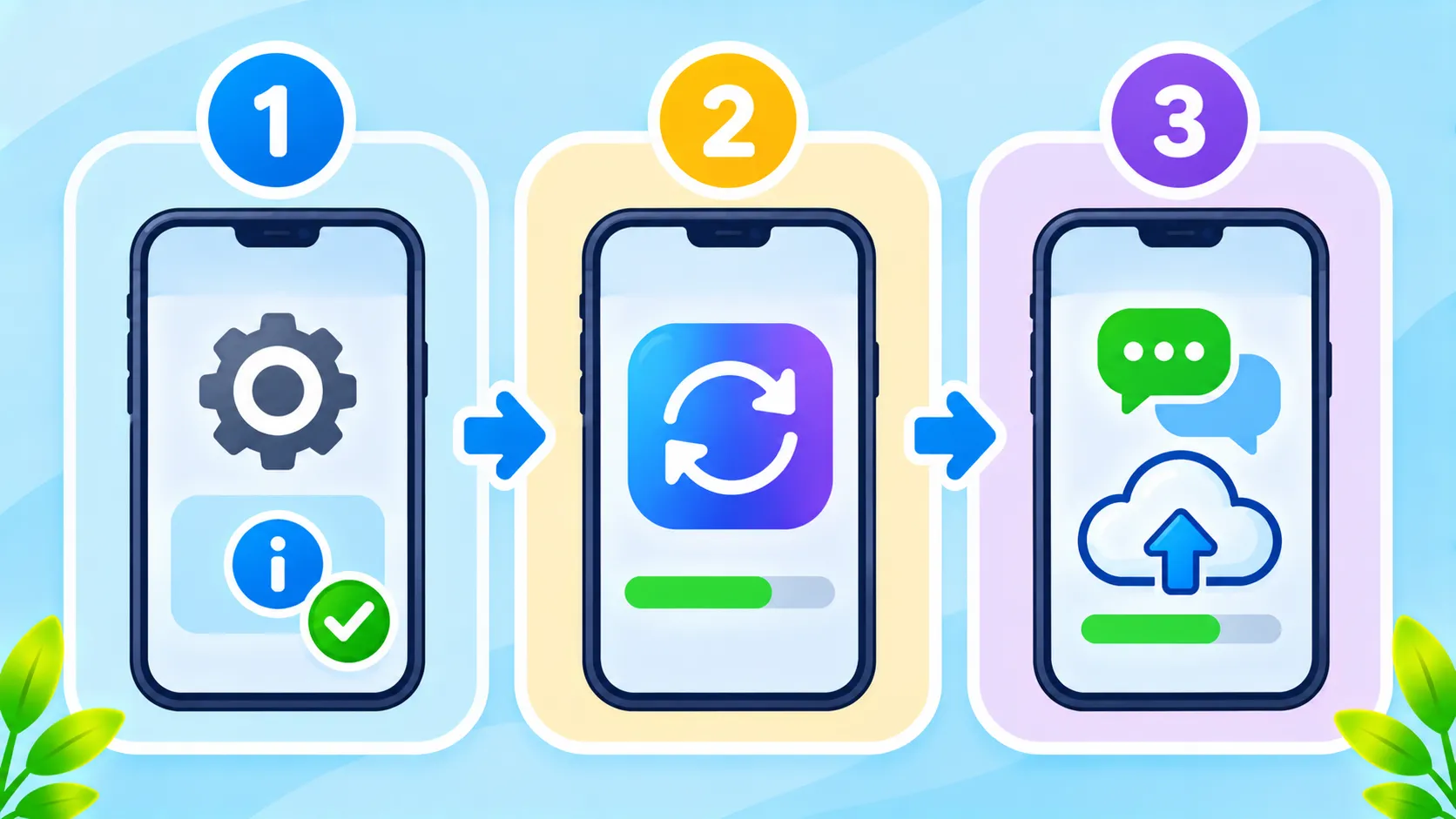
How to update your iPhone
- Back up first (see below).
- Connect to Wi-Fi and plug your iPhone in.
- Go to Settings > General > Software Update.
- Install the latest iOS version offered.
If no newer version appears and you are below iOS 15.5, your iPhone is too old to keep using WhatsApp after the deadline. Consider a newer or refurbished phone.
Protect your chats first
Before updating or switching phones, back up your WhatsApp chats in WhatsApp > Settings > Chats > Chat Backup. Our guide to backing up and restoring WhatsApp explains every step, including encrypted backups.
Keep your account safe
- Turn on two-step verification in WhatsApp settings.
- Watch out for fake messages claiming your account is about to expire or asking you to click a link. Scammers use deadlines like this. See how to spot phishing.
The bottom line
From November 30, WhatsApp needs iOS 15.5 or later. Check your iOS version, update if needed and back up your chats. Only very old iPhones that cannot update will lose WhatsApp.
Frequently asked questions
Will WhatsApp stop working on my iPhone on November 30?
Only if your iPhone runs a version older than iOS 15.5 and you do not update.
Does this affect WhatsApp Business?
Yes. The same iOS 15.5 requirement applies to WhatsApp Business.
My iPhone cannot update to iOS 15.5. What now?
Back up your chats and move to a newer iPhone or an Android phone to keep using WhatsApp.
Will I lose my chats if WhatsApp stops working?
Not if you back them up first. Restore them on your new phone with the same number.

