
WhatsApp adds new features in waves, so what you see depends on your phone, your app version and sometimes simple luck. November 2026 brings some genuinely useful changes, from keeping old Status updates to running two accounts on one iPhone. Here is what is rolling out now, what is still in testing and how to get the newest features.
Quick answer: Rolling out now: Status Archive (keeps your expired Status updates privately), multiple accounts on iPhone, group message history for new members and a redesigned message menu on Android. Still in testing: scheduled messages on iPhone and an original media quality option. Update WhatsApp and be patient, as rollouts are gradual.
Note: based on WhatsApp announcements and reports from tracker WABetaInfo. Features vary by country, platform and app version.
Rolling out now
Status Archive
Status updates normally disappear after 24 hours. Status Archive keeps your expired updates so you can look back at them. Reports say the archive is private, so only you can view it.
Multiple accounts on iPhone
Android has supported two WhatsApp accounts for a while. Now iPhone users can add a second account, for example for work and personal use, reported to be widely rolling out with iOS app version 26.22.76. See our guide on how to use two WhatsApp accounts on one phone.
Group message history
When you add someone to a group, you can now share 25 to 100 recent messages so they can catch up. Read our group message history guide.
New message menu on Android
Android users are getting a redesigned menu for actions like reply, forward, star and delete.
Rolling out vs in testing
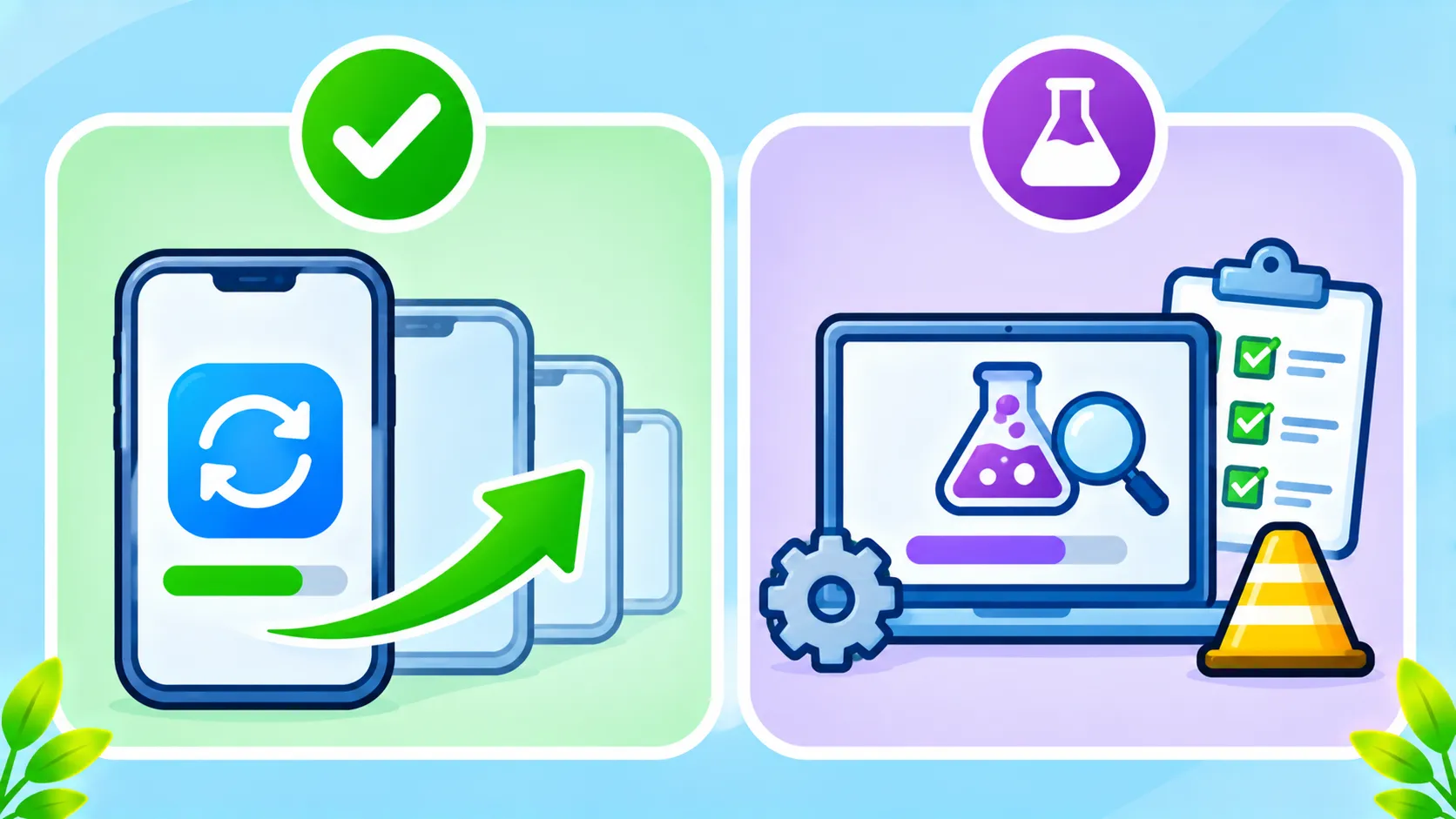
| Feature | Status | Platform |
|---|---|---|
| Status Archive | Rolling out | iPhone and Android |
| Multiple accounts | Rolling out | iPhone (already on Android) |
| Group message history | Rolling out | iPhone and Android |
| Redesigned message menu | Rolling out | Android |
| Scheduled messages | In testing | iPhone beta |
| Original media quality option | In testing | Android beta |
Beta features can change or never launch, so do not count on them. WABetaInfo tracks upcoming changes.
How to get new WhatsApp features
- Update WhatsApp in the App Store or Google Play.
- Restart the app and check Settings.
- Be patient. Rollouts are gradual and may reach friends before you.
- On older iPhones, make sure you are on iOS 15.5 or later. See WhatsApp ends support for older iPhones.
Privacy tip
New sharing features can reveal more than you expect. Review who can see your Status, who can add you to groups and whether group history sharing is on in sensitive groups. Back up your chats too with our WhatsApp backup guide.
The bottom line
November’s WhatsApp updates make it easier to keep memories, manage two accounts and catch up in groups. Update the app, check your privacy settings and treat beta features as previews.
Frequently asked questions
What is WhatsApp Status Archive?
It keeps your Status updates after they expire, in a private archive only you can see.
Can I use two WhatsApp accounts on iPhone?
Yes. Multiple accounts on iPhone are rolling out widely. Update the app and look in Settings.
Why do I not see the new features?
Rollouts are gradual. Update WhatsApp, restart it and wait a few days.
Are WhatsApp beta features safe to use?
They are generally safe but may have bugs, and they can change before launch.

