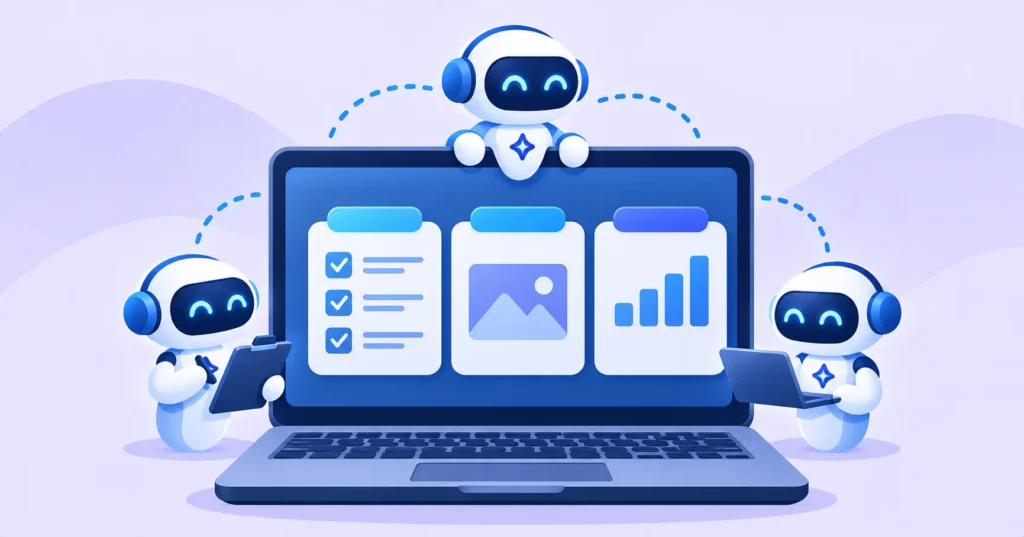
Most AI assistants wait for you to ask a question. Perplexity Teammates work differently: you give an AI agent an ongoing responsibility, and it keeps doing the job in the background. After launching on the web and iPhone, Teammates have now arrived in the Perplexity Mac app. Here is what they do, who can use them and how to use them wisely.
Quick answer: Perplexity Teammates are AI agents that “own” ongoing work, like watching your inbox, tracking competitors or drafting customer replies. They plan tasks, run them in parallel and bring results for your review. Teammates need a paid Perplexity Max subscription and are now available on the web, iPhone and Mac.
What are Perplexity Teammates?
Instead of prompting an AI task by task, you assign a teammate a job. According to Perplexity’s changelog, a teammate plans the work, runs tasks in parallel, uses your Computer tasks, skills, memory and tools, and can work with other teammates or message coworkers in Slack. It follows through until results are ready for you to review.
Similar ideas exist elsewhere, such as ChatGPT’s Dots and Meta’s Muse agents, but Perplexity lets you run several agents at once, each with its own role. 9to5Mac covered the Mac rollout.
Example jobs you can give a teammate
- Inbox helper: “Check my email and calendar every morning, draft replies for what needs an answer and prep notes for today’s meetings.”
- Competitor watch: “Track two competitors for price changes, launches and new hires, and send me a weekly summary.”
- Customer support: “Draft replies to new support emails using our policies, and check with me before any refund.”
- Research: “Research a new market and update a report every week.”

Who can use Teammates?
| Feature | Who gets it | Where |
|---|---|---|
| Teammates | Perplexity Max subscribers | Web, iPhone and Mac |
| Fully local Computer | Pro, Max and Enterprise | Mac app 26.42.0 or later |
| Voice mode | Pro and higher | Desktop web and Mac app |
New on Mac: fully local mode
Alongside Teammates, Perplexity’s Computer feature can now run fully on your Mac, even offline. It can work across local files and Mac apps like Notes and Mail without sending personal data to the cloud. Perplexity recommends 36GB of unified memory for local mode. You can also choose Hybrid mode to split work between your Mac and the cloud.
How to use AI agents safely
- Start small. Give a teammate one clear job before adding more.
- Keep approvals on for anything that sends emails, spends money or changes data. “Check with me first” is a useful rule.
- Limit access to the accounts and tools the agent really needs.
- Review results regularly, as agents can make mistakes.
- Watch for prompt injection from emails or websites the agent reads. Our guide to AI agent security risks explains why.

Is Perplexity Max worth it for Teammates?
Max is Perplexity’s top plan, so Teammates make the most sense for professionals, founders and small teams who would save hours each week on recurring work. If you mainly ask questions and research topics, Perplexity Pro or a free AI assistant is likely enough. Compare options in our list of best free AI tools.
The bottom line
Perplexity Teammates turn AI from a question-and-answer tool into a team of agents that handle ongoing work. They are now on Mac for Max subscribers, alongside a new fully local mode. Start with one job, keep approvals on and review what your agents do.
Frequently asked questions
What are Perplexity Teammates?
They are AI agents that take ownership of ongoing work, plan tasks, run them in parallel and bring results for your review.
Do I need Perplexity Max for Teammates?
Yes. Teammates currently require a paid Perplexity Max subscription.
Can Perplexity run fully on my Mac?
Yes. Perplexity’s Computer can run fully locally on Mac for Pro, Max and Enterprise users on app version 26.42.0 or later, with 36GB of memory recommended.
Can Teammates send emails without asking?
You decide. Set rules such as “check with me before sending” to keep control over important actions.