

AI can save you hours of research, but only if you pick the right tool for the job. A chatbot that sounds confident isn’t the same as a tool that finds real, peer-reviewed sources. This guide explains the best AI research tools in 2026, what each is best at, and how to use them without falling for made-up facts.
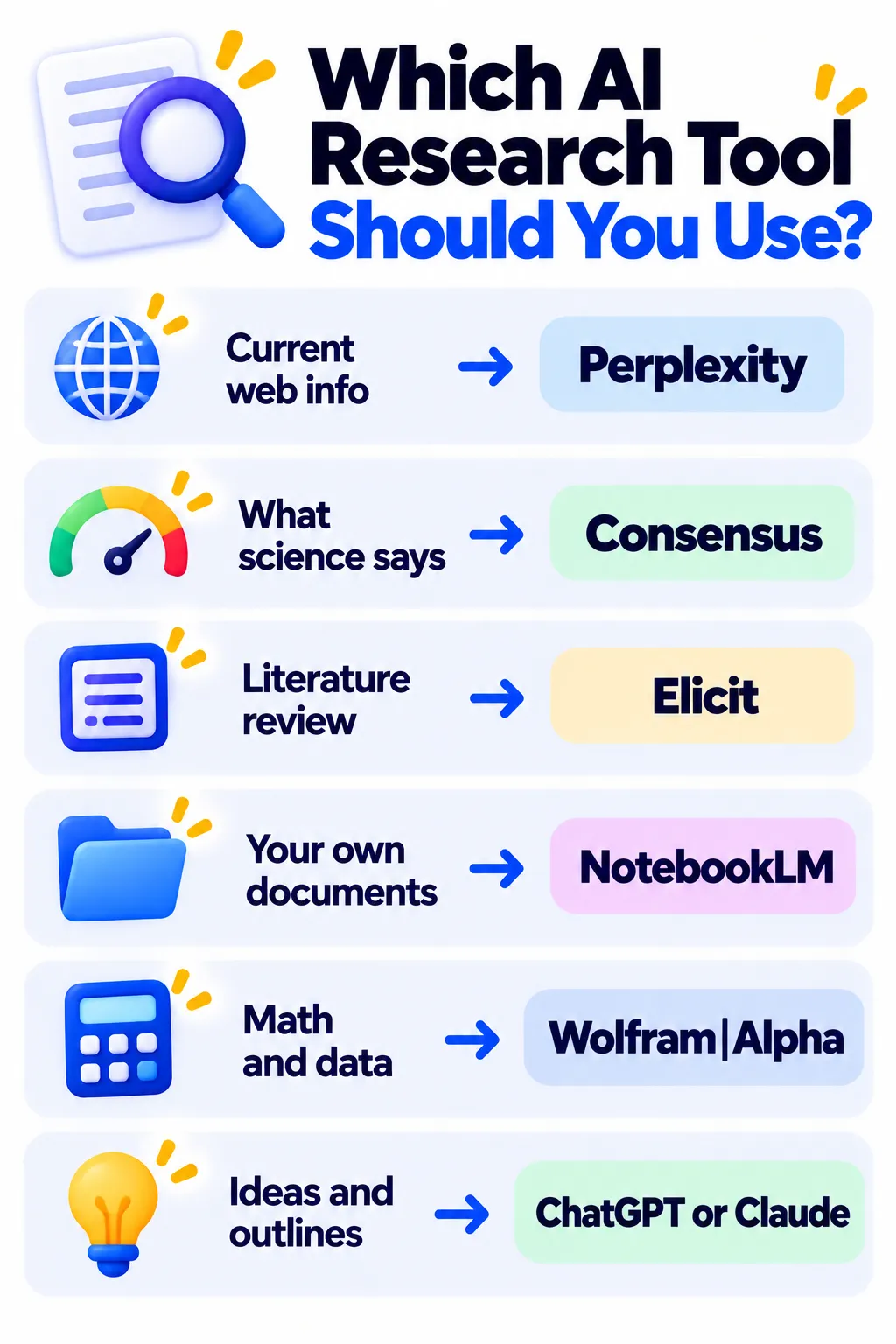
Quick Picks
- Best for web research with sources: Perplexity
- Best for “what does science say?”: Consensus
- Best for literature reviews: Elicit
- Best for studying your own documents: NotebookLM
- Best for math and data: Wolfram|Alpha
- Best for writing and thinking through ideas: ChatGPT or Claude
1. Perplexity — Web Research With Citations
Perplexity searches the live web and gives you a short answer with numbered sources. It’s great for current topics, product comparisons and quick fact-finding. Free plan available. Read our Perplexity guide.
2. Consensus — Evidence From Research Papers
Consensus searches over 200 million peer-reviewed papers and shows a “Consensus Meter” of how much studies agree. Ideal for health, science and psychology questions. Free plan available. Read our Consensus review.
Note: These details come from the company’s own announcements and have not been independently verified by Next DigiTech.
3. Elicit — Literature Reviews and Data Extraction
Elicit finds relevant papers and extracts details like sample size and results into a table, which is a big time-saver for academic reviews. Free Basic plan, with paid plans for heavy use. Read our Elicit review.
4. NotebookLM — Research Your Own Sources
Upload PDFs, articles and notes, then ask questions with citations to your sources. It also makes study guides and audio summaries. Free. Read our NotebookLM guide.
5. Wolfram|Alpha — Precise Calculations and Data
For math, statistics, unit conversions and scientific data, Wolfram|Alpha computes accurate answers instead of guessing. Read our Wolfram|Alpha review.
6. ChatGPT and Claude — Thinking, Outlining and Writing
General assistants are excellent for brainstorming research questions, explaining concepts, outlining and drafting, and many now include web search and deep research features. Always verify facts and sources they give you. See our ChatGPT and Claude guides.
A Simple AI Research Workflow
- Clarify your question with ChatGPT or Claude.
- Get an overview with Perplexity.
- Find scientific evidence with Consensus or Elicit.
- Read and analyze the key sources in NotebookLM.
- Check numbers with Wolfram|Alpha.
- Write in your own words and cite original sources.
How to Avoid AI Research Mistakes
- Never cite an AI summary. Cite the original article or paper.
- Click every important citation to confirm it exists and says what the AI claims.
- Check dates. Older studies may be outdated.
- Look at study quality, such as sample size and study type.
- Follow your school or employer’s AI rules.
Frequently Asked Questions
What is the best free AI research tool?
Perplexity, Consensus, NotebookLM and Elicit all have useful free plans. The best one depends on whether you need web, scientific or document-based research.
Can I trust AI research tools?
Tools that cite real sources are more trustworthy, but they can still misread or oversimplify. Always verify key facts.
Can ChatGPT find real academic sources?
It can help, but it may invent citations if it doesn’t search. Use Consensus or Elicit for academic papers.
Which tool is best for students?
NotebookLM and Perplexity are great free starting points. See best AI tools for students and how to use ChatGPT for studying.
The Bottom Line
The best research setup uses the right tool for each step: Perplexity for the web, Consensus and Elicit for science, NotebookLM for your documents and Wolfram|Alpha for numbers. Verify everything important and write in your own words. Explore more tools in our AI tools directory.
Related Guides
- How to Use AI to Summarize Long Documents (Without Missing Key Details)
- How to Use Perplexity AI for SEO Research in 2026 (With Prompts)
- ChatGPT vs Gemini vs Claude: Which AI Assistant Fits You? (2026)
- Quizlet Review 2026: Is Quizlet Plus Worth It? Free vs Paid Explained
Explore more in our AI Tools for Students and Teachers hub.
Disclaimer: This article is for general information only and is based on details available at the time of writing. Prices, plans, features, release dates, policies and availability can change at any time and may vary by country. Please verify the latest information on the official website of the company or product mentioned before making any decision or purchase. Next DigiTech is an independent website and is not affiliated with or endorsed by the companies mentioned; all trademarks belong to their respective owners. We are not responsible for any loss or decisions made based on this content.

