

If you reuse the same password on several sites, one data breach can unlock all of your accounts. A password manager fixes that by creating and remembering a strong, unique password for every site. You only remember one master password.
The best part: several good password managers are completely free. Here are the top picks for 2026 and who each one suits.
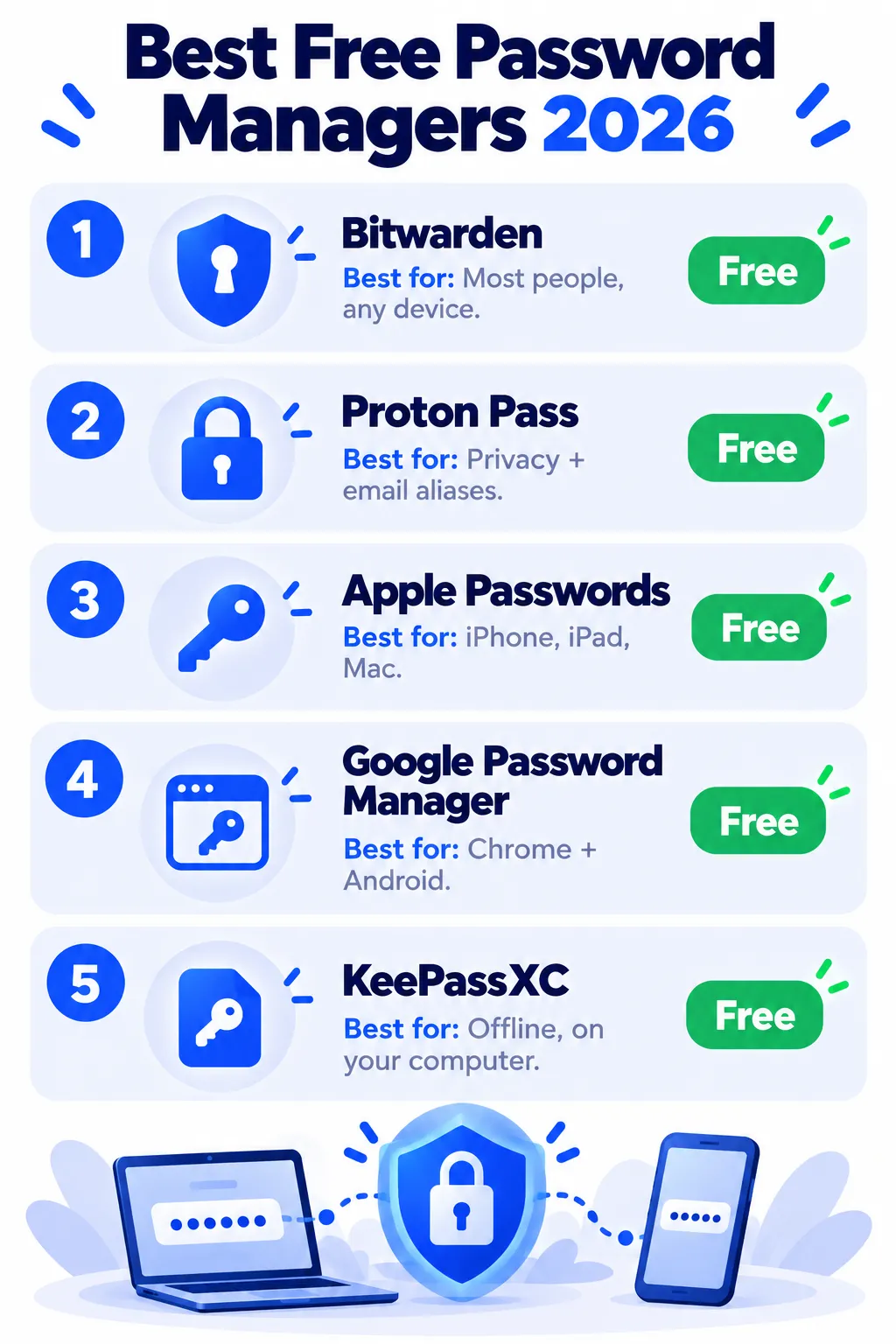
Quick Picks
- Best overall: Bitwarden
- Best for privacy: Proton Pass
- Best for iPhone and Mac users: Apple Passwords
- Best for Chrome and Android users: Google Password Manager
- Best offline option: KeePassXC
1. Bitwarden — Best Free Password Manager Overall
Bitwarden’s free plan is unusually generous: unlimited passwords on unlimited devices, with apps for Windows, Mac, Linux, iPhone, Android and every major browser. It also supports passkeys, has a password generator and autofill, and its code is open source and independently audited.
Free plan limits: The built-in two-factor code generator and some reports are paid extras. Most people never miss them.
Best for: Almost everyone, especially if you use a mix of devices, like a Windows laptop and an iPhone.
2. Proton Pass — Best for Privacy
From the Swiss company behind Proton Mail, Proton Pass offers unlimited logins and devices on its free plan, plus passkey support. A standout bonus is 10 free “hide-my-email” aliases, which let you sign up for sites without giving out your real email address.
Free plan limits: Only 10 email aliases, and the built-in authenticator and some sharing features are paid.
Best for: People who care about privacy and want fewer spam emails.
Note: Features and policies may vary by plan, region and app version, and can change at any time. Check the official help center for the latest information.
3. Apple Passwords — Best for Apple Users
If you mainly use an iPhone, iPad and Mac, Apple’s built-in Passwords app is free, already installed and syncs through iCloud. It stores passwords, passkeys and verification codes and autofills them across Safari and apps.
Limits: Works best inside Apple’s world. On Windows, you need iCloud for Windows, and there’s no Android app.
Best for: All-Apple households.
4. Google Password Manager — Best for Chrome and Android
Built into Chrome and Android, Google Password Manager is free, automatic and checks your saved passwords for known leaks. Open it at passwords.google.com.
Limits: It works best in Chrome and on Android. Autofill on iPhone works through the Chrome or Google app, but it’s less smooth than on Android.
Best for: People who live in Chrome and use an Android phone.
5. KeePassXC — Best Offline Option
KeePassXC stores your passwords in an encrypted file on your own computer, with no cloud account at all. It’s free and open source.
Limits: It’s a desktop app. To use your passwords on your phone, you need to sync the file yourself and use a compatible mobile app. Better for tech-comfortable users.
Best for: People who don’t want their passwords in anyone’s cloud.
How to Choose
- Use different devices (Windows + iPhone, Mac + Android)? Choose Bitwarden or Proton Pass.
- Only Apple devices? Apple Passwords is the easiest.
- Chrome and Android only? Google Password Manager is already there.
- Want to stop giving out your email? Proton Pass.
How to Get Started in 10 Minutes
- Install your chosen password manager on your phone and computer, plus the browser extension.
- Create a strong master password: four or five random words is a good approach. Write it down and keep it somewhere safe at home.
- Turn on two-factor authentication for the password manager account.
- Import passwords saved in your browser using the app’s import tool.
- Start with your email and bank accounts: change them to new, unique passwords generated by the app.
Many sites now offer passkeys, which are even safer than passwords. Learn how they work in Passkeys Explained.
Frequently Asked Questions
Are free password managers safe?
Reputable ones like Bitwarden and Proton Pass use strong end-to-end encryption, so the company can’t see your passwords. The free plans use the same security as the paid ones.
What happens if I forget my master password?
With most password managers, the company can’t recover it for you. That’s what keeps your data private, so write it down and store it safely, and set up any recovery options the app offers.
Is it safe to save passwords in my browser?
Browser password managers from Google and Apple are reasonably secure. A dedicated password manager is better if you use several browsers or devices from different brands.
Is Bitwarden really free?
Yes. The free plan isn’t a trial. It includes unlimited passwords and devices, with optional paid upgrades for extra features.
The Bottom Line
For most people, Bitwarden is the best free password manager. Choose Proton Pass for extra privacy, or stick with Apple Passwords or Google Password Manager if you stay inside one ecosystem. Whichever you pick, using one is far safer than reusing passwords.
Related Guides
- How to Create a Strong Password You Can Actually Remember (Passphrase Method)
- How to Turn On Two-Factor Authentication (2FA) for Your Most Important Accounts
- Your Email Was in a Data Breach: What to Do Next (Step by Step)
- Is My Phone Hacked? 10 Warning Signs and What to Do Next
Explore more in our Online Safety and Privacy hub.
Disclaimer: This article is for general information only and is based on details available at the time of writing. Prices, plans, features, release dates, policies and availability can change at any time and may vary by country. Please verify the latest information on the official website of the company or product mentioned before making any decision or purchase. This is not medical, financial, legal or security advice; consult a qualified professional for your situation. Next DigiTech is an independent website and is not affiliated with or endorsed by the companies mentioned; all trademarks belong to their respective owners. We are not responsible for any loss or decisions made based on this content.

