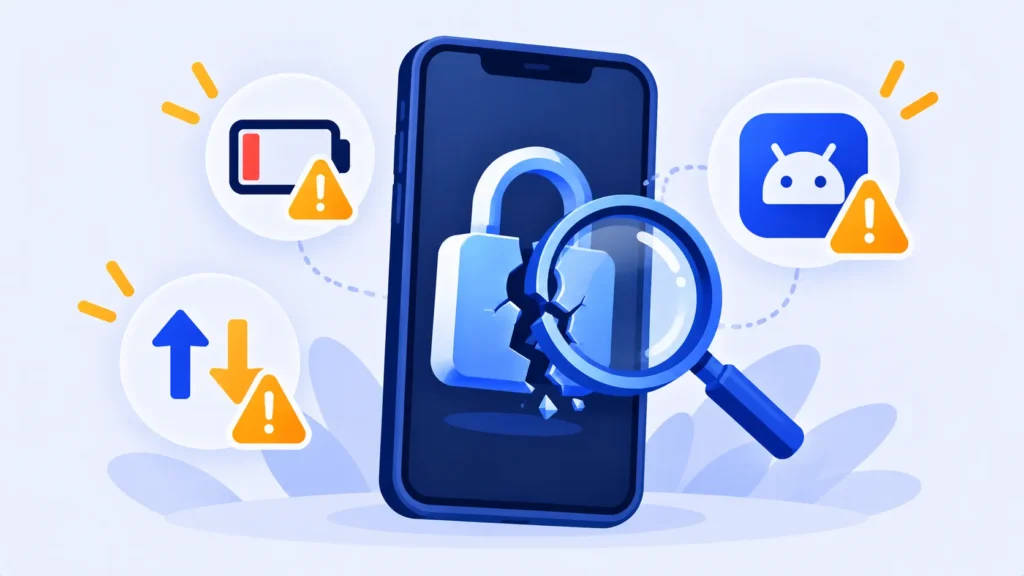
Your battery is dying fast, strange pop-ups keep appearing, and a friend says you sent them a weird link. It’s natural to wonder: is my phone hacked?
Truly hacked phones are less common than people fear, and many “hacked” symptoms have ordinary causes. But some signs deserve a closer look. Here’s how to check, and what to do if something’s wrong.
10 Signs Your Phone Might Be Hacked
- Battery drains much faster than usual without a change in how you use the phone.
- Your phone is hot while you’re not using it.
- Data usage suddenly spikes when your habits haven’t changed.
- Apps you don’t remember installing appear on your home screen or app list.
- Pop-ups and ads appear outside your browser or on the home screen.
- Friends get messages or emails you didn’t send.
- You get login alerts or password reset emails you didn’t request.
- Settings change by themselves, such as a new home page or a VPN profile you didn’t add.
- Unfamiliar charges appear on your phone bill or app store account.
- Your phone suddenly shows “No Service” while others nearby have signal, which can be a sign of a SIM swap.
Keep in mind: One sign alone, like a hot phone or a weaker battery, is usually caused by an update, an old battery or a buggy app. Two or more signs together are worth investigating.
How to Check Your Phone
Review your apps
Go through every app on your phone. Delete anything you don’t recognize or no longer use. Pay special attention to apps with unusual permissions, like access to SMS, accessibility or device administration.
iPhone: check profiles and devices
- Go to Settings > General > VPN & Device Management. If you see a profile you didn’t install and your phone isn’t managed by your work or school, remove it.
- Go to Settings > [your name] and scroll down to see devices signed in to your Apple Account. Remove any you don’t recognize.
Android: run Play Protect and check admin apps
- Open the Google Play Store > profile picture > Play Protect > Scan.
- Search your Settings for Device admin apps and turn off anything you don’t recognize.
- Visit myaccount.google.com > Security > Your devices, and sign out of unfamiliar ones.
Note: Features and policies may vary by plan, region and app version, and can change at any time. Check the official help center for the latest information.
What to Do If You Think Your Phone Is Hacked
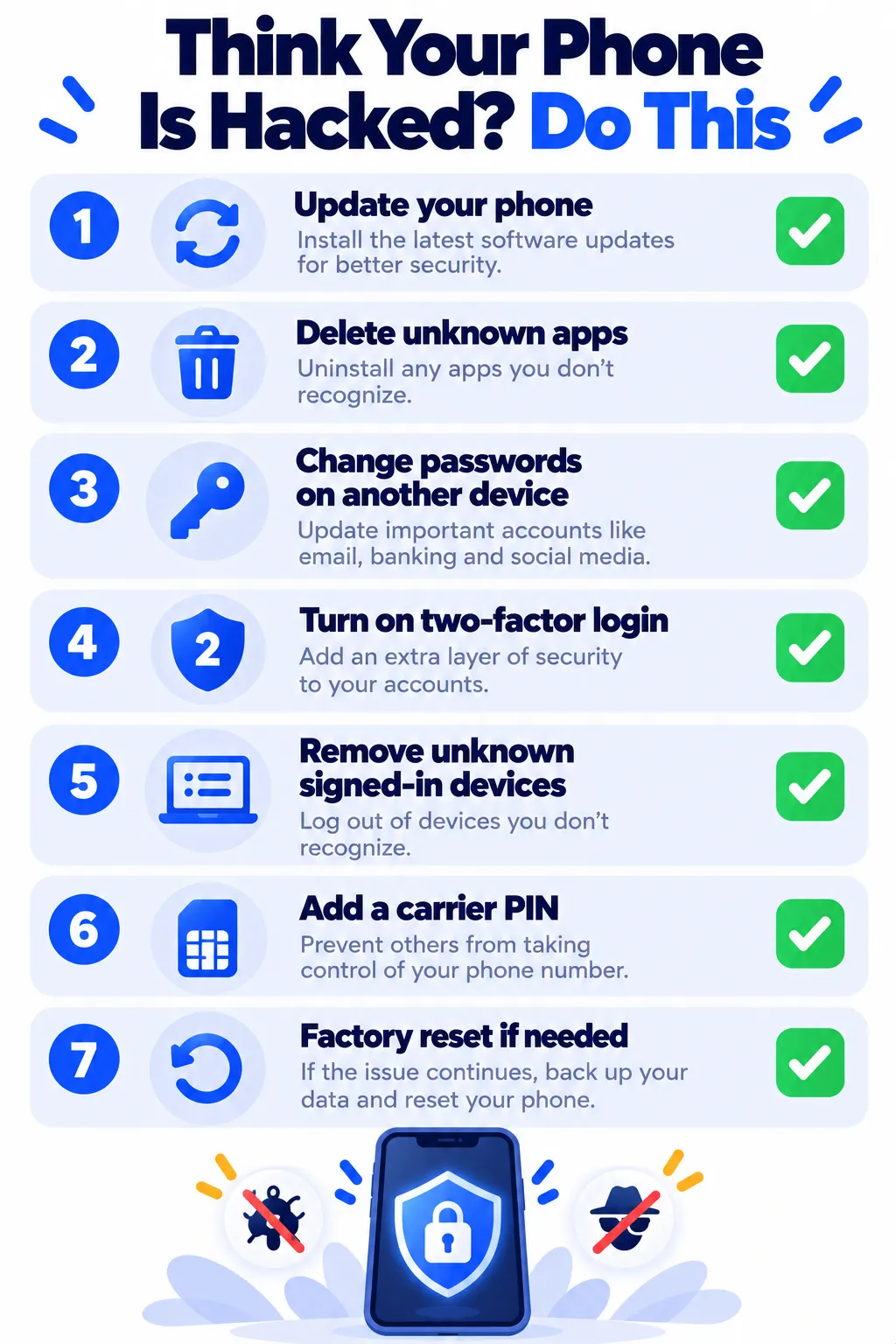
- Update your phone’s software. Updates fix many security holes that attackers use.
- Delete suspicious apps and remove unknown profiles or admin apps.
- Change your important passwords (email, bank, Apple or Google account) using a different, trusted device.
- Turn on two-factor authentication or switch to passkeys where you can.
- Sign out of all other sessions in your Google, Apple, social media and email accounts.
- Protect against SIM swaps. Call your carrier, ask about suspicious changes, and add a PIN or port-out lock to your account.
- Factory reset as a last resort. Back up your photos and contacts first, then reset. When restoring, avoid reinstalling the suspicious apps.
How to Keep Your Phone Safe
- Install apps only from the App Store or Google Play, and check reviews first. Our app safety checklist shows what to look for.
- Don’t tap links in unexpected texts, even if they look like they’re from your bank or a delivery company.
- Keep automatic updates turned on.
- Use a screen lock with a strong passcode, not just a 4-digit PIN.
- Use a password manager so every account has a unique password. See our picks for the best free password managers.
Frequently Asked Questions
Can someone hack my phone just by calling me?
For everyday users, this is extremely rare. Most phone hacks happen through malicious apps, phishing links or stolen passwords.
Can iPhones get hacked?
Yes, but it’s uncommon for typical users. The biggest risks are phishing, a stolen Apple Account password, and suspicious configuration profiles.
Does a factory reset remove hackers?
A factory reset removes nearly all malicious apps and settings. You still need to change passwords, because a hacker may have your account login rather than access to the phone itself.
Should I install an antivirus app?
On Android, Google Play Protect is built in and covers most people. On iPhone, antivirus apps can’t scan the system the way they do on computers. Updates and careful habits matter most.
The Bottom Line
A single odd symptom usually isn’t a hack. If you notice several warning signs, update your phone, remove unknown apps and profiles, change passwords from another device, and turn on two-factor login. Those steps fix the vast majority of problems.
Related Guides
- How to Turn On Two-Factor Authentication (2FA) for Your Most Important Accounts
- Your Email Was in a Data Breach: What to Do Next (Step by Step)
- How to Stop Spam Calls on iPhone and Android (2026 Guide)
- AI Voice Cloning Scams: How They Work and How to Protect Your Family
Explore more in our Online Safety and Privacy hub.
Disclaimer: This article is for general information only and is based on details available at the time of writing. Prices, plans, features, release dates, policies and availability can change at any time and may vary by country. Please verify the latest information on the official website of the company or product mentioned before making any decision or purchase. This is not medical, financial, legal or security advice; consult a qualified professional for your situation. Next DigiTech is an independent website and is not affiliated with or endorsed by the companies mentioned; all trademarks belong to their respective owners. We are not responsible for any loss or decisions made based on this content.