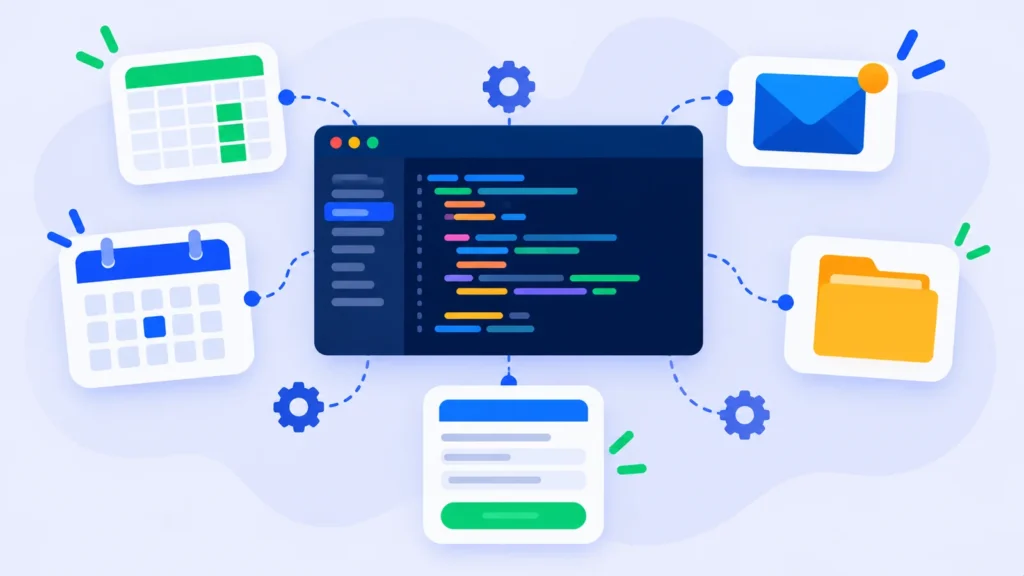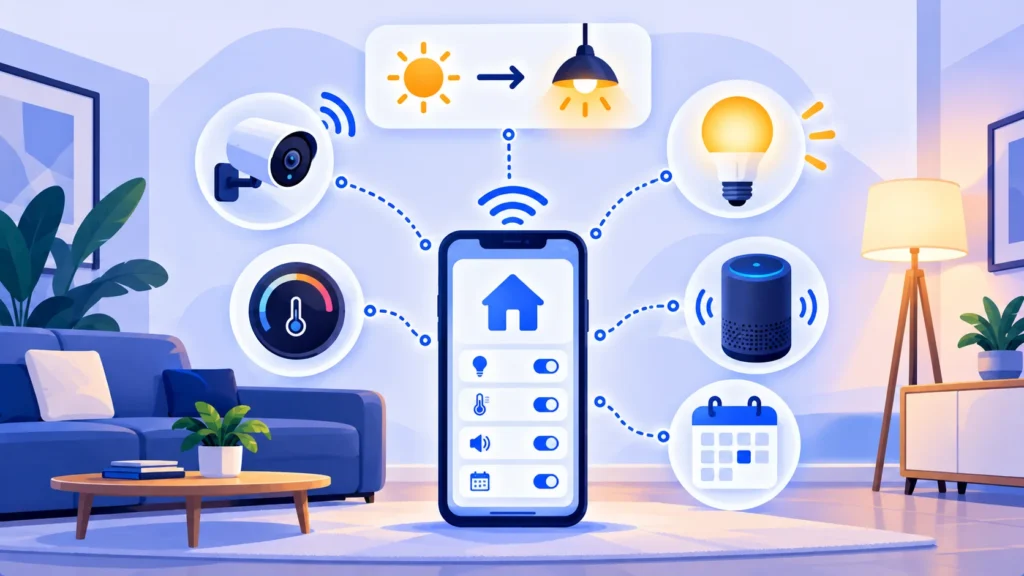
IFTTT, short for “If This Then That,” is one of the simplest ways to automate your everyday life. It connects apps and smart home devices so one thing automatically triggers another: if the sun sets, then turn on the porch light; if you post on Instagram, then save the photo to Dropbox.
Here’s what IFTTT does, the best automations to try, and what it costs in 2026.
Quick Verdict
- Best for: Smart home owners and anyone who wants simple personal automations on their phone.
- Skip it if: You need complex business workflows with many steps. Zapier, Make or n8n are better for that.
- Is the free plan enough? Only for two automations. Pro is very cheap if you want more.
What Is IFTTT?
IFTTT is a free app and website (ifttt.com) that connects hundreds of brands and services, including smart home devices like Philips Hue, Ring, Google Nest, SmartThings and Amazon Alexa, plus apps like Gmail, Google Sheets, Spotify, Instagram, weather services and your phone’s location.
Each automation is called an Applet. An Applet has:
- A trigger (“If This”): For example, “I arrive home.”
- An action (“Then That”): For example, “Turn on the living room lights.”
You can turn on ready-made Applets in one tap or create your own.
12 Useful IFTTT Applets to Try
Smart home
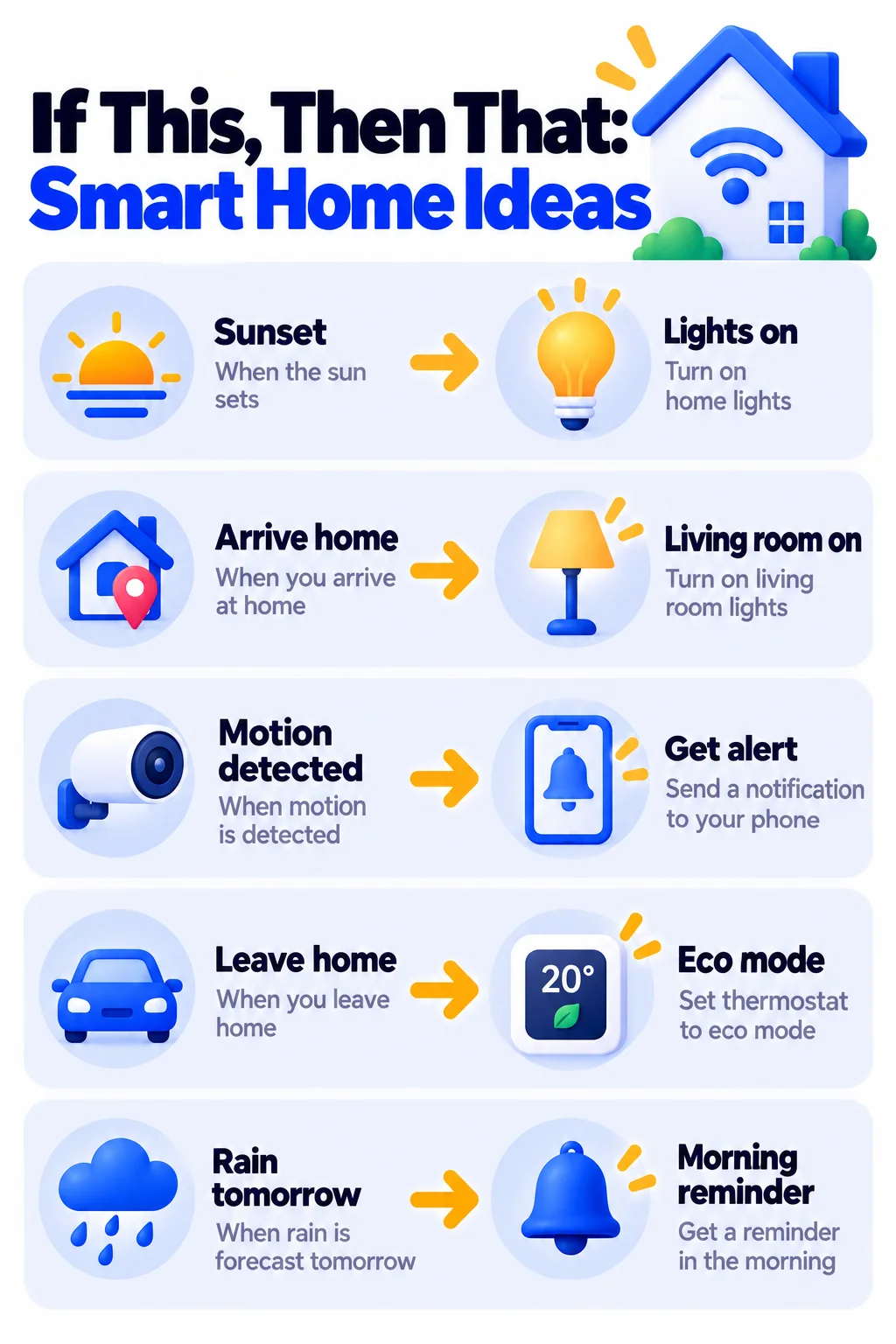
- Turn on lights at sunset, and off at bedtime.
- Turn on lights when you arrive home (using your phone’s location).
- Get a phone alert when your smart doorbell or camera detects motion.
- Adjust your smart thermostat when you leave the house.
- Flash your lights when your favorite team scores.
Productivity
- Log your work hours in Google Sheets when you arrive at and leave the office.
- Save email attachments to Google Drive or Dropbox.
- Get a notification if tomorrow’s forecast calls for rain.
- Add reminders to your calendar from a voice assistant.
Social media and fun
- Save new Instagram photos to Dropbox or Google Photos.
- Save Spotify songs you like to a spreadsheet.
- Get a daily alert when the International Space Station passes overhead.
How to Set Up Your First Applet (Step by Step)
- Download the IFTTT app for iPhone or Android, or go to ifttt.com.
- Sign up free with Google, Apple or email.
- Search for a ready-made Applet, like “turn on lights at sunset,” and tap Connect.
- Or tap Create, then If This to choose a trigger and Then That to choose an action.
- Connect the needed accounts or devices and allow permissions, like location access.
- Tap Finish. Your Applet now runs automatically.
Tip: Location-based Applets need your phone’s location permission set to “Always” for IFTTT. Check your phone settings if they don’t trigger.
IFTTT Pricing (2026)
US prices as of October 2026 (lower prices are for yearly billing):
| Plan | Price | What you get |
|---|---|---|
| Free | $0 | 2 Applets, one trigger and one action each, standard speed, unlimited runs |
| Pro | $2.99/month yearly ($3.99 monthly) | 20 Applets, multi-action Applets, faster speeds, webhooks |
| Pro+ | $8.99/month yearly ($11.99 monthly) | Unlimited Applets, AI services, filter code, queries, multiple accounts |
IFTTT usually offers a 7-day free trial of paid plans. App store prices can differ slightly. Check ifttt.com/plans for current details.
Free Alternatives Already on Your Phone
- iPhone: The Shortcuts app includes Automations that run based on time, location, Wi-Fi, battery level and more.
- Google Home and Amazon Alexa: Both include free Routines for smart home automation.
- Samsung: The Modes and Routines feature automates phone settings.
Try these first if you only need a few simple automations. Use IFTTT when you want to connect services from different brands.
Privacy and Safety Tips
- Only grant the permissions each Applet needs. Location and account access are powerful.
- Review connected services in your IFTTT account and disconnect ones you no longer use.
- Be careful with security devices. Avoid automations that unlock doors or disarm alarms without a confirmation step.
- Use a strong password and two-factor authentication on your IFTTT account. Our guide to free password managers can help.
Note: Features and policies may vary by plan, region and app version, and can change at any time. Check the official help center for the latest information.
IFTTT vs Zapier
IFTTT is built for personal life and smart homes, and it’s very affordable. Zapier is built for business apps and complex multi-step workflows. Many people use IFTTT at home and Zapier, Make or n8n for work.
Frequently Asked Questions
Is IFTTT free?
Yes. The free plan includes 2 Applets with unlimited runs. Pro starts at $2.99 a month on yearly billing for 20 Applets.
What does IFTTT stand for?
“If This Then That,” describing how each automation works: if a trigger happens, then an action follows.
Does IFTTT work with Alexa and Google Home?
Yes. IFTTT works with many smart speakers and smart home brands, though supported features vary by device.
Why isn’t my IFTTT Applet running?
Check that the Applet is turned on, the connected service is still linked, and your phone allows IFTTT to use location and run in the background. Free Applets can also run more slowly than paid ones.
Can IFTTT run multiple actions from one trigger?
Yes, with Pro or Pro+. The free plan allows one trigger and one action per Applet.
The Bottom Line
IFTTT is the easiest and cheapest way to automate your smart home and daily routines. Start with two free Applets, try the built-in automations on your phone, and upgrade to Pro when you want more. Explore more tools in our AI tools directory.
Related Guides
- 10 Useful iPhone Shortcuts Automations to Set Up Today (Step by Step)
- How to Use Gmail Filters to Automate Your Inbox (With 7 Ready Examples)
- What Is Microsoft Power Automate? How to Automate Office and Windows Tasks (2026)
- How to Turn On Two-Factor Authentication (2FA) for Your Most Important Accounts
Explore more in our Automation and Chatbot Tools hub.
Disclaimer: This article is for general information only and is based on details available at the time of writing. Prices, plans, features, release dates, policies and availability can change at any time and may vary by country. Please verify the latest information on the official website of the company or product mentioned before making any decision or purchase. Next DigiTech is an independent website and is not affiliated with or endorsed by the companies mentioned; all trademarks belong to their respective owners. We are not responsible for any loss or decisions made based on this content.