Small business owners spend hours every week on repetitive tasks: answering the same questions, chasing invoices, copying leads into spreadsheets and sending reminders. Most of that work can now be automated with affordable, no-code tools, freeing you up to focus on customers and growth.
Here are 10 small business tasks you can automate today, with the best tool for each.
1. Answer Common Customer Questions
Add a website chatbot that answers FAQs about hours, prices, shipping and returns 24/7, and hands complex questions to you.
Tools: tawk.to (free), Tidio or Chatbase. See our website chatbot guide.
2. Capture and Organize Leads
Send website form, Facebook and Instagram leads straight into a spreadsheet or CRM, and alert yourself instantly.
3. Reply to Leads on WhatsApp
Greet new enquiries automatically, ask a few qualifying questions and book calls.
Tools: The free WhatsApp Business app for basics, or platforms like WATI and AiSensy. See WhatsApp automation tools.
4. Book Appointments Without Back-and-Forth
Let customers pick a time from your calendar and get automatic confirmations and reminders.
Tools: Booking apps like Calendly or Google Calendar appointment schedules, connected to Zapier for follow-ups.
5. Send Invoice and Payment Reminders
Automatically remind customers about unpaid invoices from your accounting tool or a Google Sheet.
Tools: Your accounting software’s reminders, or Google Apps Script for free sheet-based reminders.
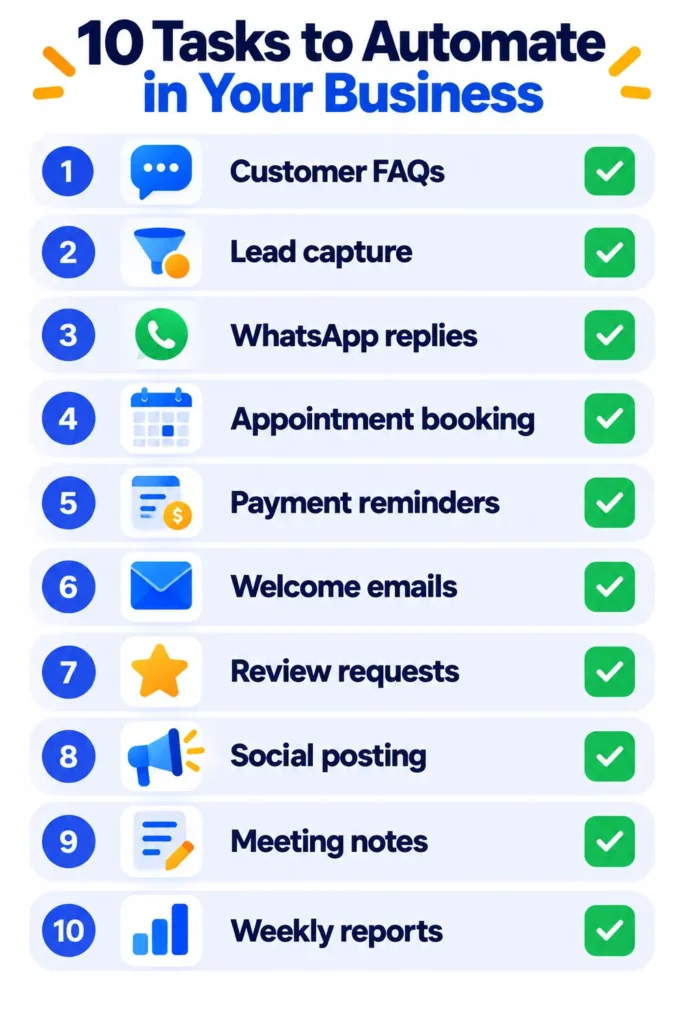
6. Welcome New Customers and Subscribers
Send a friendly welcome email series with useful tips, offers or onboarding steps as soon as someone signs up.
Tools: Your email marketing platform, connected to forms with Zapier or Make.
7. Ask for Reviews
Automatically request a Google review a few days after a purchase or appointment.
Tools: Zapier or your booking or store app’s built-in review requests.
8. Schedule Social Media Posts
Plan a month of posts in one sitting and let them publish automatically. Use AI to draft captions and graphics.
Tools: Social schedulers, Canva for designs and ChatGPT for caption ideas.
9. Take Meeting Notes
Let an AI note-taker record calls, write summaries and list action items.
Tools: Fathom (generous free plan), Otter.ai or Fireflies.
10. Create Weekly Reports
Pull sales, leads and website numbers into one sheet and email yourself a summary every Monday.
Tools: Google Apps Script, Make or n8n.
How to Start Without Getting Overwhelmed
- List your repetitive tasks for one week and note the time each takes.
- Pick the one that wastes the most time and automate it first.
- Start with free plans and simple two-step automations.
- Test with real examples before relying on it.
- Review monthly and add one new automation at a time.
Keep a Human Touch
- Always give customers a way to reach a real person.
- Personalize automated messages with names and relevant details.
- Follow privacy rules and only message people who opted in.
Note: Features and policies may vary by plan, region and app version, and can change at any time. Check the official help center for the latest information.
Frequently Asked Questions
What’s the easiest task to automate first?
Lead capture into a spreadsheet or an automatic FAQ reply. Both are quick to set up and save time immediately.
How much does business automation cost?
Many tools have free plans. Small businesses often spend $0 to $50 a month to start.
Note: Prices are based on official announcements at the time of writing and may vary by country, retailer, taxes and promotions. Always check the latest pricing on the official website before buying.
Do I need technical skills?
No. Tools like Zapier, Tidio and Fathom are designed for non-technical users. Compare automation platforms in Zapier vs Make vs n8n.
The Bottom Line
Start with one task that eats your time, automate it with a free tool, and build from there. A few simple automations can easily save hours every week. For more ideas, read AI tools for small business owners.
Related Guides
- How to Use Gmail Filters to Automate Your Inbox (With 7 Ready Examples)
- What Is Microsoft Power Automate? How to Automate Office and Windows Tasks (2026)
- Gallabox Review 2026: WhatsApp Chatbots, AI Agents, Pricing and Is It Worth It?
- 10 Useful iPhone Shortcuts Automations to Set Up Today (Step by Step)
Explore more in our Automation and Chatbot Tools hub.
Disclaimer: This article is for general information only and is based on details available at the time of writing. Prices, plans, features, release dates, policies and availability can change at any time and may vary by country. Please verify the latest information on the official website of the company or product mentioned before making any decision or purchase. Next DigiTech is an independent website and is not affiliated with or endorsed by the companies mentioned; all trademarks belong to their respective owners. We are not responsible for any loss or decisions made based on this content.