

OpenAI’s latest image model, GPT Image 2.5, arrived on September 8, 2026. In ChatGPT it appears as a single image experience, but developers see two separate versions in the API: Flare and Sunburst. The update is mostly about faster generation and more reliable editing, so you can change a picture several times without it drifting away from the original.
This guide explains what Flare and Sunburst are, what is new compared with GPT Image 2, what the API costs and how to try them yourself. We also note where sources disagree or where OpenAI has not published details.
Quick Summary
| Flare | Sunburst | |
|---|---|---|
| Positioning | Fastest, for high-quality everyday generation | Most capable for generation and editing |
| Speed | Very fast | Medium, with longer generation times |
| Best for | Drafts, bulk work, quick ideas | Precise edits and top quality |
| API model ID | gpt-image-2.5-flare | gpt-image-2.5-sunburst |
- Released: September 8, 2026.
- Claimed speed gain: up to 50% lower latency than GPT Image 2, per OpenAI.
- New in ChatGPT: Sketch, image comments, templates and prompt sharing.
- API pricing: token based, with image output at $30 per million tokens for both versions.
Note: These details come from the company’s own announcements and have not been independently verified by Next DigiTech.
What Are Flare and Sunburst?
GPT Image 2.5 is a family of two models rather than one. OpenAI describes Flare as the fastest model for high-quality, everyday image generation, and calls it the first choice for most applications. Sunburst is described as the most capable model for generating and editing images, with longer generation times. OpenAI has not published a time in seconds for Sunburst.
Both versions share the same quality settings, image sizes, endpoints, rate limits and token rates, so the choice mainly comes down to speed versus precision. One review says OpenAI’s documentation describes Flare’s quality as similar to GPT Image 2, which suggests the biggest quality jump is in Sunburst.
What Is New in GPT Image 2.5?
Faster generation
OpenAI says latency is up to 50% lower than GPT Image 2. Some coverage claims two to four times faster, but one reviewer notes the official announcement does not support that. Treat the 50% figure as a vendor comparison rather than a guaranteed time per image.
More consistent editing
OpenAI says the model is better at preserving the subject of a reference image, lighting and textures across repeated edits. In one reviewer’s description, a person’s features stay recognisable through several edits. OpenAI describes accuracy as “better than before”, not perfect, and edits do not always change only the area you targeted.
New ChatGPT tools
- Sketch: typing
@Sketchin the ChatGPT composer lets you use a hand drawing as a composition reference. - Image comments: click a spot on a generated image, leave a comment and only that area should change.
- Templates and prompt sharing: including poster and merchandise templates.
One report also lists an edit toolbar (Markup, Comment, Remove BG, Erase, Resize), which it says may have rolled out quietly before the launch. We could not confirm that from OpenAI.
New quality tiers and limits in the API
The API now offers six quality settings: auto, low, medium, high, xhigh and max. GPT Image 2 topped out at high. Reported limits include prompts of up to 32,000 characters, up to 10 images per call, up to 16 reference images and up to 3,840 pixels on the long edge.
Note: Features and policies may vary by plan, region and app version, and can change at any time. Check the official help center for the latest information.
Flare vs Sunburst: Which Should You Use?
A reviewer’s public leaderboard figures put Sunburst ahead. On the Arena text-to-image ranking, Sunburst scored 1421 (up 40 points on GPT Image 2) and Flare 1399 (up 18), against 1381 for GPT Image 2. In multi-image editing, Sunburst reached 1535 and Flare 1501. These are third-party leaderboard scores, and rankings change over time.
In one editors’ test with Korean text, both handled large text well, but Flare sometimes smeared small menu text while Sunburst stayed more legible. The same test found Flare roughly twice as fast on a single image.
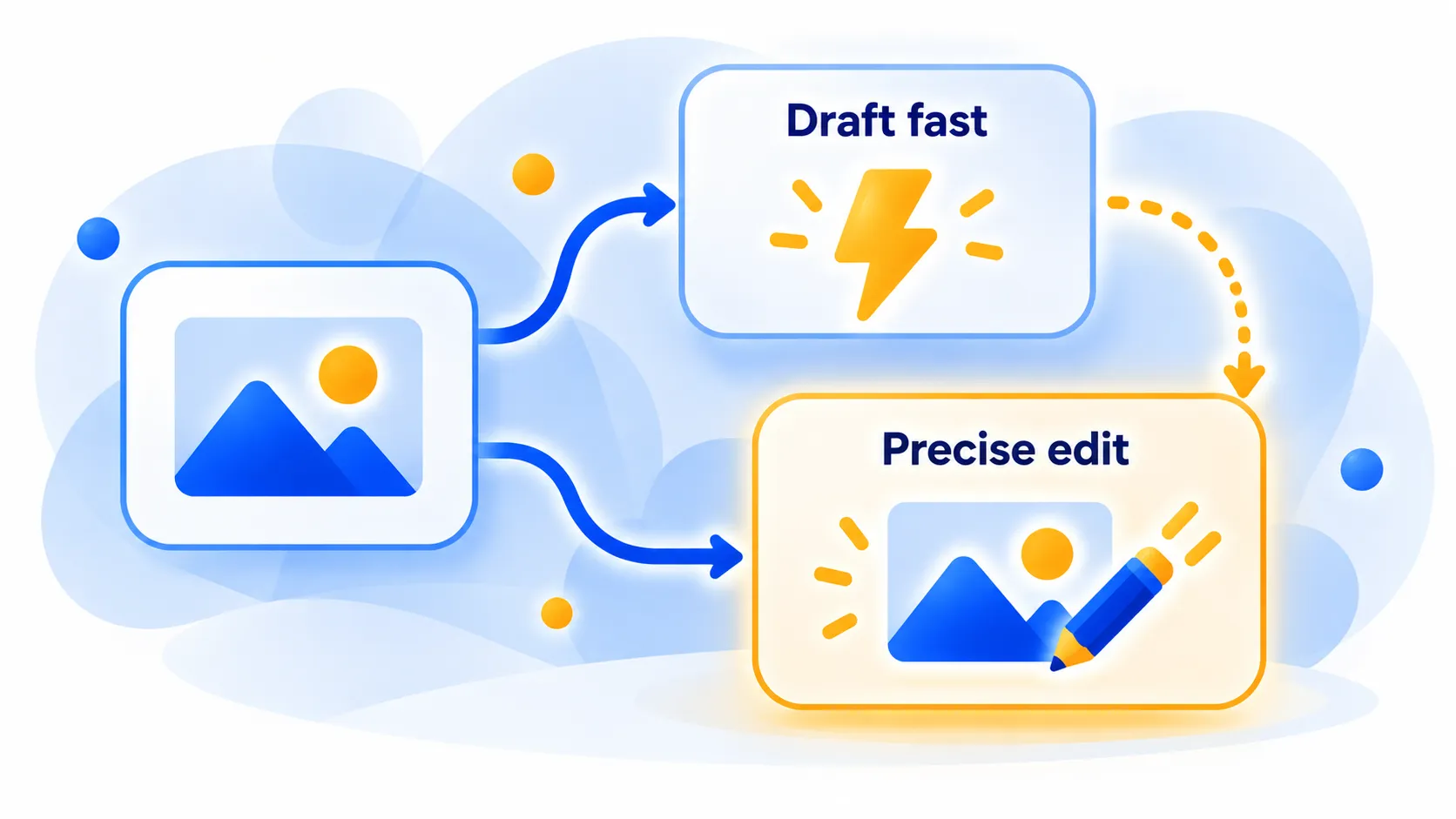
A sensible workflow, which is advice from reviewers rather than an OpenAI claim, is to start with Flare for drafts and ideas, then move to Sunburst when edits must keep fine detail.
How to Try GPT Image 2.5
In ChatGPT
- Open ChatGPT on desktop, mobile or web and start a new chat.
- Ask it to create an image, or upload a reference photo and describe the change you want.
- Use Sketch, image comments or templates if you see them in your app.
- Refine step by step with short follow-up instructions.
There is no separate model picker in ChatGPT; it chooses for you. Reports say the update rolled out across ChatGPT, ChatGPT Work and Codex. One review says this applies on every plan, while another says the plan tiers are not specified, and OpenAI has not published per-plan generation limits. Free-plan limits are unknown, so check your account.
In the API
Use the Images API for single images, or the Responses API image generation tool for multi-turn editing. Pick gpt-image-2.5-flare or gpt-image-2.5-sunburst. A reviewer reports that a bare gpt-image-2.5 name does not work and returns a model-not-found error. OpenAI may also require organisation verification before GPT Image models work on your account, and the free API tier is not supported. Rate limits reportedly start at 5 images per minute on Tier 1.
Note: Release dates and rollout timing can change. Please confirm the latest details on the official website or help center.
GPT Image 2.5 API Pricing
Pricing is token based, so there is no fixed price per image. Official rates match GPT Image 2 and apply to both versions, per million tokens:
- Text input: $5 (cached $1.25)
- Image input: $8 (cached $2)
- Image output: $30
For a 1024 x 1024 image, one reviewer, using OpenAI’s calculator, listed roughly $0.006 at low quality, $0.013 at medium, $0.053 at high, $0.094 at xhigh and $0.211 at max. Those are estimates and depend on the settings you choose. Choosing “auto” quality makes costs harder to predict. A batch discount is not yet available for the 2.5 models, according to one review, and when using the Responses API you also pay for the main model’s tokens.
Note: Prices are based on official announcements at the time of writing and may vary by country, retailer, taxes and promotions. Always check the latest pricing on the official website before buying.
Limits and Cautions
- Not perfect: some users report overdone detail or blotchy colour in busy scenes.
- Provenance: a review says generated images carry C2PA metadata and an invisible watermark, but these are supporting measures and not reliable detection. See our guide on how to tell if an image is AI-generated.
- Commercial use: reviewers say it is allowed within OpenAI’s terms. Brand logos and real people need separate review, so read the terms before using images commercially.
- Naming: some coverage calls the ChatGPT feature “ChatGPT Images 2.5” and the API models “GPT Image 2.5”. They refer to the same update.
Note: These details come from the company’s own announcements and have not been independently verified by Next DigiTech.
Tips for Better Results
- Describe subject, setting, lighting and style in one or two clear sentences. Our guide to writing better AI prompts helps.
- Iterate with small changes instead of rewriting the whole prompt.
- Use a reference image when you need the same subject across several versions.
- Zoom in on any small text and fix it before you publish.
Frequently Asked Questions
What is GPT Image 2.5?
It is OpenAI’s image model update released on September 8, 2026, available as two API versions, Flare and Sunburst, and as one image experience in ChatGPT.
What is the difference between Flare and Sunburst?
Flare is faster and aimed at everyday generation. Sunburst is slower but is described as the most capable for generation and precise editing.
Is GPT Image 2.5 free?
Free-plan limits in ChatGPT are not clear from the reports we reviewed, and the API is paid per token with no free tier. Check your ChatGPT account for current limits.
How much does GPT Image 2.5 cost in the API?
Image output costs $30 per million tokens, image input $8 and text input $5, which works out to roughly a cent or so per medium-quality 1024 x 1024 image, according to one reviewer’s calculation.
Can I choose Flare or Sunburst in ChatGPT?
Reports say there is no separate model picker in ChatGPT. The choice between the two is an API option.
The Bottom Line
GPT Image 2.5 is an editing and speed upgrade rather than a total reinvention. Flare suits quick, everyday images, while Sunburst is the pick when details and precise edits matter. In ChatGPT you simply ask for an image, and in the API you choose the version. Try both on a real task, watch the costs at higher quality tiers and double-check any small text in your results.
Related Guides
- Best Free AI Image Generators in 2026 (and What Each Is Good At)
- How to Write Better AI Prompts: A Beginner’s Guide (With Examples)
- How to Tell If an Image Is AI-Generated: 6 Simple Checks (2026)
- What Is Ideogram? The AI Image Generator That Gets Text Right (2026)
Explore more in our AI Image and Design Tools hub.
Disclaimer: This article is for general information only and is based on details available at the time of writing. Prices, plans, features, release dates, policies and availability can change at any time and may vary by country. Please verify the latest information on the official website of the company or product mentioned before making any decision or purchase. Next DigiTech is an independent website and is not affiliated with or endorsed by the companies mentioned; all trademarks belong to their respective owners. We are not responsible for any loss or decisions made based on this content.

