
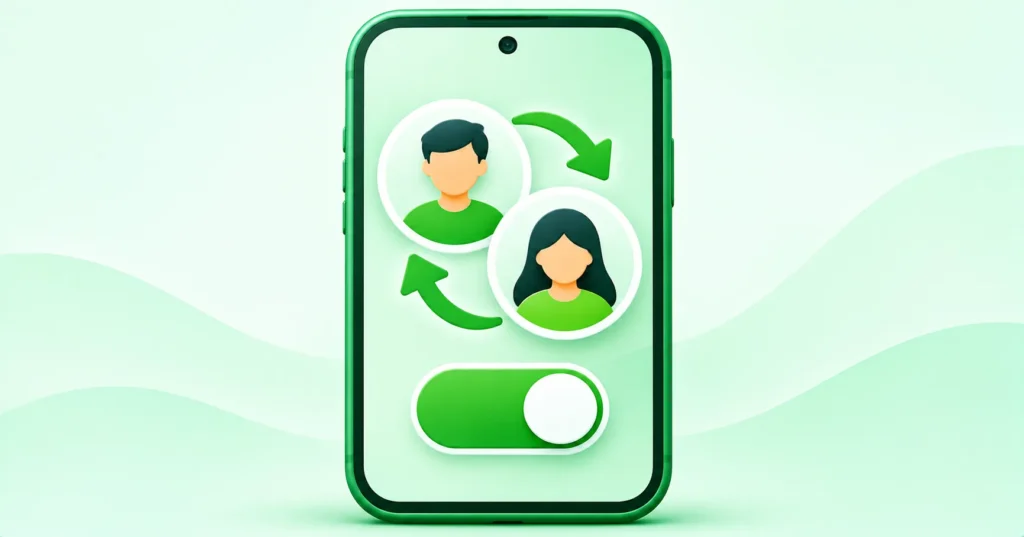
Many people juggle a personal WhatsApp and a work WhatsApp, often by carrying two phones. You may not need to any more. WhatsApp now supports multiple accounts inside the app on Android, and the feature is rolling out widely on iPhone too. Here is how to set it up safely.
Quick answer: Update WhatsApp, open Settings, tap the arrow or option next to your name and choose Add account. Verify your second phone number with the code sent by SMS or call. Switch between accounts from the same menu. You need a second number, such as a second SIM or eSIM.
Note: availability and menu names vary by phone and app version.
What you need
- The latest WhatsApp from the App Store or Google Play.
- A second phone number that can receive a verification code, such as a second SIM, an eSIM or a landline that can receive calls.
- On iPhone, iOS 15.5 or later. See WhatsApp ends support for older iPhones.
How to add a second WhatsApp account
- Open WhatsApp > Settings.
- Tap the arrow or account switcher next to your name, then Add account.
- Enter your second number and verify it with the code.
- Set up the profile name and photo.
- Switch between accounts from Settings whenever you need.
If the option is missing on iPhone, update the app and try again later, as the rollout is gradual.
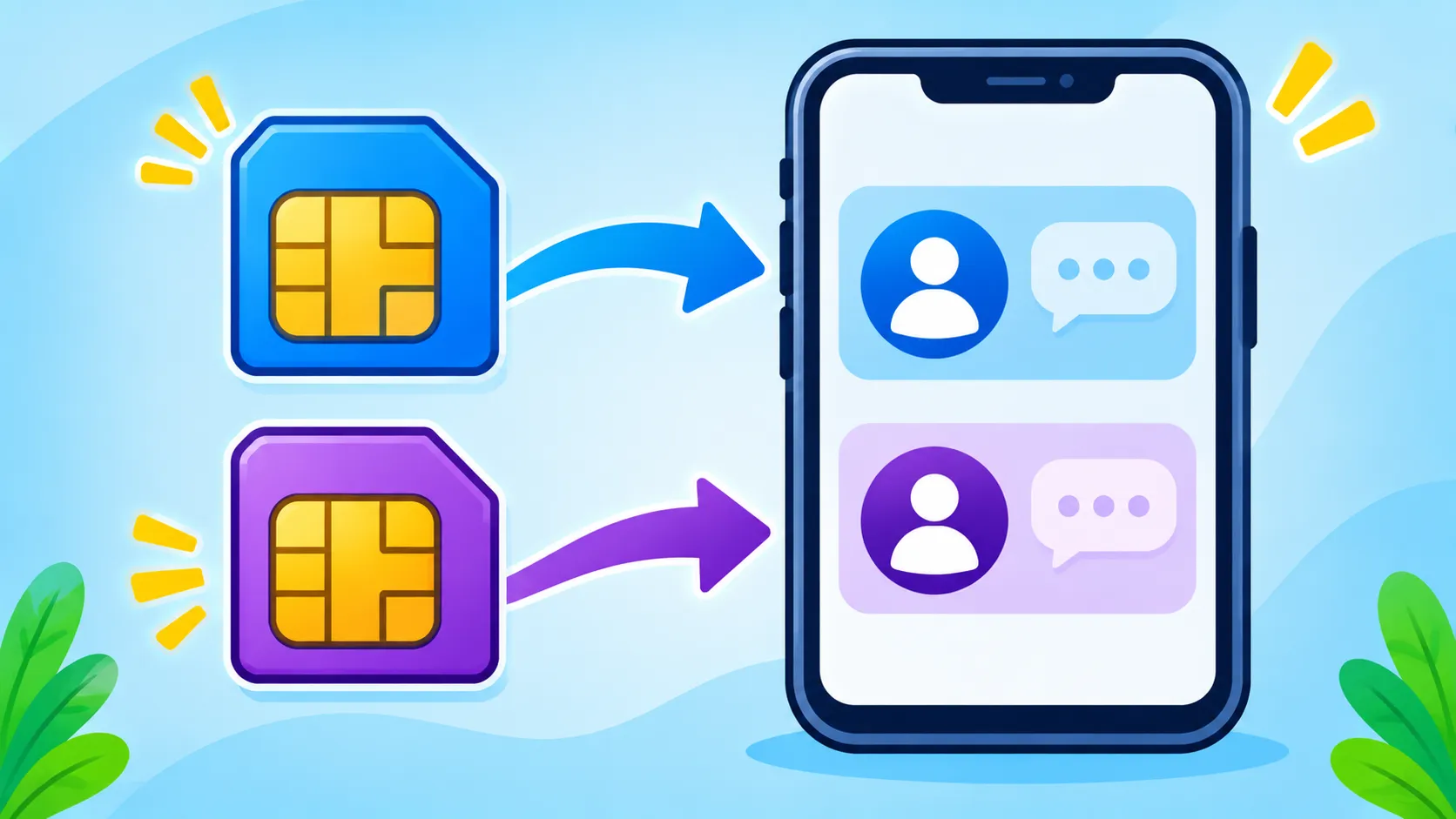
Other ways to run two accounts
| Option | Best for | Notes |
|---|---|---|
| Multiple accounts in WhatsApp | Most people | Official, built into the app |
| WhatsApp Business app | Small businesses | Separate app with catalogue and quick replies |
| Dual Apps or App Clone (Android) | Older Android setups | Built into some phones, follow your maker’s steps |
| Unofficial modified apps | Not recommended | Can be unsafe and may get your account banned |
Keep the accounts separate and safe
- Use different notification sounds for each account.
- Turn on two-step verification for both accounts.
- Double-check which account you are in before sending or forwarding.
- Back up both accounts. See our WhatsApp backup guide.
- Avoid unofficial apps. Read how to spot fake apps.
WhatsApp’s Help Center has the official steps for your platform.
The bottom line
You no longer need two phones for two WhatsApp numbers. Add a second account in Settings, verify the number and switch with a tap. Keep both accounts protected with two-step verification.
Frequently asked questions
Can I use two WhatsApp accounts on iPhone?
Yes. Multiple account support is rolling out widely on iPhone. Update WhatsApp to get it.
Do I need two SIM cards?
You need a second number that can receive a verification code. A second SIM or eSIM is the easiest option.
Will both accounts get notifications?
Yes. You receive messages and notifications for both accounts.
Is WhatsApp Business better for work?
For small businesses, yes. It adds tools like a catalogue, labels and quick replies.

