

Everyone has been told to use a strong password, yet most of us still reach for our pet’s name, a birthday or the same favorite word with a number added. Weak passwords are one of the easiest ways for attackers to get in. The good news is that a strong password does not have to be impossible to remember. This guide explains what makes a password strong, how to build a passphrase that sticks in your head, and where a password manager fits in.
Quick answer: Use a long passphrase of four or more random, unrelated words, ideally 16 characters or more, and never reuse it. Picture the words together to remember them. Let a password manager create and store unique passwords for everything else, and add two-factor authentication or passkeys to your most important accounts.
What makes a password strong?
Three things matter most: length, unpredictability and uniqueness.
- Length: longer is generally stronger. Many security guides suggest at least 12 to 16 characters for important accounts.
- Unpredictability: avoid names, dates, keyboard patterns and common words.
- Uniqueness: each account should have its own password, so one leak does not open everything.
Passwords people should stop using
- Password, 123456, qwerty and similar common choices
- Your name, birthday, phone number or pet’s name
- A simple word with a number added, such as the season plus a year
- The same password with a small change for each site
What is a passphrase?
A passphrase is a password made of several words, such as a short random sentence. Because it is long, it is hard to guess, and because it is made of words, it is easier to remember than a jumble of symbols. Four or more unrelated words is a popular approach.
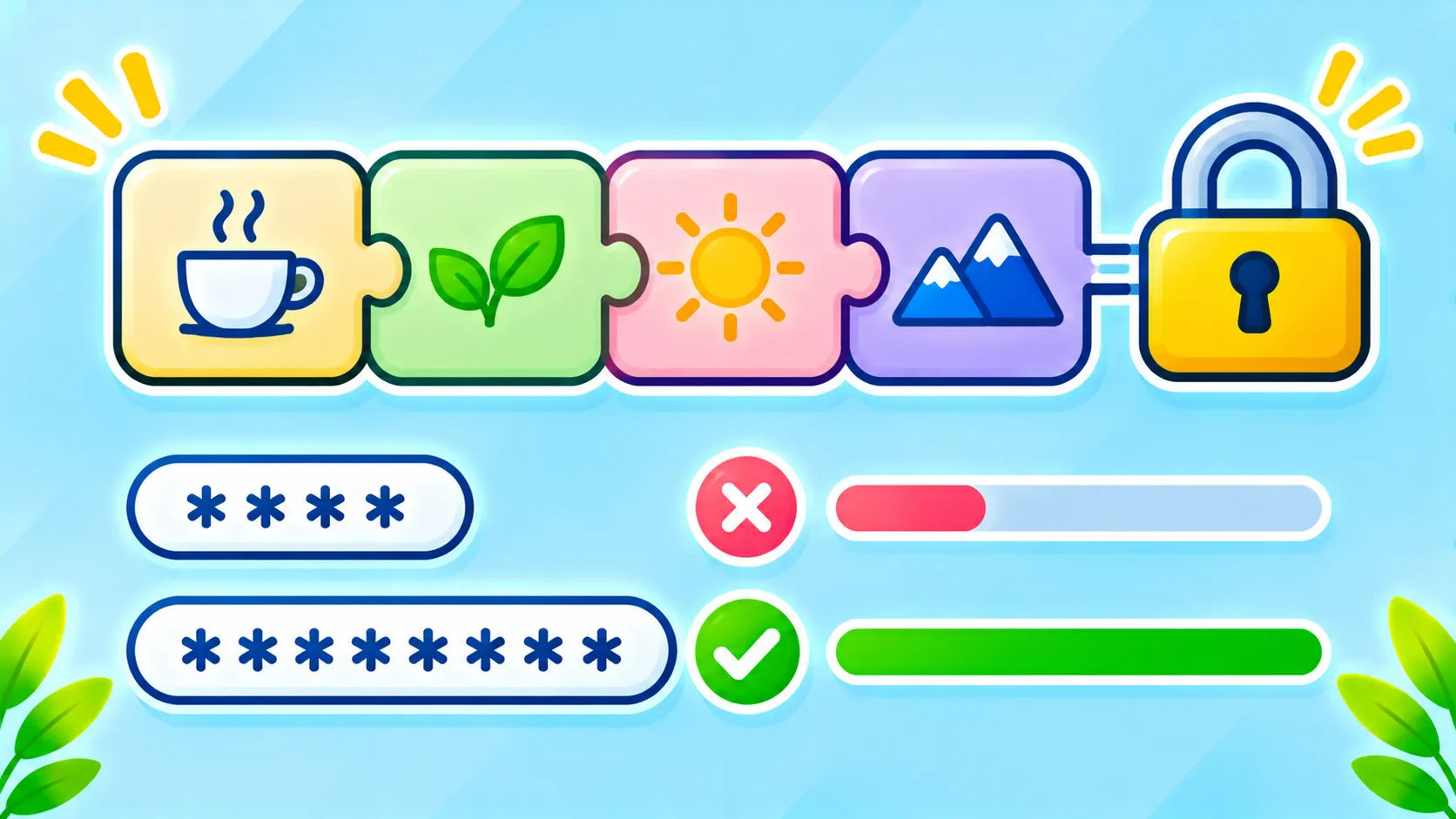
How to build a good passphrase
- Pick four or more random words that do not belong together. Do not use a famous quote or lyric.
- Add a separator, such as a dash or space, if the site allows it.
- Make a small personal twist, like changing capitalization, that you can recall.
- Create a mental picture that links the words so you remember the order.
- Never use the example you saw online.
True randomness is better than words you choose yourself, so you can pick words from a random list, such as with dice, or let a password manager generate them.
Do symbols and numbers still matter?
Some sites require them, so add them if needed. But a long passphrase usually beats a short password with substituted characters like replacing letters with similar-looking symbols, which attackers already expect.
Use a password manager for everything else
You cannot memorize dozens of strong, unique passwords. A password manager stores them securely so you only remember one strong master passphrase. Use a long, unique master passphrase and protect the manager with two-factor authentication. You can also use the built-in tools in your browser, iPhone or Android phone if you prefer. Read are password managers safe? for how they protect your vault. The US government’s Secure Our World campaign also recommends long, unique passwords and a password manager.
Add a second layer
Even the best password can be phished. Turn on two-factor authentication for email, banking and social accounts, and look at passkeys where they are offered, since they remove the password from the picture.
Protect your most important accounts first
- Your main email, because it resets other accounts
- Banking and payment accounts
- Your phone account (Apple or Google)
- Social media and shopping accounts
Do not fall for fake login pages
A strong password does not help if you type it into a scam page. Learn the warning signs in how to spot a phishing email or text.
When should you change a password?
Change it if there is a breach, if you suspect someone saw it, or if you reused it. You do not need to change strong, unique passwords on a fixed schedule unless your workplace requires it.
Frequently asked questions
Is a passphrase better than a password?
Generally, a long random passphrase is both strong and easier to remember than a short complex password.
Can I write my passwords down?
A securely stored notebook at home can be better than reusing weak passwords, but a password manager is usually safer and more convenient.
Is my browser’s saved password list safe?
It is much better than reusing passwords, provided your device and account are well protected with a lock and two-factor authentication.
Note: Password rules differ between websites and security recommendations change over time.

