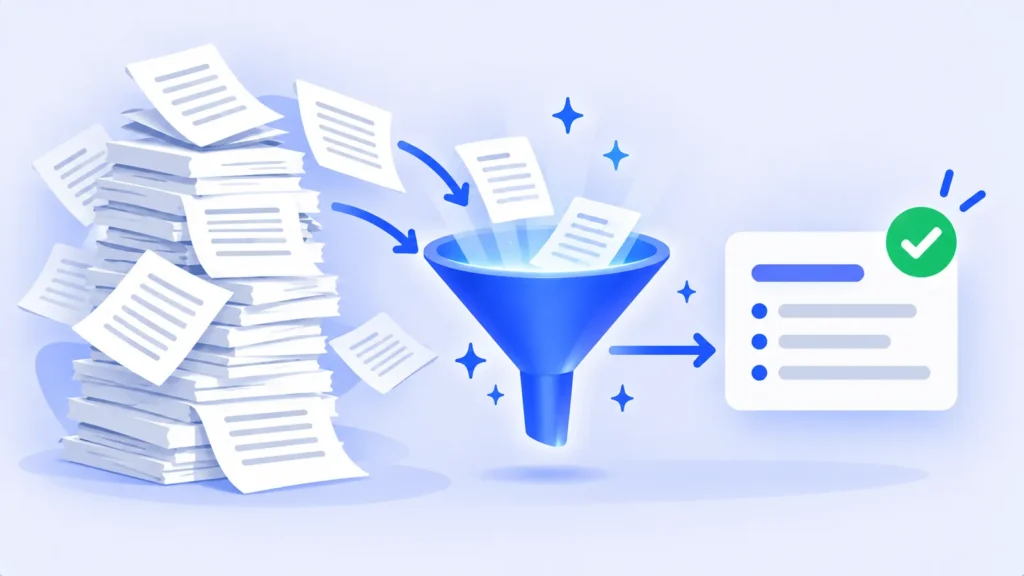
Sometimes you don’t need a summary of a long document. You need to know three things: what you have to do, by when, and what has already been decided. A 40-page project brief, a long email thread or an hour of meeting notes can hide all three in the middle of a paragraph.
AI tools are very good at pulling these out, as long as you ask the right way. Here’s a step-by-step method, prompts for common document types, and how to make sure nothing important slips through. If you just want a short overview of a PDF, our guide to summarizing PDFs with free AI tools covers that.
Why a Summary Isn’t Enough
Summaries compress. That’s great for understanding, but deadlines, owners and conditions are exactly the small details a summary tends to drop. A request focused on actions makes the AI hunt for them instead.
Step by Step: Get an Action List From Any Document
- Upload or paste the document. ChatGPT, Gemini, Claude, Copilot and NotebookLM all accept file uploads. For an email thread, copy the text in.
- Ask for actions as a table. Use the core prompt below.
- Ask for decisions and open questions separately. Mixing everything into one list makes it harder to read.
- Check every date against the original. More on this below.
- Move the list somewhere you’ll use it, such as a to-do app, a spreadsheet or your calendar.
The Core Prompt
“From this document, list every action item in a table with these columns: task, who is responsible, deadline, and the page or section where it appears. If no owner or deadline is stated, write ‘not stated’ instead of guessing.”
The last sentence matters. Without it, AI tools sometimes fill gaps with a plausible-sounding guess.
Prompts for Common Documents
Meeting notes or transcripts
“List the decisions made in this meeting, the action items with owners, and any questions that were raised but not answered.”
Project briefs and proposals
“List every deliverable, its due date, and any requirement that would cause the work to be rejected if it’s missed.”
Leases, contracts and terms
“List every date, notice period, renewal and payment obligation in this agreement, with the clause number for each.” For anything legally binding, read those clauses yourself. See also our guide to using AI to understand bills, leases and contracts.
Long email threads
“What has been agreed in this thread, what is still waiting on me, and what is waiting on someone else?”

Turn the List Into Something You’ll Use
- To-do list: ask “Rewrite these as a checklist sorted by deadline” and paste it into your task app.
- Spreadsheet: ask for the table in a copy-friendly format, then paste it into Google Sheets or Excel to sort and filter.
- Calendar: add the key deadlines yourself, with a reminder a few days before each one.
How to Make Sure Nothing Was Missed
- Ask what’s missing: “Which dates or numbers in the document are not in your table?”
- Watch for vague timing. Phrases like “soon,” “next quarter” or “after approval” aren’t real deadlines. Ask the AI to flag them so you can get a firm date.
- Spot-check the source. For the two or three most important items, open the page or section it cites and confirm the wording.
Note: Features and policies may vary by plan, region and app version, and can change at any time. Check the official help center for the latest information.
A Quick Word on Privacy
Work documents often contain names, client details or confidential plans. Only upload them to tools your workplace has approved, and check the tool’s settings to see whether your chats are used for model training.
Frequently Asked Questions
Which AI tool is best for finding action items?
Most major assistants handle this well. NotebookLM is helpful when you need to check sources, because it links each answer to the passage it came from.
Can AI pull action items from a meeting recording?
Yes, if you have a transcript. Many meeting tools create one automatically, and you can then use the prompts above. See our picks for AI meeting note takers.
What if the AI invents a deadline?
Ask it to quote the exact sentence for that item. If it can’t, treat the deadline as unconfirmed and check the document yourself.
The Bottom Line
When you need to act on a document, ask for actions, not a summary. Request a table with owners, deadlines and sources, tell the AI not to guess, and check the key dates yourself. Ten minutes later, you have a to-do list you can trust.
Related Guides
- How to Summarize Long PDFs With AI for Free (Without Missing the Important Stuff)
- How to Use AI to Understand Confusing Documents (Bills, Leases and Contracts)
- Best AI Meeting Note Takers for Zoom, Teams and Google Meet (2026)
- What Is NotebookLM? How to Use Google’s Free AI Notebook (2026)
Explore more in our AI Productivity Tools hub.
Disclaimer: This article is for general information only and is based on details available at the time of writing. Prices, plans, features, release dates, policies and availability can change at any time and may vary by country. Please verify the latest information on the official website of the company or product mentioned before making any decision or purchase. This is not medical, financial, legal or security advice; consult a qualified professional for your situation. Next DigiTech is an independent website and is not affiliated with or endorsed by the companies mentioned; all trademarks belong to their respective owners. We are not responsible for any loss or decisions made based on this content.