
There are thousands of AI tools now, and most “best of” lists just pile them up. This guide does the opposite. It picks a small number of genuinely useful tools for everyday jobs, all with a free option, and links to our deeper guides when you want more detail.
Free plans change often. We note the main limits, but always check the tool’s pricing page before relying on it.
How We Picked
- Free to start. Every tool here has a free plan, not just a short trial.
- Useful for normal people. No developer skills required.
- Trustworthy. Established companies with clear privacy settings.
Best Free AI Assistants (Chat)
- ChatGPT: the free plan includes unlimited everyday text chats, web search and Study Mode, with limits on uploads and images. US users now see ads on the free plan. Full breakdown: Is ChatGPT free?
- Google Gemini: free with a Google account and well connected to Gmail, Docs and Drive.
- Claude: free plan that’s strong for writing feedback and long documents.
- Microsoft Copilot: free with a Microsoft account and built into Windows and Edge.
Note: Features and policies may vary by plan, region and app version, and can change at any time. Check the official help center for the latest information.
Get better answers from any of them with our guide to writing better AI prompts.
Best Free AI Tools for Research
- Perplexity: answers with numbered source links, which makes checking facts easy. Marketers can see how to use Perplexity for SEO research.
- NotebookLM: upload your own PDFs or notes and ask questions that are answered only from those files. See how to summarize long documents with AI.
Best Free AI Writing Tools
- Grammarly (free): catches grammar and spelling as you type.
- LanguageTool: a strong free alternative that works in 30+ languages.
- Hemingway Editor: free in the browser and great for making writing clearer.
More options: free Grammarly alternatives.
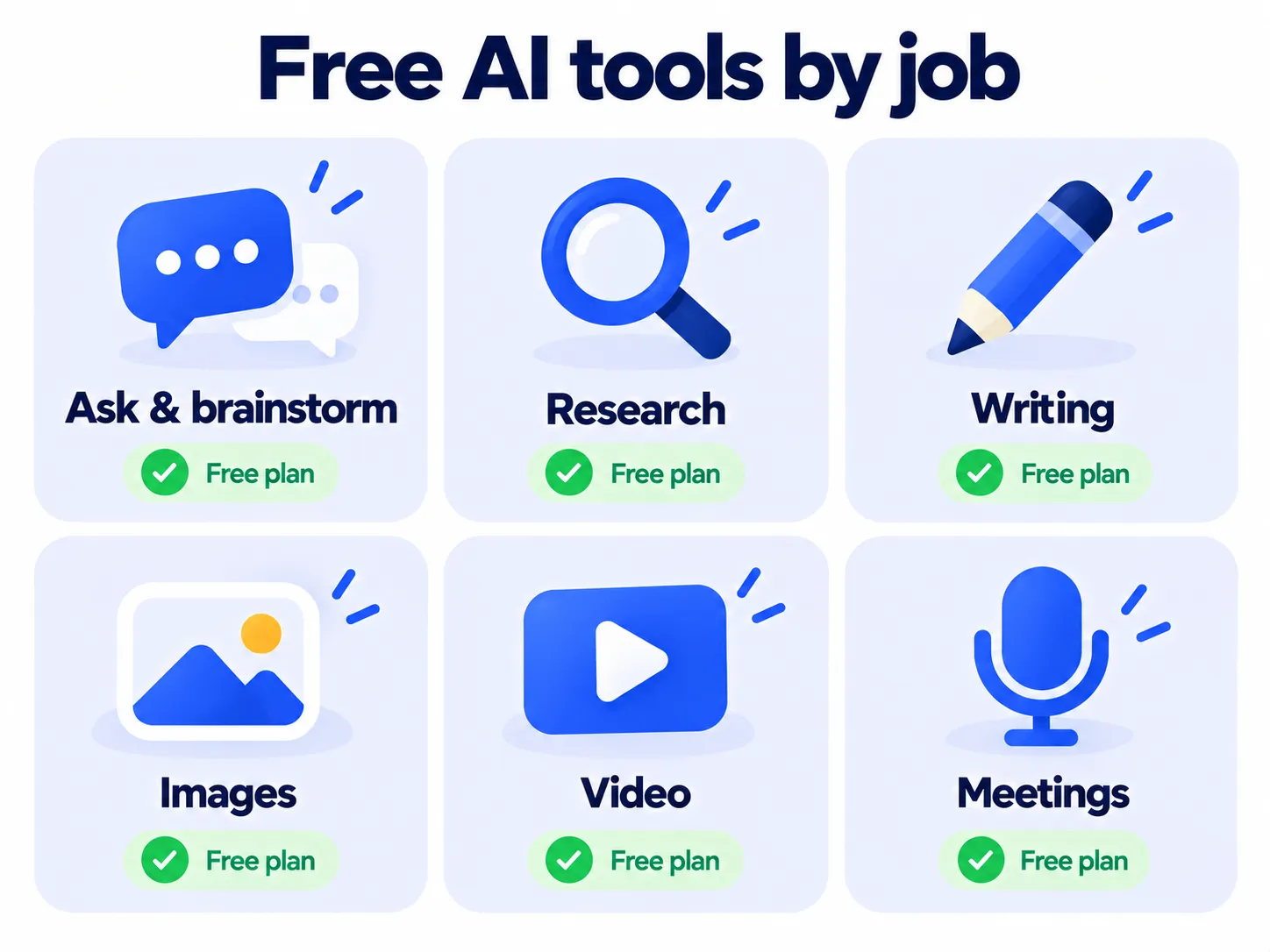
Best Free AI Image Generators
- Google Gemini: good image quality and handles text inside images well.
- ChatGPT: easiest for beginners, since you can edit images by just asking.
- Ideogram: the specialist for posters and logos with readable text.
- Adobe Firefly: trained on licensed content, which matters for business use.
Full comparison: best free AI image generators.
Best Free AI Video Tools
- CapCut: popular free editor with AI auto-captions and quick edits for short videos.
- Descript: edit video by editing the transcript, like a text document. The free plan is limited but good for trying it out.
Best Free AI Tools for Meetings
- Fathom: the most generous free plan for recording and transcribing Zoom, Meet and Teams calls.
- Otter.ai: live transcripts, including in-person meetings, with a monthly free allowance.
Full guide: best AI meeting note takers.
Best Free AI Tools for School
Students should look at ChatGPT Study Mode, Gemini Guided Learning and NotebookLM. See best AI tools for students. Teachers can find free planning and grading helpers in our guide to AI tools for teachers. Worried about AI checkers? Read do AI detectors actually work?
5 Rules for Using Free AI Tools Safely
- Don’t share sensitive information like passwords, financial details or private documents.
- Check privacy settings, including whether your data is used for training.
- Verify important facts. AI can be confidently wrong.
- Read the commercial-use terms before using AI images or text for your business.
- Start with one tool per job. Learning one tool well beats juggling ten.
Frequently Asked Questions
What’s the best free AI tool overall?
For most people, a free chat assistant like ChatGPT or Gemini covers the widest range of everyday tasks.
Are free AI tools safe?
Tools from established companies are generally safe for everyday use. Avoid sharing sensitive data, and review each tool’s privacy settings.
Why do free AI plans keep changing?
AI is expensive to run, so companies regularly adjust free limits. That’s why we recommend checking pricing pages before you depend on a tool.
The Bottom Line
You don’t need to pay for AI to get real value from it. Pick one assistant, one research tool and one tool for your main job, whether that’s writing, images or meetings, and add more only when you hit a real limit.
Related Guides
- What Is ChatGPT? How It Works, Pricing and How to Use It (2026 Guide)
- ChatGPT vs Gemini vs Claude: Which AI Assistant Fits You? (2026)
- What Is Grok AI? Features, Pricing and Is It Free? (2026)
- What Is DeepSeek? Features, Privacy Risks and Is It Safe to Use? (2026)
Explore more in our AI Tools Directory hub.
Disclaimer: This article is for general information only and is based on details available at the time of writing. Prices, plans, features, release dates, policies and availability can change at any time and may vary by country. Please verify the latest information on the official website of the company or product mentioned before making any decision or purchase. Next DigiTech is an independent website and is not affiliated with or endorsed by the companies mentioned; all trademarks belong to their respective owners. We are not responsible for any loss or decisions made based on this content.

