
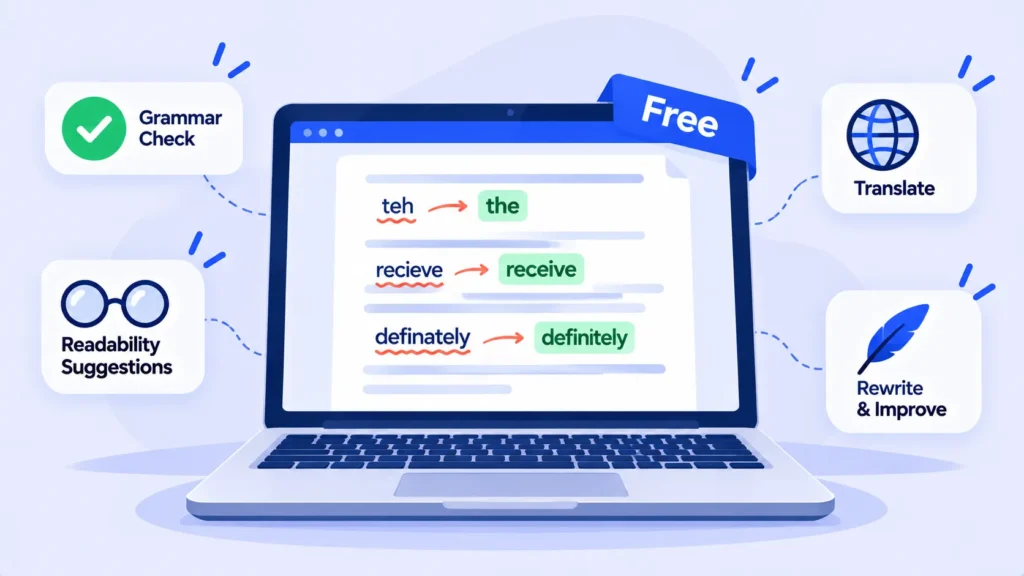
Grammarly’s free version is useful, but many of its best features sit behind a paywall. The good news: several free tools do parts of its job just as well, and some do things Grammarly’s free plan doesn’t, like checking other languages or rating how readable your writing is.
Here are the best free Grammarly alternatives and what each one is actually good at.
Quick Comparison
| Tool | Best for | Main free limit |
|---|---|---|
| LanguageTool | Everyday grammar in 30+ languages | Advanced suggestions are Premium |
| QuillBot | Grammar checks plus paraphrasing | Paraphraser limited to 125 words at a time |
| Hemingway Editor | Clear, readable writing | Checks readability, not grammar |
| ProWritingAid | Long-form writing and style reports | 500 words per check in the web editor |
| Built-in checkers | Quick fixes in Word and Google Docs | Basic suggestions only |
Limits from Spinbot and DIYAI. Free plans change, so check each tool’s site.
1. LanguageTool: Best Overall Free Alternative
LanguageTool is the closest free replacement for Grammarly. It catches grammar, spelling and punctuation, and it works in more than 30 languages, which makes it the go-to choice if you write in English and another language. Use the free web editor or its add-ons for browsers and documents.
2. QuillBot: Best for Rewriting Sentences
QuillBot combines a grammar checker with a paraphraser that rewrites clunky sentences. The free paraphraser works on up to 125 words at a time. Read rewrites carefully, since they can change your meaning slightly.
3. Hemingway Editor: Best for Clear Writing
Hemingway highlights long sentences, passive voice and complicated words, and gives your text a readability grade. The browser version is free. It doesn’t check grammar, so pair it with LanguageTool or Grammarly’s free plan.
4. ProWritingAid: Best for Long Documents
ProWritingAid goes deeper than most tools with reports on repetition, sentence variety, pacing and style. The free plan checks up to 500 words at a time in the web editor, so it’s best for checking a long piece section by section.
5. The Checker You Already Have
Microsoft Word and Google Docs both include grammar and spelling suggestions. For quick emails and documents, these built-in tools are often enough, and your text stays in apps you already use.
Bonus: Use an AI Assistant as a Proofreader
Free AI assistants like ChatGPT, Gemini or Claude can proofread too. Try this prompt:
“Proofread the text below. Fix grammar, spelling and punctuation only. Don’t change my wording or tone. List every change you made.”
Asking for a list of changes keeps you in control of your own writing.
Which One Should You Use?
- Want a direct Grammarly swap? LanguageTool.
- Write in more than one language? LanguageTool.
- Struggle with awkward sentences? QuillBot.
- Want simpler, clearer writing? Hemingway.
- Writing a book or long report? ProWritingAid.
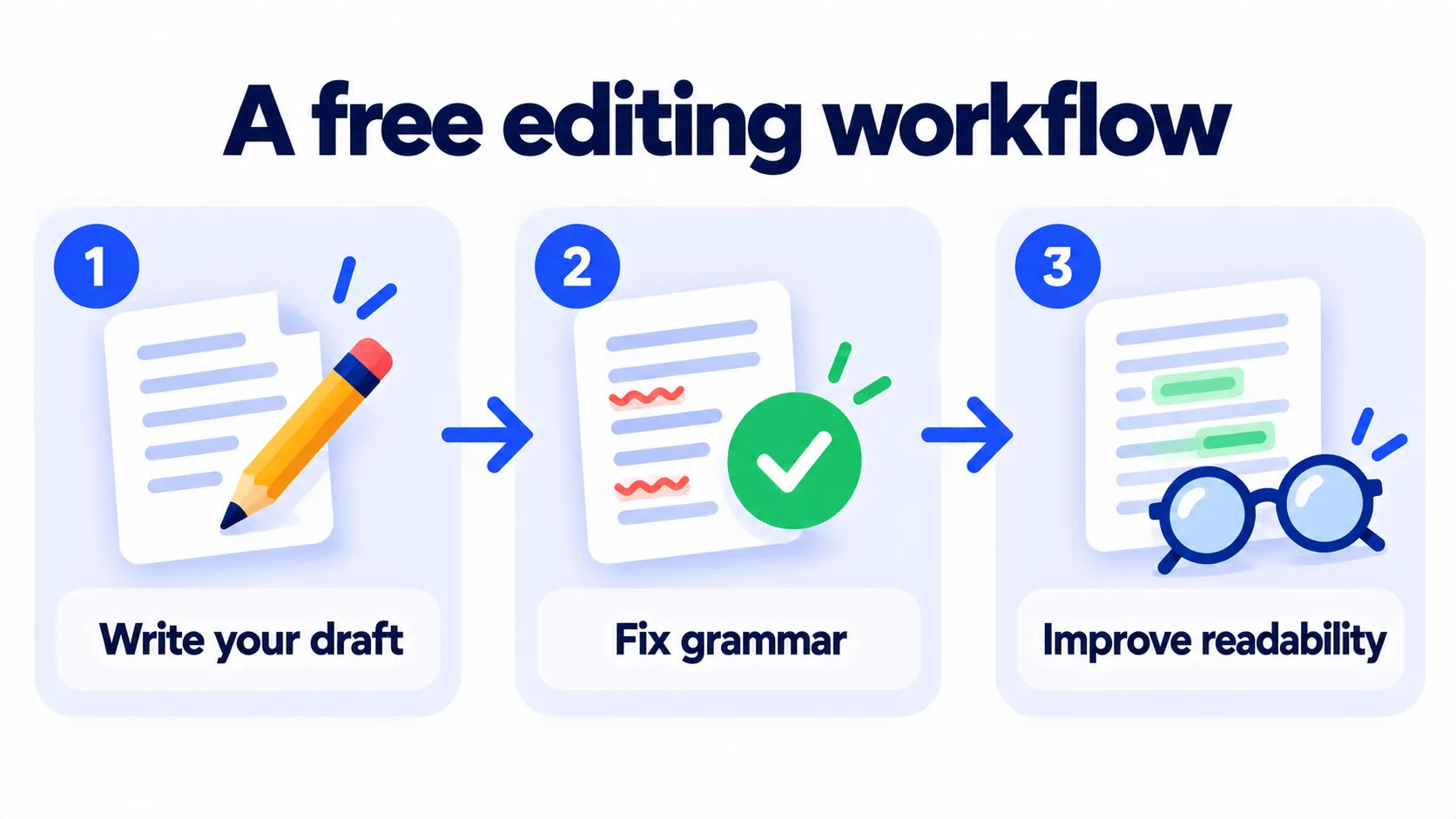
Many writers combine two: LanguageTool while writing and Hemingway before publishing. Both are free.
A Note on Privacy
Most online writing tools send your text to their servers to check it. Avoid pasting confidential business, legal or medical documents into free web tools unless your workplace has approved them.
Note: Features and policies may vary by plan, region and app version, and can change at any time. Check the official help center for the latest information.
Frequently Asked Questions
Is there a free tool as good as Grammarly Premium?
No single free tool matches every Premium feature, but combining LanguageTool and Hemingway covers grammar and clarity very well.
Is LanguageTool better than Grammarly’s free plan?
For writers who use more than one language, yes. For English-only users, they’re close, and it comes down to personal preference.
Can schools tell if I used a paraphrasing tool?
Heavy paraphrasing can change how writing reads, and some schools restrict these tools. Check your school’s rules. Our guide on AI detectors explains more.
The Bottom Line
You don’t need to pay to write cleanly. Start with LanguageTool for grammar, add Hemingway for clarity, and use QuillBot or ProWritingAid when you need more. See more options in our list of the best free AI tools.
Related Guides
- What Is QuillBot? Free vs Premium, Features and How to Use It (2026)
- Hemingway Editor Review 2026: Make Your Writing Clear (Free vs Plus)
- What Is Grammarly? Free vs Pro, Features and How to Use It (2026)
- How to Use AI to Write Blog Posts (Without Publishing Generic Content)
Explore more in our AI Writing Tools hub.
Disclaimer: This article is for general information only and is based on details available at the time of writing. Prices, plans, features, release dates, policies and availability can change at any time and may vary by country. Please verify the latest information on the official website of the company or product mentioned before making any decision or purchase. Next DigiTech is an independent website and is not affiliated with or endorsed by the companies mentioned; all trademarks belong to their respective owners. We are not responsible for any loss or decisions made based on this content.

