OpenAI released ChatGPT Images 2.6 on November 4, 2026. The biggest additions are animated GIF creation and reusable reference images, plus faster image generation. If you use ChatGPT to make pictures for social media, presentations or fun, here is what changed and how to use it.
Quick answer: With Images 2.6, you can create looping GIFs from a text prompt or a photo, adjust playback speed and edit frames. You can also save people, pets or characters as reference images and reuse them in later chats to keep them looking consistent. OpenAI says generation is about 50% faster. Rollout is gradual, so features may appear at different times.
Note: based on OpenAI’s announcement and press coverage from early November 2026. Features and plan access can change.
What is new in Images 2.6
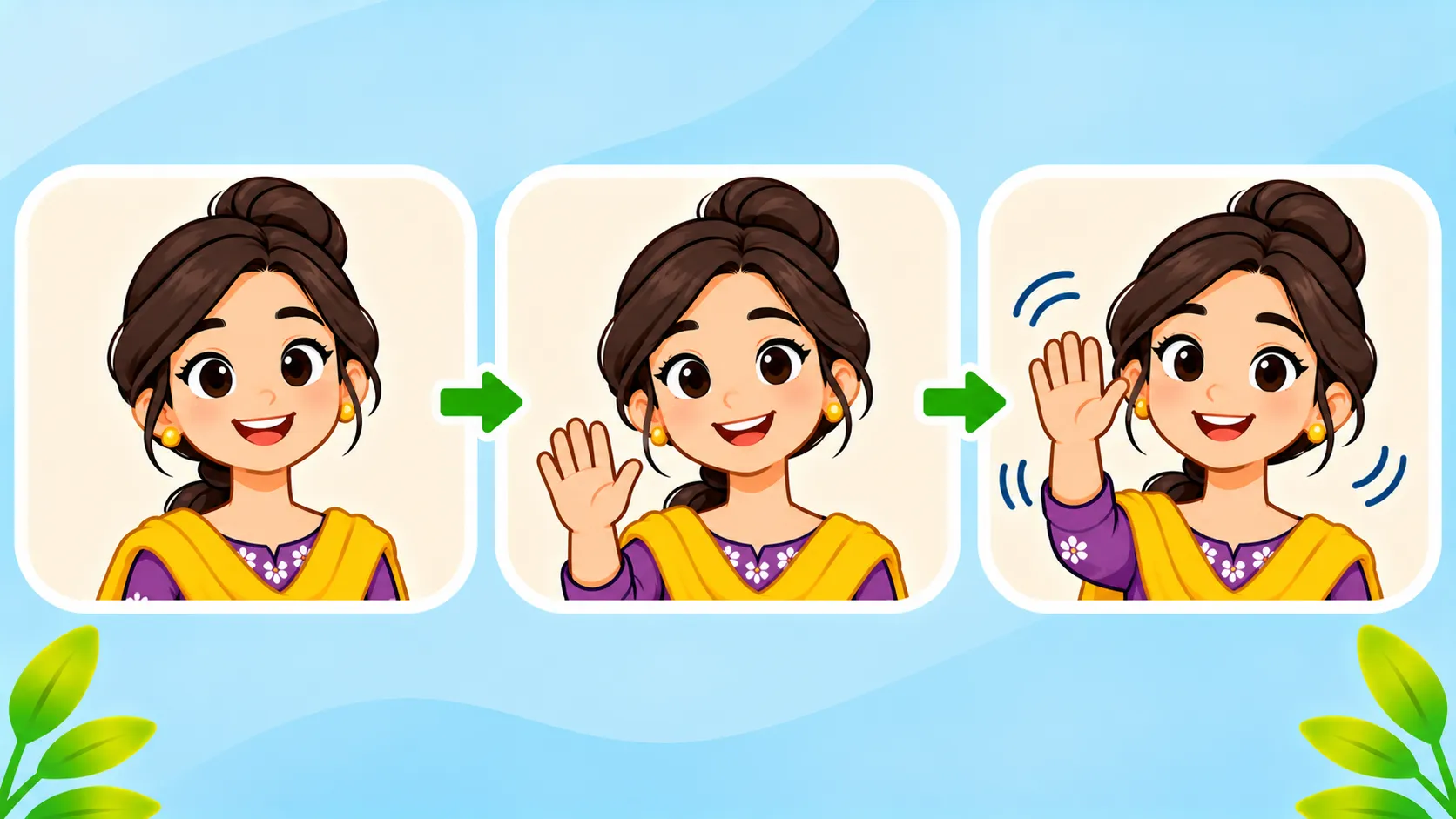
- GIFs: create animated GIFs from a text prompt or an uploaded photo, with controls for playback speed and individual frames.
- Reference images: save a person, pet or character and reuse them in later chats without uploading the photo again.
- Speed: OpenAI says images generate about 50% faster than before. That is the company’s own figure.
- Better consistency: details like a character’s outfit stay the same when you change the background.
How to make a GIF in ChatGPT
- Open ChatGPT on the web, desktop or mobile app and start a new chat.
- Describe the animation, for example: “Make a looping GIF of a cartoon cat waving, simple flat style.”
- Or upload a photo and ask ChatGPT to animate it.
- Ask for changes, such as “make it slower” or “change frame three.”
- Download the GIF and share it.
Note that ChatGPT cannot edit an existing animated GIF that you upload. It creates new ones.
Images 2.6 at a glance
| Feature | What it does | Where |
|---|---|---|
| GIF creation | Looping animations from text or photos | ChatGPT |
| Reference images | Reuse saved people, pets or characters | ChatGPT |
| GPT-Image-2.6 Flare | Faster image model for developers | API |
| GPT-Image-2.6 Sunburst | Higher quality and edit consistency | API |
For the previous generation, see our guide to GPT Image 2.5: Flare vs Sunburst.
Who can use it
Reports differ on exact plan coverage. Some say it is on paid plans first, others say all users. Open your ChatGPT app and check whether GIF options appear. Availability in work or school accounts depends on admin settings. TechRepublic has a good overview of the launch.
Tips for better results
- Keep prompts short and clear, then adjust speed and frames.
- Save a reference image for characters you will use often, like a brand mascot.
- Ask permission before animating or saving photos of other people.
- Review everything before posting publicly.
Want stronger prompts? Read how to write better AI prompts.
The bottom line
ChatGPT Images 2.6 makes it easy to create GIFs and keep characters consistent across images, and it is faster than before. Check your app for the new options, and use people’s photos only with permission.
Frequently asked questions
Can ChatGPT make GIFs?
Yes. With Images 2.6, ChatGPT can create looping GIFs from text prompts or photos.
What are reference images in ChatGPT?
They are saved images of people, pets or characters that you can reuse in later chats to keep them consistent.
Can I edit a GIF I upload?
No. ChatGPT can create new GIFs, but it cannot edit an animated GIF you upload.
Is Images 2.6 free?
Reports differ by plan, and the rollout is gradual. Check your ChatGPT app to see what is available on your account.