Nothing breaks your flow like the message “You have reached your limit.” Every ChatGPT plan has usage limits, and from December 2026, Plus, Pro and Business plans will count ChatGPT and Codex against one shared, token-based allowance. The good news is that a few simple habits can make any allowance go much further.
Quick answer: Use the lightest mode that does the job, write one clear prompt instead of many follow-ups, give context upfront, start new chats for new topics, trim long pasted text, ask for shorter answers and batch related tasks together. Check your usage page in Settings to see where your allowance goes.
Note: limits differ by plan and change over time; these are general habits, not official guidance.
8 tips to make your ChatGPT usage last longer
- Use the lightest mode that works. Quick questions rarely need the most advanced reasoning model. Instant chats will not count against the new shared allowance.
- Write one clear prompt instead of many vague follow-ups. See how to write better AI prompts.
- Give context upfront: your goal, audience, format and length.
- Start a new chat for a new topic, so the model is not processing old, unrelated text.
- Trim pasted text. Share only the relevant section of long documents or code.
- Ask for concise answers when you do not need a long essay.
- Batch related tasks into one request, such as “Write three subject lines and a short email.”
- Check your usage page in Settings, if your plan shows one, to see what uses the most.
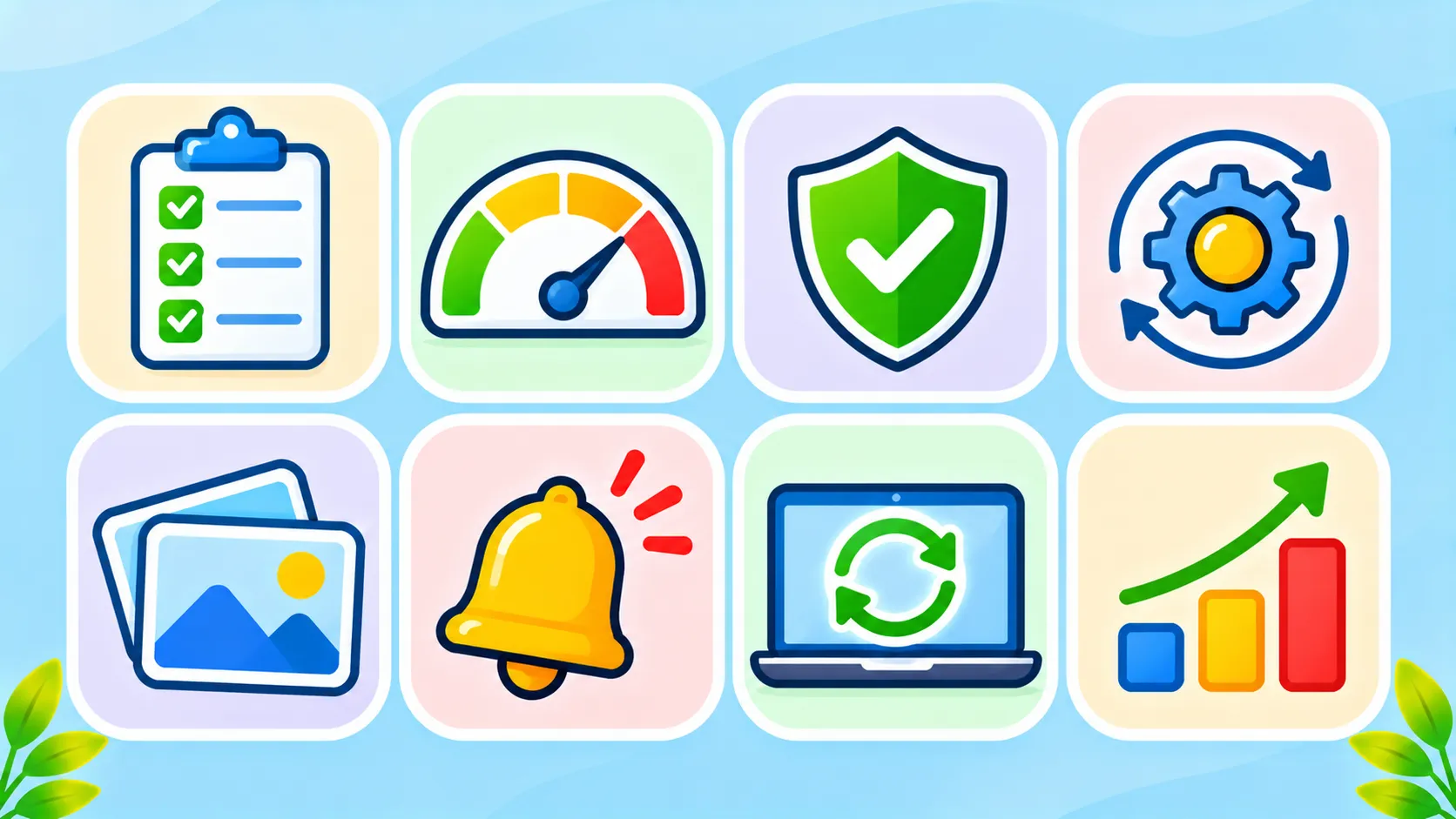
What uses the most allowance
| Uses more | Uses less |
|---|---|
| Advanced reasoning models | Instant or lighter models |
| Very long chats with lots of history | Fresh chats for new topics |
| Large pasted documents and files | Short, relevant excerpts |
| Agent tasks and Codex coding sessions | Simple questions and rewrites |
| Long, detailed answers | Concise answers |
For details on the December change, read ChatGPT and Codex shared usage limits.
When answers feel generic
Sometimes the real issue is the prompt, not the limit. Vague prompts lead to bland answers and more follow-ups, which use more allowance. Read why ChatGPT gives generic answers for fixes.
Other options if you keep hitting the limit
- Split work across assistants. Use a second free AI tool for simple tasks. Compare options in ChatGPT vs Gemini vs Claude.
- Plan heavy tasks right after your limit resets.
- Consider a higher plan only if you consistently hit limits for important work.
OpenAI’s help centre lists current limits for each plan.
The bottom line
Most people hit ChatGPT limits because of habits, not heavy work. Use lighter modes for quick tasks, write clear prompts, keep chats focused and trim what you paste. Your allowance will last noticeably longer.
Frequently asked questions
Why do I hit my ChatGPT limit so fast?
Long chats, big pasted documents and advanced models use more of your allowance. Lighter modes and focused chats help.
Does starting a new chat save usage?
Often, yes. Long chats carry more history, which can use more tokens with each reply.
Do Instant chats count towards the shared limit?
OpenAI says Instant chats do not draw from the shared allowance coming in December.
When does my ChatGPT limit reset?
It depends on your plan. Check the usage information in Settings for your reset times.