

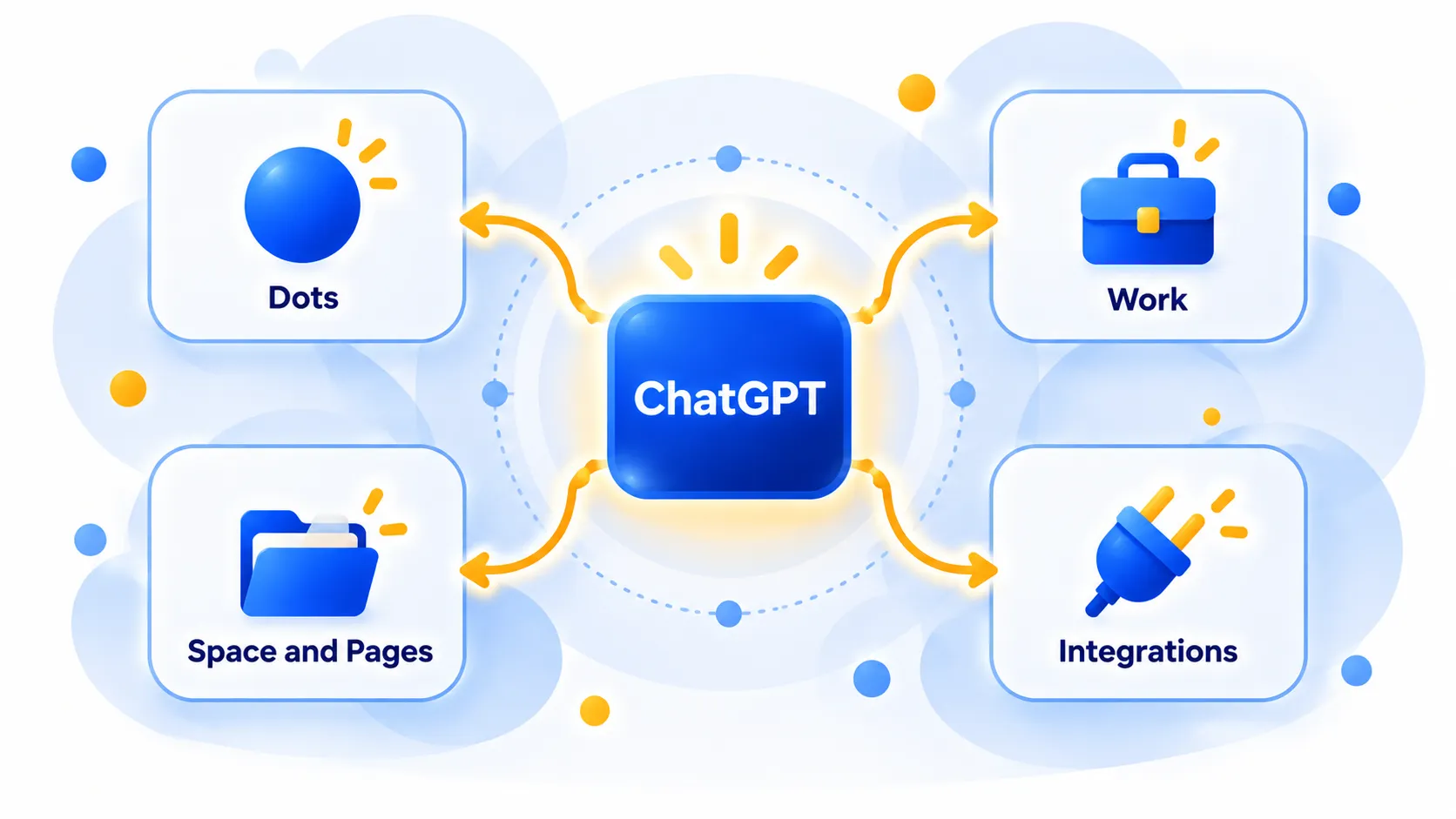
OpenAI’s DevDay is a developer conference, but the 2026 edition on September 29 included plenty for people who simply use ChatGPT. The headline items were Dots (always-on AI agents), a refreshed ChatGPT Work experience with shared workspaces and documents, and a wave of new integrations that connect ChatGPT to other apps.
This guide skips the developer jargon and explains what these announcements mean for everyday users, which plans get them, and which parts are still “coming soon”. Where reports disagree, we say so.
Quick Summary
| Announcement | What it is | Who gets it (as reported) |
|---|---|---|
| Dots | Always-on agents with their own cloud computer and browser | Pro and Business Premium in eligible markets; admin-enabled beta for Enterprise, Edu and Healthcare |
| ChatGPT Work | Part of ChatGPT for longer, multi-step work tasks | Varies by plan |
| ChatGPT Space and Pages | Shared workspace and collaborative documents | Pro, Business and Enterprise on desktop and web |
| Plugins and integrations | Apps that run or connect inside ChatGPT | Broad, with business features on workplace plans |
| Sign in with ChatGPT | Use your ChatGPT plan allowance in partner apps | Plus and Pro |
| GPT-6.1 Sol | New, cheaper model for Work and Codex | Plus, Pro, Business, Enterprise and Edu in Work |
Note: Features and policies may vary by plan, region and app version, and can change at any time. Check the official help center for the latest information.
Dots: ChatGPT’s Always-On Agents
What a Dot is
A Dot is an AI agent that keeps working on your goals even when you are not chatting. According to reports of the announcement, each Dot runs on the GPT-6 Astra model and gets its own cloud computer and browser. You give it a goal, connect your apps and decide what it may do on its own. It then returns results for you to review and, OpenAI says, learns from your feedback over time.
Where you talk to it
You can message or call a Dot in the ChatGPT desktop, web and mobile apps, and message it in Slack and Microsoft Teams. Text-message access was described as “coming soon”. A Dot is meant to keep context across channels, so a project started in ChatGPT can continue in a Slack thread.
Examples OpenAI gave
- A tester’s Dot found an unsent invoice, prepared it and sent it after approval.
- A Dot monitoring customer feedback built and tested fixes and returned code changes with videos.
Safety controls
This is the part to read carefully before you switch one on. Reports say you can set Custom Rules to decide what a Dot can do alone, what needs your approval and what it must never do. Password changes stay manual. You can open a Dot’s cloud computer to see its work, and linking your personal computer is optional and off by default. When idle, a Dot does “proactive research” using read-only tools that cannot send messages or change anything. OpenAI also describes an “auto-review” check on actions that could affect accounts or share information, and says Dots can still make mistakes. Details of how Custom Rules will roll out were not fully specified.
Note: These details come from the company’s own announcements and have not been independently verified by Next DigiTech.
Who gets Dots, and a UK and EU warning
Reports differ in how they describe the plans. One says Dots are rolling out to Pro 200 and Business Premium and are not on the $100 Pro tier. Another says Pro and Business Premium in “eligible markets”, and that Pro excludes the European Economic Area, Switzerland and the UK, while Business Premium gets Dots in all supported ChatGPT regions. Enterprise, Edu and Healthcare workspaces can try an admin-enabled beta that is off by default.
If you are in the UK or Europe on an individual Pro plan, you should therefore not assume you will get Dots yet. Check the official help center for your region.
What it costs
A user’s first Dot is reportedly included with Pro or Business Premium, with extended usage limits in the first month. Chatting with a Dot does not count toward ChatGPT usage limits, but tasks a Dot runs through Codex or ChatGPT Work do. OpenAI also introduced a $500 Pro plan with 25 times the usage of Plus, and the same event changed the $200 Pro plan to 10 times Plus usage, down from 20 times for new subscribers. Existing $200 subscribers keep 20 times for a period OpenAI has not specified. Reports do not say whether the $500 plan is tied to Dots.
Note: Prices are based on official announcements at the time of writing and may vary by country, retailer, taxes and promotions. Always check the latest pricing on the official website before buying.
ChatGPT Work: What It Is
ChatGPT Work was not new at DevDay. OpenAI introduced it in July 2026 as a way to get longer, multi-step jobs done: pulling context from apps and files and producing documents, spreadsheets, presentations and reports, and running scheduled tasks that continue while you are away. At the time, reports said it was available on Pro, Enterprise and Edu plans first, with Plus and Business to follow “in the coming days”. DevDay added more around it.
New at DevDay
- ChatGPT Space: a shared workspace, a bit like a cloud drive, for files that you, your Dots and your team organise and edit. It is on Pro, Business and Enterprise on desktop and web. Mobile is limited to finding, reading and sharing for now.
- Pages: a new collaborative document type on the same plans, for people and Dots to write together.
- Collaborative slides: multi-editor support and PowerPoint or Google Slides export were promised “in the coming weeks” and are not confirmed. For what ChatGPT can already do with slides, see our guide to ChatGPT Slides.
- Teams (Business and Enterprise): create teams, schedule recurring tasks or trigger them on events like a new email or Slack message. @ChatGPT can work in Slack and Microsoft Teams without a separate licence for each teammate.
- Meetings plugin: a beta in the macOS desktop app for Pro and Business that takes meeting notes and, per the report, deletes the audio after the notes are ready. Enterprise access is not confirmed.
- Shareable profiles: available on Free, Go, Plus, Pro, Business and Enterprise, with skill sharing limited to the workspace.
Note: Release dates and rollout timing can change. Please confirm the latest details on the official website or help center.
The New ChatGPT Integrations Explained
Plugins that live inside ChatGPT
OpenAI is expanding “plugin extensions”, which let developers build apps that run inside ChatGPT with sidebar homes, interactive panels and file viewers. A Plugin Creator tool and a redesigned submission process were also announced. OpenAI says Dots can reach more than 4,000 apps through its plugins. One hands-on review said a directory and in-conversation plugin recommendations are still coming.
Sign in with ChatGPT
Plus and Pro users can reportedly use their ChatGPT plan allowance across partner tools such as Notion, Vercel and Devin, instead of signing up separately. Coverage disagrees on the count of partners: one says 16 and another says about 15, so treat the number as approximate. Usage counts toward your ChatGPT plan limits, and one reviewer said you can control access per app. Plan-based identity sign-in is described as available globally.
Plugins for business
For workplaces, plugins can be hosted inside Sites for Business, Enterprise, Healthcare and Edu plans, and OpenAI said it supports a proposed “MCP Events” specification so plugins can trigger automations. That specification is still a proposal and has not been finalised. There is also an OpenAI Marketplace, where eligible enterprise customers can apply part of their OpenAI spending commitment to approved partner software; the first 32 partners reportedly include Adobe, Salesforce and CrowdStrike.
A safety note on connecting apps
Every app you connect is another place an agent can read from. Before you link work email or files, read what permissions are requested, and see our guide on sharing personal info with AI chatbots.
The Model Behind It: GPT-6.1 Sol
DevDay also introduced GPT-6.1 Sol, a cheaper upgrade to GPT-6 Sol that OpenAI says approaches Astra-level performance for about a fifth of the token price. It is available in ChatGPT Work for Plus, Pro, Business, Enterprise and Edu users and in Codex, but not yet in the main ChatGPT chat. For details, see our GPT-6.1 Sol explainer, or our guide to GPT-6.
How to Get Started Safely
- Check your plan and region. Open ChatGPT settings and the official help center to see whether Dots and Work features are available to you.
- Start small. Give a Dot or Work task one low-risk job, such as summarising a document, before connecting email.
- Set rules first. Use Custom Rules or approval settings so risky actions need your sign-off.
- Review the output. Check the work and, where possible, the Dot’s cloud computer to see what it did.
- Remove access you no longer need. Disconnect apps and plugins you stop using.
What Is Still Unconfirmed
- Text-message access to Dots (“coming soon”).
- Collaborative slides, the Meetings plugin for Enterprise and the Decisions API broad release (all “in the coming days or weeks”).
- How long existing $200 subscribers keep their higher usage.
- Exact Dot plan availability, given the differing reports above.
- OpenAI’s own figures, such as “1.2 billion weekly users” and benchmark results, which are company claims.
Frequently Asked Questions
What are ChatGPT Dots?
They are always-on AI agents that each have their own cloud computer and browser and work towards goals you give them, even when you are away.
Can I use Dots on a free or Plus plan?
Not according to the reports we read, which list Pro and Business Premium, plus an admin-enabled beta for Enterprise, Edu and Healthcare.
Are Dots available in the UK?
One report says Pro Dots exclude the UK, the EEA and Switzerland, while Business Premium covers all supported regions. Check the help center for the latest position.
What is the difference between ChatGPT and ChatGPT Work?
ChatGPT is the everyday chat experience. Work is aimed at longer, multi-step tasks such as producing documents and running scheduled jobs, and it is where GPT-6.1 Sol is available first.
What does Sign in with ChatGPT do?
It lets Plus and Pro users use their ChatGPT plan allowance in some partner apps instead of creating separate paid accounts there.
The Bottom Line
For everyday users, DevDay 2026 is about ChatGPT becoming more of a workplace assistant: always-on Dots, shared Spaces and Pages, and more apps to connect. Much of it is limited to Pro, Business or Enterprise plans, some regions are excluded, and several features are still marked “coming soon”. Try new features with low-risk tasks first, and keep control of what your agents can touch.
Related Guides
- ChatGPT Slides: How to Make a Presentation With ChatGPT (and Who Can Use It)
- ChatGPT’s Chrome Extension Can Now Control Your Tabs: How to Use It (and Stay Safe)
- What Is GPT-6? ChatGPT’s New Model Explained (Sol vs Luna, and What Free Users Get)
- AI Tools for Small Business Owners: 10 Ways to Save Time
Explore more in our AI Productivity Tools hub.
Disclaimer: This article is for general information only and is based on details available at the time of writing. Prices, plans, features, release dates, policies and availability can change at any time and may vary by country. Please verify the latest information on the official website of the company or product mentioned before making any decision or purchase. Next DigiTech is an independent website and is not affiliated with or endorsed by the companies mentioned; all trademarks belong to their respective owners. We are not responsible for any loss or decisions made based on this content.

