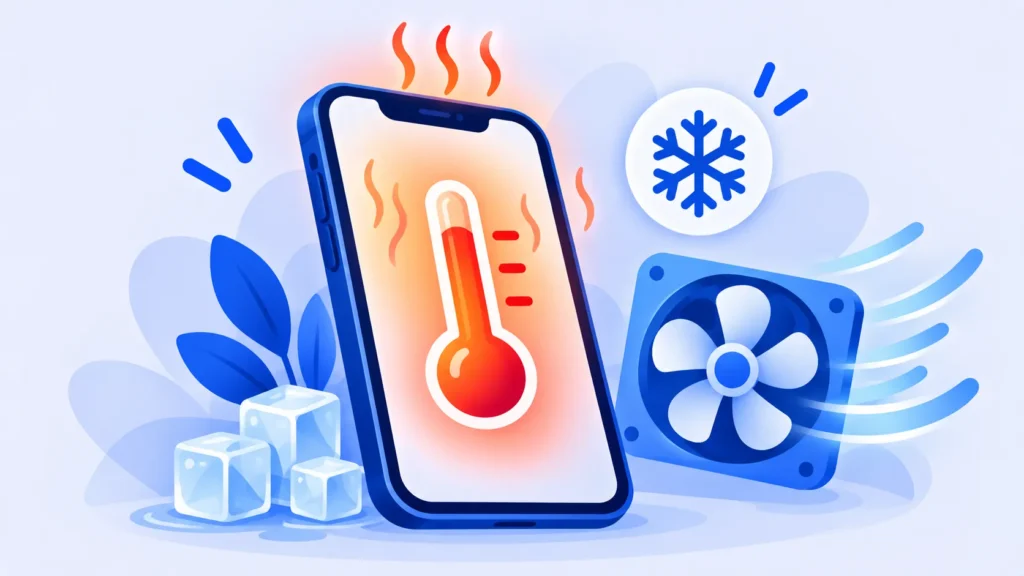
A phone that feels warm while gaming or charging is normal. A phone that gets hot sitting on the table, or shows a temperature warning, is not. Heat drains your battery faster and can shorten its life over time.
Here’s why phones overheat and 10 simple ways to cool yours down, for both iPhone and Android.
Why Is My Phone Getting Hot?
- Heavy use: Gaming, video calls, navigation and recording 4K video make the processor work hard.
- Charging: Especially fast charging, or using the phone while it charges.
- Hot environment: Direct sunlight, a hot car or a summer day outdoors.
- Background activity: A buggy app, a big backup or an update running in the background.
- Weak signal: Your phone works harder to stay connected when signal is poor.
- Aging battery: Older batteries can run warmer.
10 Fixes for an Overheating Phone
1. Stop and let it rest
Close heavy apps, stop charging and let the phone sit for a few minutes in a cool, shaded place.
2. Take off the case
Thick cases trap heat. Remove it while charging or gaming.
3. Never cool it in the fridge or freezer
Sudden cold can cause condensation inside the phone. Let it cool naturally, or place it in front of a fan.
4. Keep it out of the sun and hot cars
A car dashboard can get extremely hot in summer. Store your phone in a bag or glovebox, out of direct sunlight.
5. Don’t use it heavily while charging
Gaming or streaming while charging creates heat from two sources at once. If you must, use a standard charger instead of fast charging.
6. Use a good-quality charger and cable
Cheap, uncertified chargers can overheat. Use the original charger or a certified one from a trusted brand.

7. Update your apps and software
Updates often fix bugs that keep the processor busy. Update your phone’s software and apps from the App Store or Google Play.
8. Find the app that’s causing it
Go to Settings > Battery on iPhone or Android. If one app is using an unusual amount of battery, it’s probably also making the phone hot. Update it, restrict its background activity or delete it.
9. Lower brightness and turn off features you’re not using
A bright screen, Bluetooth, location services and hotspot all add heat. Our list of phone settings that save battery helps here too.
10. Restart your phone
A restart stops stuck processes running in the background. It’s one of the simplest and most effective fixes.
After an Update: Why It Runs Warm
After a major software update, phones often re-index photos, files and apps in the background for a day or two. This can make the phone warm and drain the battery faster. It usually settles down on its own within a few days.
When to Get Help
Contact Apple, your phone maker or a repair shop if:
- Your phone gets very hot even when you’re not using it.
- The battery looks swollen, or the screen is lifting from the frame.
- You see a burning smell or the phone shuts down from heat often.
A swollen battery is a safety risk. Stop using and charging the phone and get it checked.
Frequently Asked Questions
Is it normal for my phone to get warm while charging?
Yes, slightly warm is normal, especially with fast charging. Too hot to hold comfortably is not.
Can overheating damage my phone?
Regular overheating can wear out the battery faster. Modern phones protect themselves by dimming the screen, slowing down or pausing charging when they get too hot.
Can a hot phone mean it’s hacked?
Rarely. Heat is almost always caused by apps, charging or the environment. If you see several other warning signs, read is my phone hacked?
The Bottom Line
Let your phone rest, take off the case, keep it out of the sun and don’t game while fast charging. If it still gets hot often, check which app is draining the battery, update everything, and get the battery checked if the problem continues.
Related Guides
- How to Clear Cache on iPhone, Android, Chrome and Safari
- iPhone Storage Full After iOS 27? 10 Easy Fixes That Actually Work
- How to Back Up Your iPhone (iCloud and Computer Methods)
- How to Transfer Everything to a New Phone (iPhone and Android)
Explore more in our Tech Tips for Beginners hub.
Disclaimer: This article is for general information only and is based on details available at the time of writing. Prices, plans, features, release dates, policies and availability can change at any time and may vary by country. Please verify the latest information on the official website of the company or product mentioned before making any decision or purchase. Next DigiTech is an independent website and is not affiliated with or endorsed by the companies mentioned; all trademarks belong to their respective owners. We are not responsible for any loss or decisions made based on this content.