
Look at the Wi-Fi list on your phone and you may see your network twice, or with “5G” at the end. That is because most modern routers broadcast on more than one Wi-Fi band. Each band has strengths and weaknesses. Picking the right one can fix slow video calls, buffering and dead spots without buying anything new.
Quick answer: Use 5 GHz or 6 GHz when you are close to the router and want speed, for example for streaming, gaming and video calls. Use 2.4 GHz for far rooms, outdoors and smart home gadgets, because it travels further through walls. 6 GHz needs a Wi-Fi 6E or Wi-Fi 7 router and device.
Note: 6 GHz requires a compatible router and device, and availability depends on your country.
The three Wi-Fi bands compared
| 2.4 GHz | 5 GHz | 6 GHz | |
|---|---|---|---|
| Range | Longest | Medium | Shortest |
| Through walls | Best | Good | Weakest |
| Speed | Slowest | Fast | Fastest at close range |
| Congestion | Most crowded | Less crowded | Least crowded |
| Device support | Almost everything | Most modern devices | Wi-Fi 6E and Wi-Fi 7 devices |
Which band to use, room by room
- Same room as the router: 6 GHz if supported, otherwise 5 GHz.
- Next room or one floor away: 5 GHz usually works well.
- Far rooms, garden or garage: 2.4 GHz for a more stable connection.
- Smart plugs, bulbs and cameras: often support 2.4 GHz only.
One network name or separate names?
Many routers combine all bands under one network name and choose the best band for each device automatically (often called band steering). That is convenient for most people. If a device keeps picking the wrong band, you can give each band its own name in the router settings, then connect manually.
Tips for faster, more reliable Wi-Fi
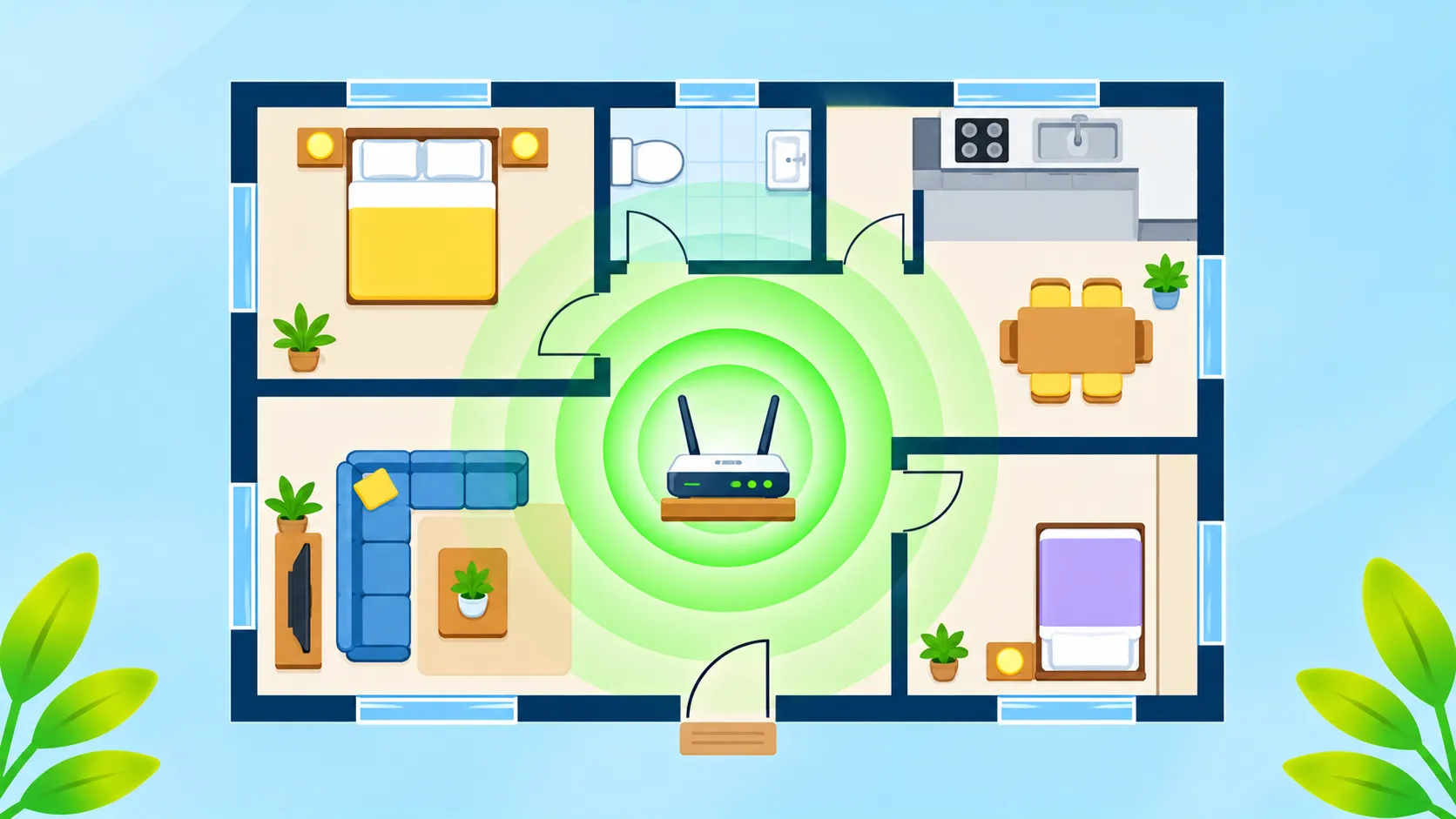
- Move the router to a central, open spot, off the floor and away from metal and microwaves.
- Use a mesh system for large homes or multiple floors.
- Update your router firmware. Our router security checklist covers this.
- Use a wired connection for gaming consoles and TVs where possible.
- Restart the router if speeds suddenly drop.
What about Wi-Fi 6E and Wi-Fi 7?
Wi-Fi 6E added the 6 GHz band, and Wi-Fi 7 builds on it with faster speeds and the ability to use several bands at once. You need both a compatible router and compatible devices to benefit. The Wi-Fi Alliance explains each generation.
Having connection trouble? See Wi-Fi connected but no internet, and if you are sharing with visitors, find your saved Wi-Fi password.
The bottom line
Use 5 GHz or 6 GHz for speed near the router, and 2.4 GHz for range and smart home gadgets. Position your router well and keep it updated, and most Wi-Fi problems disappear.
Frequently asked questions
Is 5 GHz better than 2.4 GHz?
It is faster and less crowded, but has shorter range. 2.4 GHz is better for far rooms and smart devices.
Why can my smart plug not see my 5 GHz Wi-Fi?
Many smart home devices only support 2.4 GHz. Connect them to the 2.4 GHz band.
Do I need a new router for 6 GHz?
Yes. You need a Wi-Fi 6E or Wi-Fi 7 router, and your device must support 6 GHz too.
Should I split my Wi-Fi bands into separate names?
Only if devices keep choosing the wrong band. Otherwise, a single name with band steering is easier.

