AI app builders let you describe an app in plain English and get a working first version in minutes. You do not need to know how to code. If you used Firebase Studio, you are probably looking for a new home, because Google is shutting it down on March 22, 2027. This guide walks you through the best free options for beginners and how to choose one.
Quick answer: Start with Google AI Studio if you want the closest replacement for Firebase Studio. Try Bolt.new or Replit if you want to build a small web app from a prompt. All three have free plans with usage limits, so test one small project before you commit.
Why Firebase Studio users need a new tool
Google announced in March 2026 that Firebase Studio is closing. New sign-ups stopped on June 22, 2026, and existing workspaces stay open until March 22, 2027. After that date, any data left in Firebase Studio is permanently deleted. Google’s official migration page explains how to move projects out. Only Firebase Studio is closing; the wider Firebase platform is not affected.
Google points users to Google AI Studio for quick, browser-based prototypes and to Antigravity for more code-focused work. For the full background, read our article on Firebase Studio shutting down.
What to look for in a beginner app builder
- Plain-English prompts: you describe the app and it builds a first version.
- Live preview: you can see and click the result right away.
- Export or hosting: you can keep your project if you switch tools later.
- A free plan you understand: free tiers usually cap messages, builds or storage, so read the limits first.
- Simple sharing: a link you can send to friends or customers to test the app.
Best free AI app builders to try
Google AI Studio
Google’s own suggestion for Firebase Studio users. You type what you want, and AI Studio builds a small app you can preview in the browser. It is a natural first stop if you already have a Google account, and it works well for quick prototypes and AI-powered mini tools.
Bolt.new
A browser tool that turns prompts into full web apps with a live preview. It is fast and beginner friendly, though free usage runs out quickly on bigger projects. See our Bolt.new review for pricing and tips.
Replit
Replit combines an AI agent with an in-browser editor and hosting. It is a good choice if you want to grow from no-code to light coding over time. Our Replit review covers the free plan and paid costs.
Google Opal
Opal builds small AI mini-apps without code, such as a recipe generator or a study helper. Google has announced changes to Opal, so check its status before you start a new project. Our Opal guide explains what it does.
Quick comparison
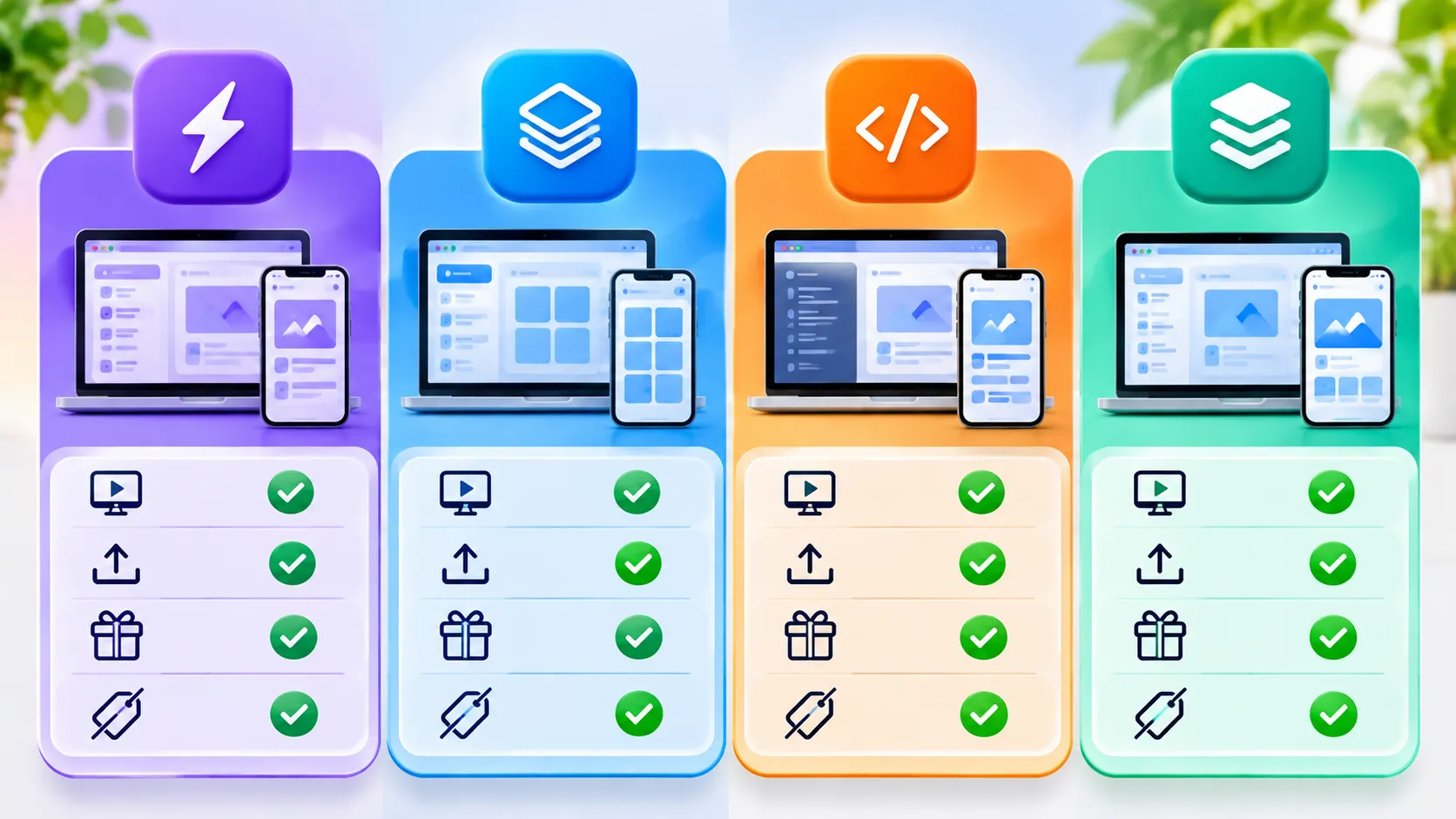
| Tool | Best for | Live preview | Free plan |
|---|---|---|---|
| Google AI Studio | Firebase Studio users, AI prototypes | Yes | Yes, with usage limits |
| Bolt.new | Quick web apps from a prompt | Yes | Yes, limited daily usage |
| Replit | Growing from no-code to code | Yes | Yes, with limits on AI and hosting |
| Google Opal | Small AI mini-apps | Yes | Check current status |
How to choose the right one
- Pick one small project, such as a to-do list, a booking form or a simple quiz.
- Use the same prompt in two tools and compare what you get.
- Check the free plan limits and whether you can export your work.
- Test on your phone to see how the app looks on a small screen.
- Keep private data out of test apps. Do not enter real customer details while you are experimenting.
Tips for better results
- Describe the user, not just the app. “A booking form for a small salon with three services” works better than “make a booking app.”
- Build in small steps. Ask for one feature at a time and test it before adding more.
- Save versions so you can go back if a change breaks something.
- Learn the basics of prompting. Our guide to vibe coding explains how this style of building works.
Note: Free plans, limits and features change often. Check each tool’s official pricing page before you commit.
The bottom line
Firebase Studio is closing, but beginners have good free alternatives. Google AI Studio is the easiest switch, while Bolt.new and Replit are great for small web apps. Try one small project in two tools, compare the results and pick the one that feels simplest to you.
Frequently asked questions
When does Firebase Studio shut down?
Google is shutting down Firebase Studio on March 22, 2027. Data left in it after that date is permanently deleted.
Can I build an app for free without coding?
Yes. Tools like Google AI Studio, Bolt.new and Replit have free plans. They limit how much you can build each day or month, but they are enough for small projects.
Which AI app builder is best for complete beginners?
Google AI Studio and Bolt.new are the easiest to start with because you only need to type what you want and you see a live preview right away.
Is the rest of Firebase shutting down too?
No. Only the Firebase Studio development environment is closing. The wider Firebase platform continues.