

Fotor started as a simple online photo editor. Today it bundles an AI image generator, AI photo tools like background removal and retouching, and design templates in one app.
Here’s how the Fotor AI image generator works, what you get for free, and what the paid plans cost.
Quick Verdict
- Best for: Beginners who want AI images plus easy photo editing in one place.
- Skip it if: You need top-tier artistic images. Midjourney or Ideogram do that better.
- Free plan: Yes, with limited credits and fewer features.
What Is Fotor?
Fotor is a browser and mobile app for editing photos and creating designs. Its AI image generator turns text prompts into images in several styles, and it can also transform an uploaded photo into a new image.
Key Features
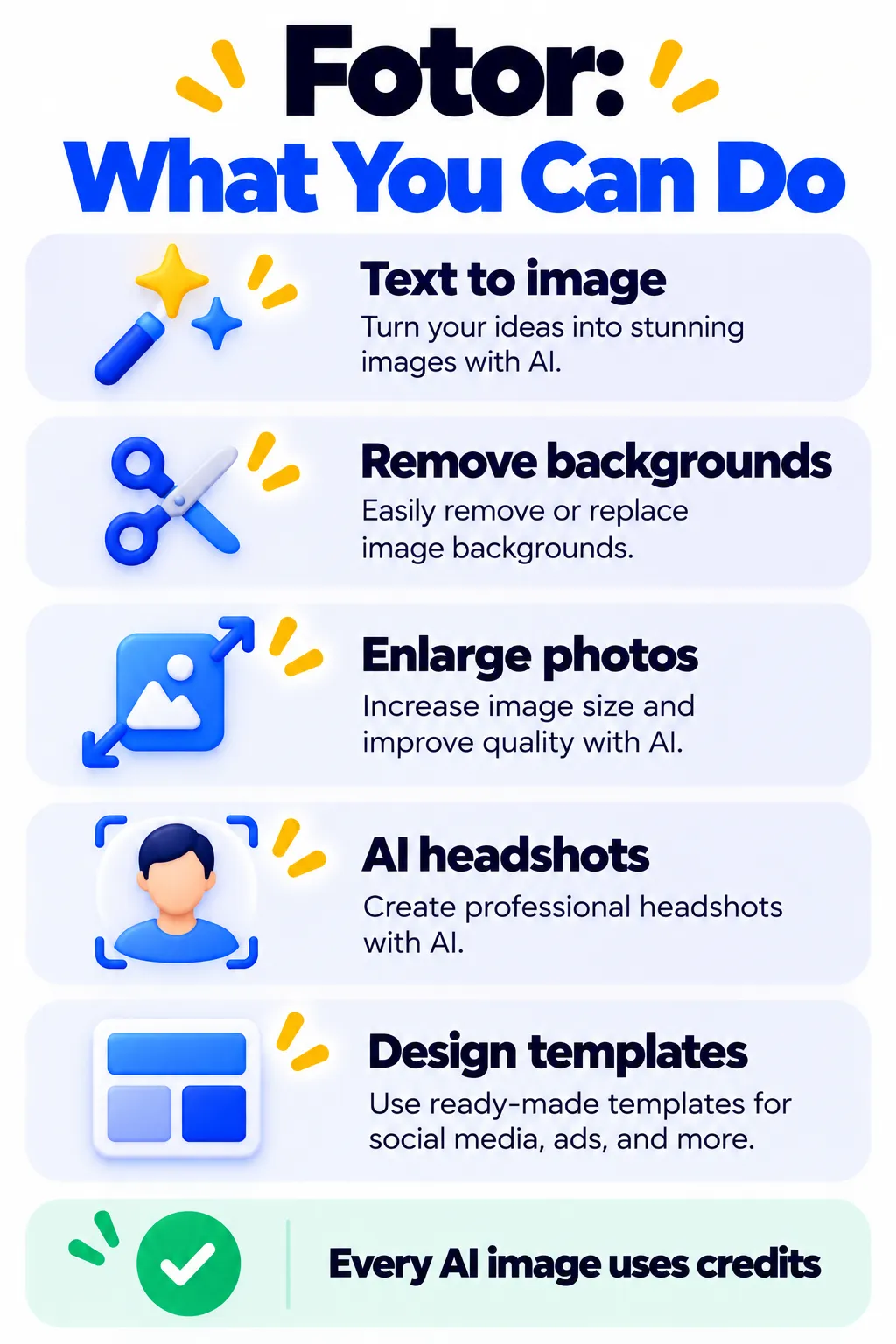
- Text-to-image and image-to-image generation in many styles.
- AI photo tools: background remover, object remover, enlarger and retouching.
- AI headshots from your selfies.
- Templates for social posts, posters and thumbnails.
- Daily check-in credits for free users.
Fotor Pricing (2026)
| Plan | Price (billed yearly) | AI credits |
|---|---|---|
| Free | $0 | Small daily credits |
| Pro | About $3.99/month | 100 per month |
| Pro+ | About $5.83/month | 300 per month |
| Max | About $13.99/month | 1,000 per month |
Monthly billing costs more, and credits don’t roll over. A 7-day free trial of Pro is usually available. Check Fotor’s pricing page for the latest numbers.
Pros and Cons
Pros
- Very low price on yearly plans.
- AI images and photo editing in one tool.
- Beginner-friendly interface.
Cons
- Credits run out fast, and unused credits expire monthly.
- Complex prompts aren’t always followed accurately.
- Many useful features are locked behind paid plans.
Tips for Better Results
- Describe the subject, setting, style and lighting in one clear sentence.
- Generate a few versions before spending credits on upscaling.
- Check commercial use terms before using images for business.
Fotor Alternatives
- Best free AI image generators: Our full comparison.
- Canva Magic Studio: Better for full designs.
- Adobe Firefly: Built for safer commercial use.
- Leonardo AI: Generous daily free credits.
Frequently Asked Questions
Is the Fotor AI image generator free?
Yes, you can try it for free with limited daily credits. Paid plans add more credits and features.
Do Fotor credits roll over?
No. Monthly credits expire if you don’t use them.
Can I use Fotor images commercially?
It depends on your plan and Fotor’s current terms, so check the license before using images in ads or products.
The Bottom Line
Fotor is a cheap, easy all-rounder for AI images and quick photo edits. It’s not the best pure image generator, but it’s great value if you want both in one app. See more tools in our AI tools directory.
Related Guides
- Remove.bg Review 2026: Free Background Remover, Limits and Pricing
- Let’s Enhance Review 2026: AI Image Upscaler, Free Credits and Pricing
- PhotoRoom Review 2026: AI Product Photos and Background Removal, Pricing
- What Is Ideogram? The AI Image Generator That Gets Text Right (2026)
Explore more in our AI Image and Design Tools hub.
Disclaimer: This article is for general information only and is based on details available at the time of writing. Prices, plans, features, release dates, policies and availability can change at any time and may vary by country. Please verify the latest information on the official website of the company or product mentioned before making any decision or purchase. Next DigiTech is an independent website and is not affiliated with or endorsed by the companies mentioned; all trademarks belong to their respective owners. We are not responsible for any loss or decisions made based on this content.

