
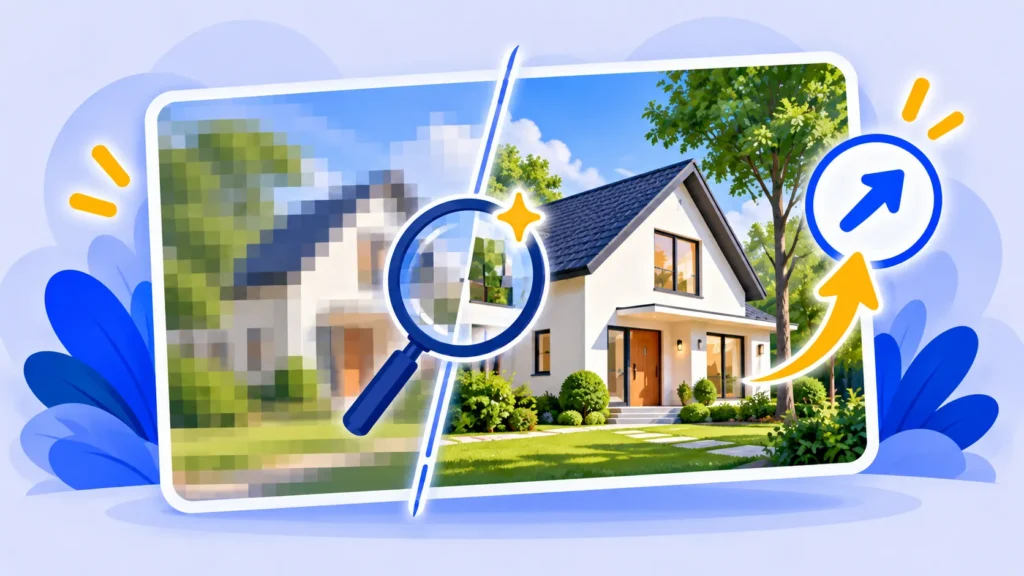
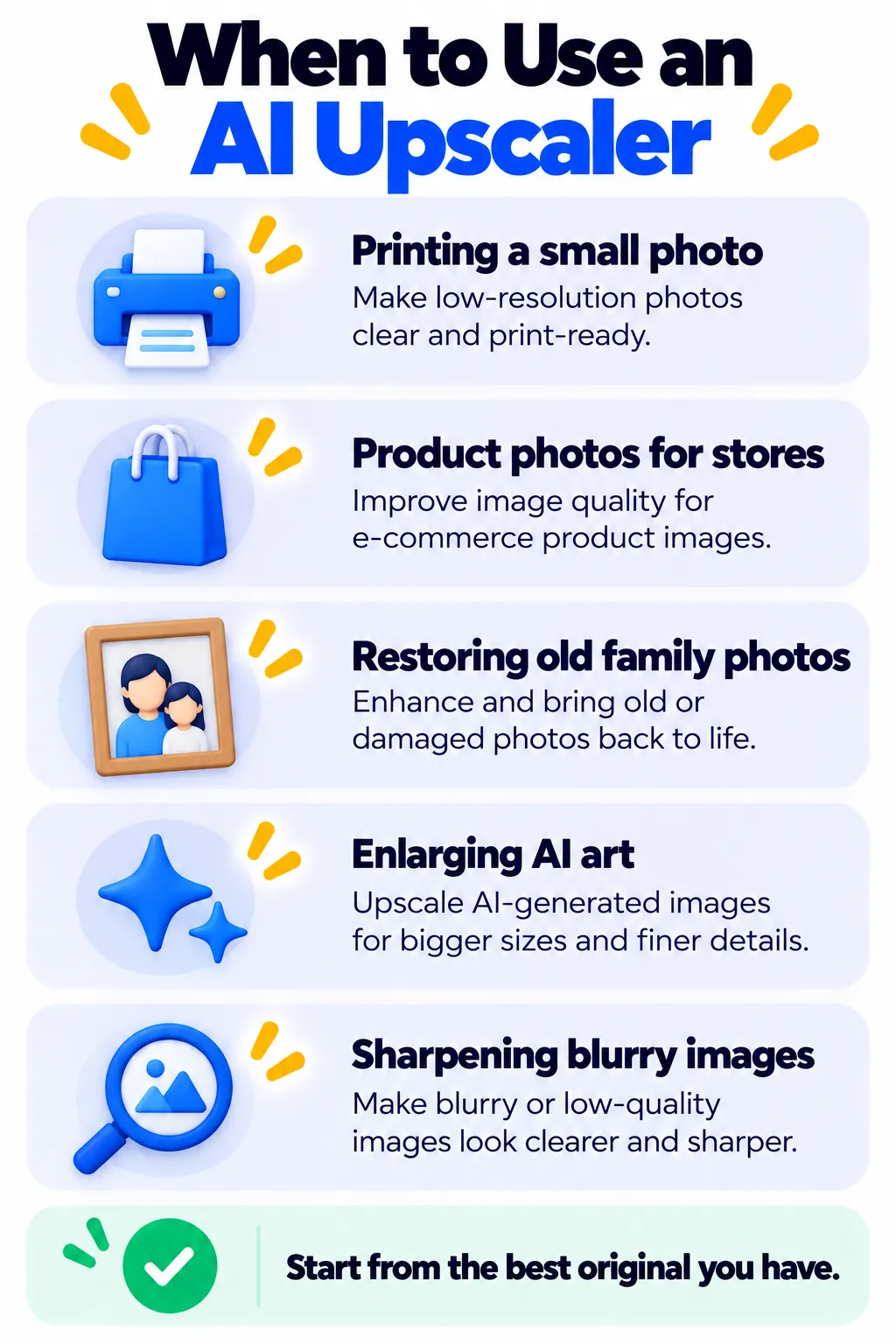
Got a blurry, small or old photo you need to use bigger? Let’s Enhance is an AI image upscaler that increases resolution and sharpens details, which is handy for print, product listings and restoring old photos.
Here’s how it works, what you get free, and what the paid plans cost.
Quick Verdict
- Best for: Online sellers, marketers and anyone preparing images for print.
- Skip it if: You only upscale a photo now and then. A free tool like Upscayl may be enough.
- Free: Yes, 10 credits when you sign up, with watermarked results.
Key Features
- AI upscaling up to 16x the original size.
- Specialized models for photos, old photos, digital art and more.
- Color and light correction to fix dull images.
- Batch processing for many images at once.
- API for stores and apps that need automation.
Let’s Enhance Pricing (2026)
| Plan | Price (billed yearly) | Credits per month |
|---|---|---|
| Free | $0 | 10 one-time credits |
| Starter | About $9/month | 100 |
| Pro | About $24/month | 300 |
| Max | About $34/month | 500 |
Monthly billing costs more. On paid plans, unused credits roll over up to a limit. Check the official pricing page for current details.
Pros and Cons
Pros
- Sharp, natural-looking results on most photos.
- Different models for different image types.
- Credits roll over on paid plans.
Cons
- Free credits are limited and watermarked.
- Subscriptions feel pricey for occasional use.
- Upscaling can’t fully rescue very damaged images.
Tips for Better Upscaling
- Start from the largest, least compressed original you have.
- Choose the model that matches your image type.
- Upscale only as much as you need for the final size.
- Compare before and after at 100% zoom before using the result.
Let’s Enhance Alternatives
- Upscayl: Free, open-source desktop upscaler.
- Fotor: Includes an AI photo enlarger.
- Adobe Firefly: AI editing tools for Adobe users.
- Photoroom: Better if you mainly need clean product backgrounds.
Frequently Asked Questions
Is Let’s Enhance free?
You get 10 free credits when you sign up, but free results are watermarked.
Can AI upscaling fix any blurry photo?
It can improve most photos a lot, but very blurry or tiny images may still look artificial.
How big can Let’s Enhance make an image?
It can upscale up to 16x, with maximum output size depending on your plan.
The Bottom Line
Let’s Enhance is one of the best online upscalers for print and product images. Use the free credits to test your own photos, then pick a plan only if you need upscaling regularly. More options are in our AI image tools guide.
Related Guides
- Remove.bg Review 2026: Free Background Remover, Limits and Pricing
- Deep Dream Generator Review 2026: AI Art Styles, Free Plan and Pricing
- How to Transfer Photos From iPhone to PC (3 Easy Ways)
- How to Tell If an Image Is AI-Generated: 6 Simple Checks (2026)
Explore more in our AI Image and Design Tools hub.
Disclaimer: This article is for general information only and is based on details available at the time of writing. Prices, plans, features, release dates, policies and availability can change at any time and may vary by country. Please verify the latest information on the official website of the company or product mentioned before making any decision or purchase. Next DigiTech is an independent website and is not affiliated with or endorsed by the companies mentioned; all trademarks belong to their respective owners. We are not responsible for any loss or decisions made based on this content.

