
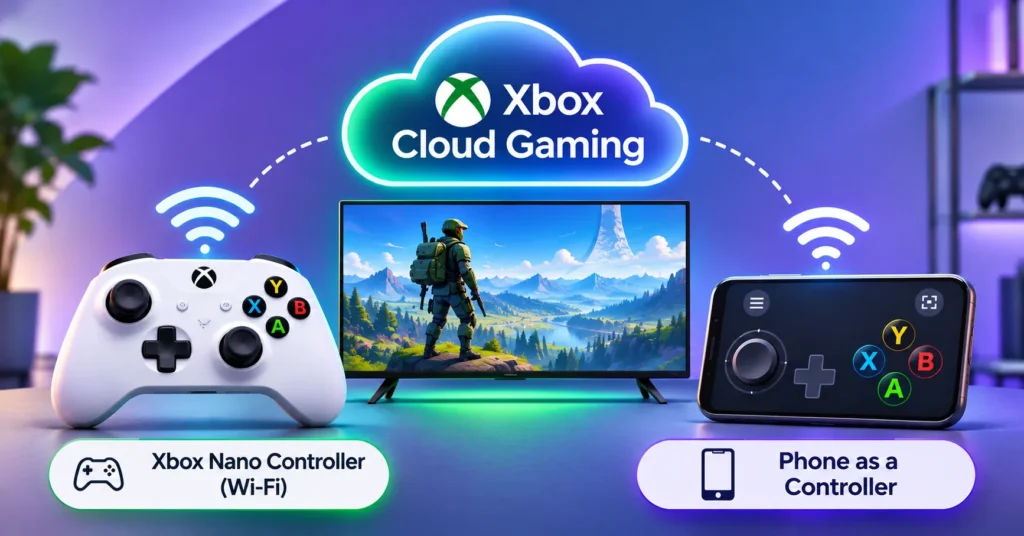
Playing Xbox games on a smart TV without a console is getting easier. Microsoft is testing two new ways to control Xbox Cloud Gaming: a small controller that connects straight to Wi-Fi, and an option to use your phone as the controller. Both are in preview, so expect some rough edges.
Quick answer: The $50 Xbox Nano Controller has a “Cloud connect” feature that links it directly to Xbox Cloud Gaming over Wi-Fi, for now in the US and on smart TVs and the web. Separately, a phone-as-controller preview lets you play on supported smart TVs using a browser-based layout on your phone, with no app to install.
Option 1: Xbox Nano Controller with direct Wi-Fi
The Xbox Nano Controller is a compact controller designed for smaller hands and for carrying around. As 9to5Google notes, its Cloud connect feature works like the old Google Stadia Controller: instead of talking to the TV over Bluetooth, it connects straight to Microsoft’s cloud servers over Wi-Fi. That can cut down input lag.
How to set it up
- Pair the controller using the Xbox beta app on Android or the Xbox Accessories app on PC. On PC, you need to be in the Xbox Insider program.
- Follow the prompts to connect the controller to your Wi-Fi network.
- Open Xbox Cloud Gaming on your smart TV or in a web browser with the same account.
- The controller connects automatically.
According to Engadget, the Wi-Fi feature is US-only for now and works only on smart TVs and the web. Microsoft’s own pop-up warns that the experience is “still under development.”
Option 2: Use your phone as a controller
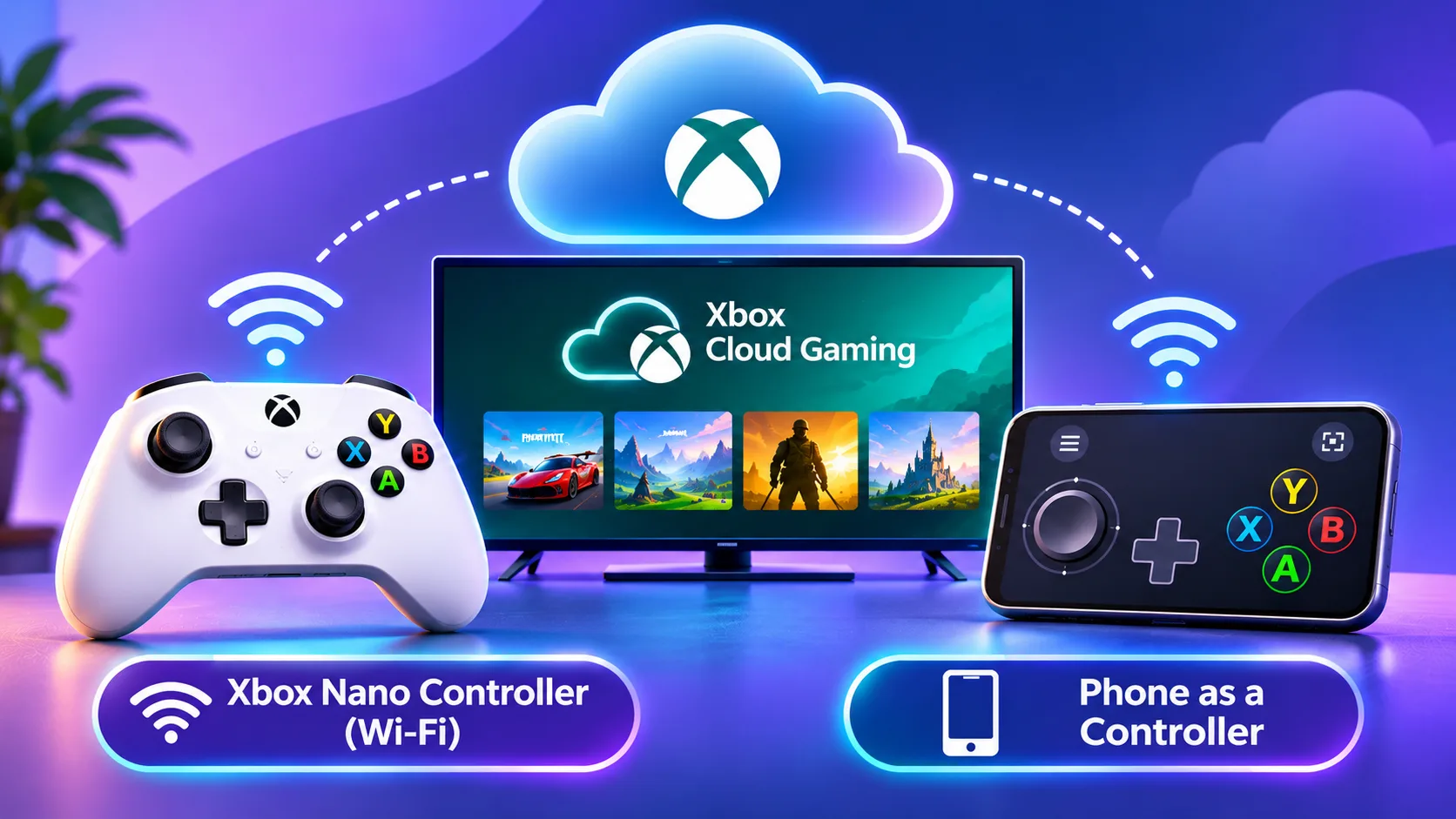
No controller at all? If you stream Xbox games on a supported smart TV, your phone can now act as the controller. It runs in your phone’s browser, so you do not need to install anything. Some games even have custom touch layouts.
How to turn it on
- Open Xbox Cloud Gaming on a supported smart TV. Supported models are listed on Xbox’s verified devices page.
- Go to Settings > Account.
- Turn on Preview Features.
- Follow the on-screen steps to link your phone.
Quick comparison
| Xbox Nano Controller (Wi-Fi) | Phone as controller | |
|---|---|---|
| Cost | $50 | Free |
| Connection | Direct Wi-Fi to the cloud | Phone browser |
| Where it works | Smart TVs and the web | Select smart TVs |
| Regions | US only for now | Not specified |
| Best for | Lower lag, regular play | Casual games and quick sessions |
Tips for smoother cloud gaming
- Use 5GHz Wi-Fi or a wired connection for your TV where possible.
- Keep the router close to the TV and the controller.
- Avoid heavy downloads on the same network while you play.
- Check your network if you get lag. Our guide on using public Wi-Fi safely is useful if you play away from home.
Microsoft is also introducing time limits for Xbox Cloud Gaming this month, so check your plan’s details before a long session.
The bottom line
Xbox Cloud Gaming is becoming a real console alternative for TV players. The $50 Nano Controller’s direct Wi-Fi link should feel more responsive, and the free phone controller is great for casual play. Both are previews, so expect improvements over the coming months.
Frequently asked questions
How much is the Xbox Nano Controller?
It costs $50.
Does the Nano Controller Wi-Fi feature work on Xbox consoles?
The Wi-Fi Cloud connect feature works on smart TVs and the web for now. It is a preview and US-only at the moment.
Do I need an app to use my phone as a controller?
No. The phone controller runs in your phone’s web browser.
Is this like the Google Stadia Controller?
Yes, in one way. Like the Stadia Controller, the Nano Controller can connect straight to the cloud over Wi-Fi instead of through the TV.

