
Every time a password manager company appears in the news after a security incident, the same question comes up: should I still trust one? It is a fair question. You are putting all your passwords in one place. The answer depends on how the password manager is built and how you use it. Here is a plain-English explanation.
Quick answer: Yes, for most people a reputable password manager is much safer than reusing passwords. Good managers use zero-knowledge encryption, so the company only stores scrambled data it cannot read. Your safety depends mainly on a long, unique master password, two-factor authentication and keeping your devices free of malware.
Note: this is a general explanation. Every product’s design is different, so read your provider’s security documentation.
How password managers protect you
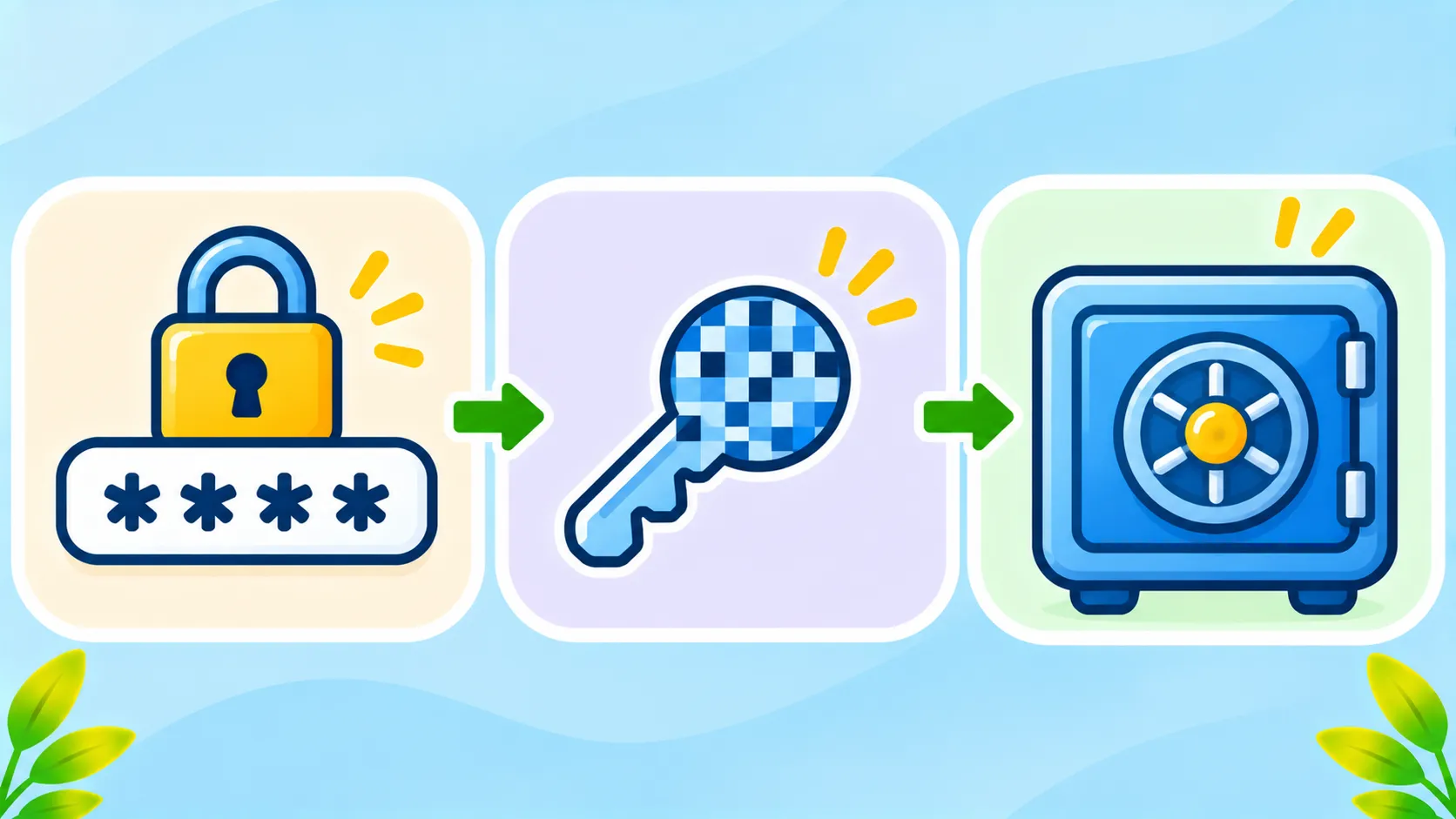
- Encryption on your device: your vault is locked with a key created from your master password before it leaves your phone or computer.
- Zero-knowledge design: the company stores only the encrypted vault and cannot read your passwords.
- Your master password stays with you: it is not supposed to be sent to or stored by the provider.
What happens if the company is breached?
If attackers break into a password manager’s servers, they may steal encrypted vaults and some account details, like email addresses. With a zero-knowledge design, they still need your master password to open the vault. A long, unique passphrase makes that extremely hard. A short or reused master password makes it much easier.
What can actually go wrong
| Risk | How to reduce it |
|---|---|
| Weak or reused master password | Use a long, unique passphrase |
| Malware on your device | Keep devices updated and avoid unknown apps |
| Phishing pages copying your manager | Use the app or extension, not email links |
| Careless exports and backups | Delete export files immediately |
| No two-factor authentication | Turn on 2FA for your vault |
Are they still better than the alternative?
Yes. Without a password manager, most people reuse passwords. Then a single leak from one website can expose many of their accounts. A password manager lets you use a different strong password everywhere, which limits the damage of any single breach. The US government’s Secure Our World campaign recommends password managers for this reason.
Five ways to lower your risk
- Use a long passphrase as your master password. See how to create a strong passphrase.
- Turn on two-factor authentication for your vault.
- Keep your devices updated and avoid installing unknown apps.
- Consider passkeys for your most important accounts.
- Follow your provider’s security notices, and switch if you lose trust. Our guide on switching password managers safely shows how.
The bottom line
A reputable password manager with zero-knowledge encryption, a strong master password and two-factor authentication is far safer than reusing passwords. No tool is perfect, but the risks are manageable if you follow the basics.
Frequently asked questions
Can a password manager company see my passwords?
Not with a zero-knowledge design. The company only stores encrypted data that it cannot read.
What happens if I forget my master password?
With most zero-knowledge managers, the company cannot recover it. Set up any recovery options the app offers.
Is a browser’s built-in password manager safe?
It is much better than reusing passwords, especially with a device lock and 2FA. Dedicated managers often offer more features.
Should I stop using a password manager after a breach?
Not automatically. Read what was affected, change your master password if advised and consider switching if you lose trust.

