
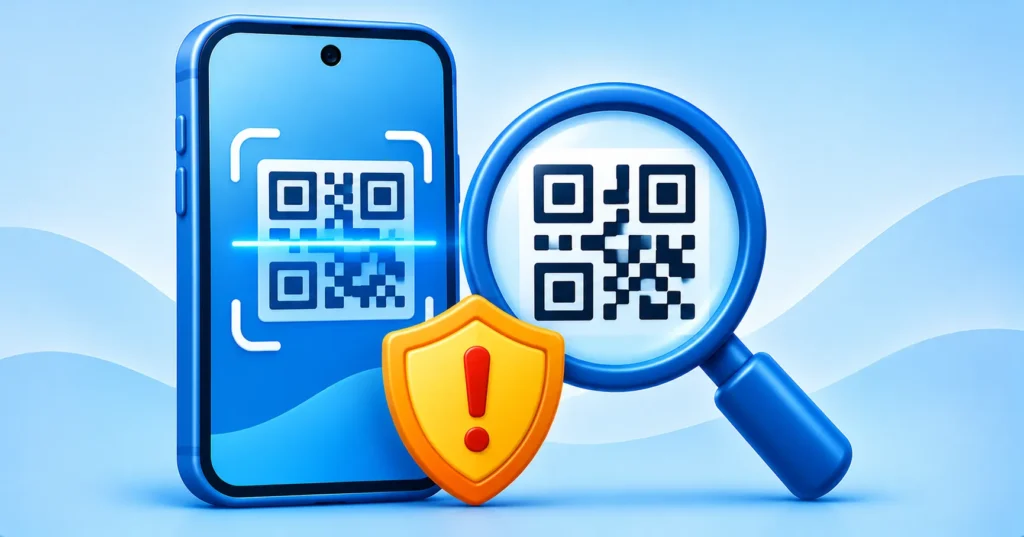
QR codes are everywhere: restaurant menus, parking meters, event tickets, posters and packages. They are convenient because you point your camera and a page opens. That convenience is exactly what scammers like. A QR code hides the web address behind a pattern of squares, so you cannot tell where it leads until you scan it. This scam is sometimes called quishing, which is phishing carried out with QR codes. Here is how it works and how to protect yourself.
Quick answer: Before scanning, check the code is not a sticker over another one and that you expected it. After scanning, read the link preview carefully before tapping. Never enter passwords or card details on a page opened from an unexpected QR code, and never install apps from one.
What is a QR code scam?
In a QR code scam, a criminal places or sends a code that opens a fake website or starts a malicious download. The page may copy a bank, parking service or delivery company and ask for your password, card details or personal information. Because the link is hidden, the usual advice of hovering over a link does not work.
Where fake QR codes show up
- Stickers over real codes: a fake label placed on a parking meter, charging station or restaurant table.
- Emails and texts: messages that include a QR image, sometimes claiming an account problem or a package issue.
- Posters and flyers: prize draws, job offers or giveaways in public places.
- Unexpected mail: letters or parcels asking you to scan a code to sort out a delivery or payment.

A simple checklist before you scan
- Look at where the code is. Does the sticker look pasted over another one? Is the surface scratched or uneven? If so, do not scan.
- Ask whether you expected it. A code in an unexpected email or a note on your door deserves suspicion.
- Preview the link. Both iPhone and Android cameras usually show a link preview after scanning. Read the full address before tapping.
- Check the domain. Look for misspellings, strange endings or long strings of random characters.
- Avoid typing sensitive details on a page you reached through a code unless you are certain it is the real site.
How to scan safely on your phone
Use your built-in camera app or the scanner in a trusted app rather than installing a separate QR scanner. Many unofficial scanner apps are full of ads or worse. If you want to be sure an app is trustworthy, read our guide on how to spot fake apps and use the app safety checklist.
Safer ways to pay and log in
When a code asks you to pay, such as at a parking meter, consider using the official app or typing the web address yourself. If a code asks you to log in to an account, open the real app or website directly instead. Turning on two-factor authentication adds an extra layer if your password is ever stolen, and passkeys are even harder to phish.
Do not download apps from a QR code
Be wary of codes that push you to install an app, especially outside the official store. Install apps only from the App Store or Google Play after searching for the name yourself. If you are unsure, our guide to spotting phishing emails and texts shows the same tricks used in messages.
What to do if you scanned a suspicious code
- Close the page without entering anything.
- If you typed a password, change it right away and turn on two-factor authentication.
- If you entered card details, contact your bank or card provider.
- If you installed an app, remove it and run a security scan. See how to tell if your phone is hacked.
- In the US, report the scam at ReportFraud.ftc.gov.
Frequently asked questions
Can a QR code hack my phone just by scanning?
Scanning alone is generally low risk because the code only opens a link. The danger comes from what happens next, such as entering information on a fake page or installing something harmful.
Are restaurant QR menus safe?
Many are, but check that the code is not a sticker over another one and that the link looks right.
Should I use a QR code scanner app?
Your phone camera is usually enough and reduces the risk of a bad app.
Note: Phone features and camera behavior differ between models and software versions.

