
How to Take a Screenshot on Any Device (Windows, Mac, iPhone, Android)
Learn how to take a screenshot on Windows, Mac, iPhone, Android and Chromebook, including scrolling screenshots, full-page captures and screen recording.


Learn how to take a screenshot on Windows, Mac, iPhone, Android and Chromebook, including scrolling screenshots, full-page captures and screen recording.
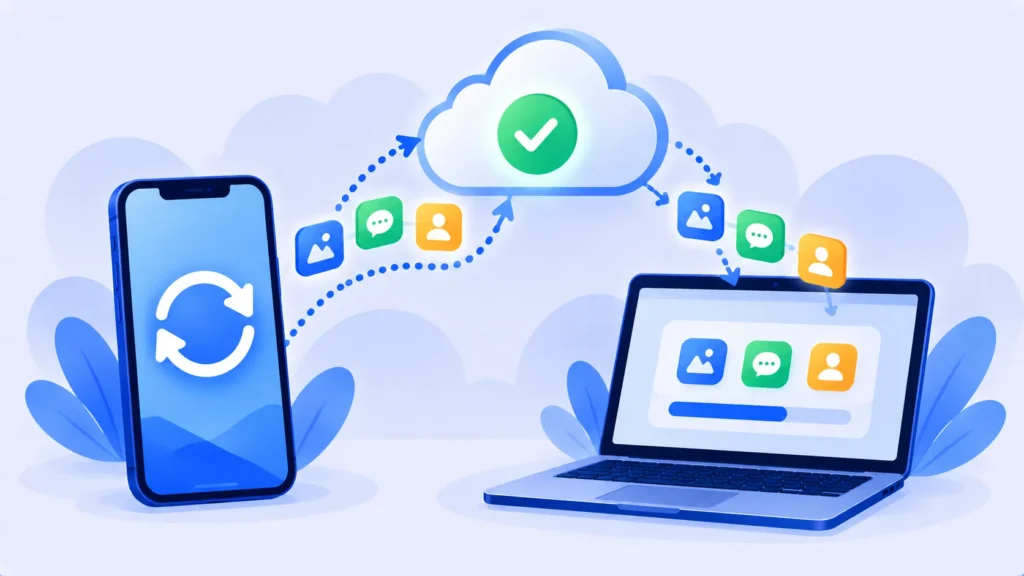
Protect your photos, messages and contacts. Here’s how to back up your iPhone to iCloud or a computer (Mac or Windows), and which method is best.

Website not loading or app acting up? Here’s how to clear cache on iPhone, Android, Chrome, Safari, Edge and Firefox, and what clearing cache actually does.
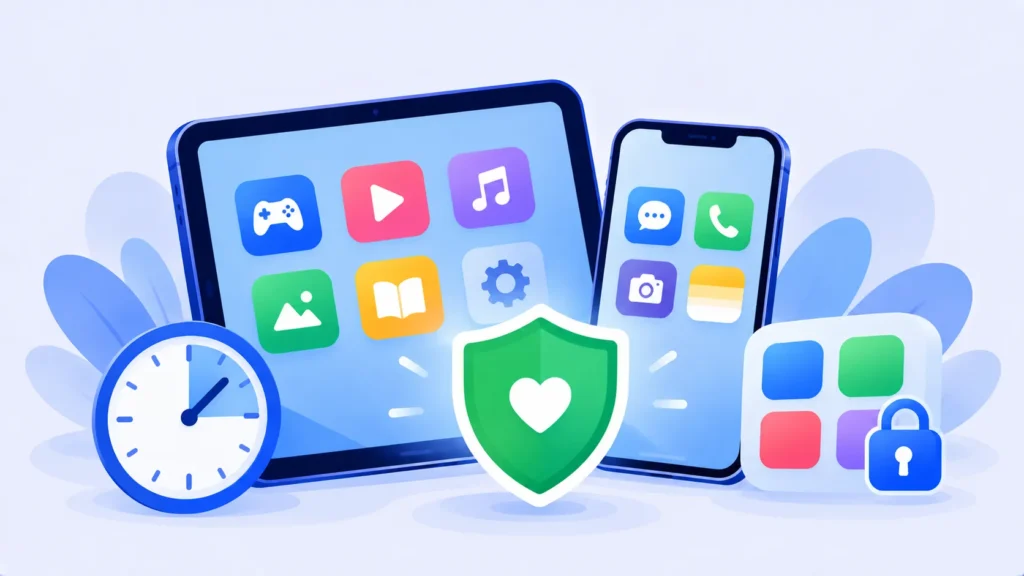
Set up free parental controls on iPhone and Android in minutes. Limit screen time, block mature content and approve app downloads with Screen Time and Google Family Link.

Learn how to screen record on iPhone, Android, Windows and Mac using built-in tools. No downloads needed, plus tips for recording audio and better videos.
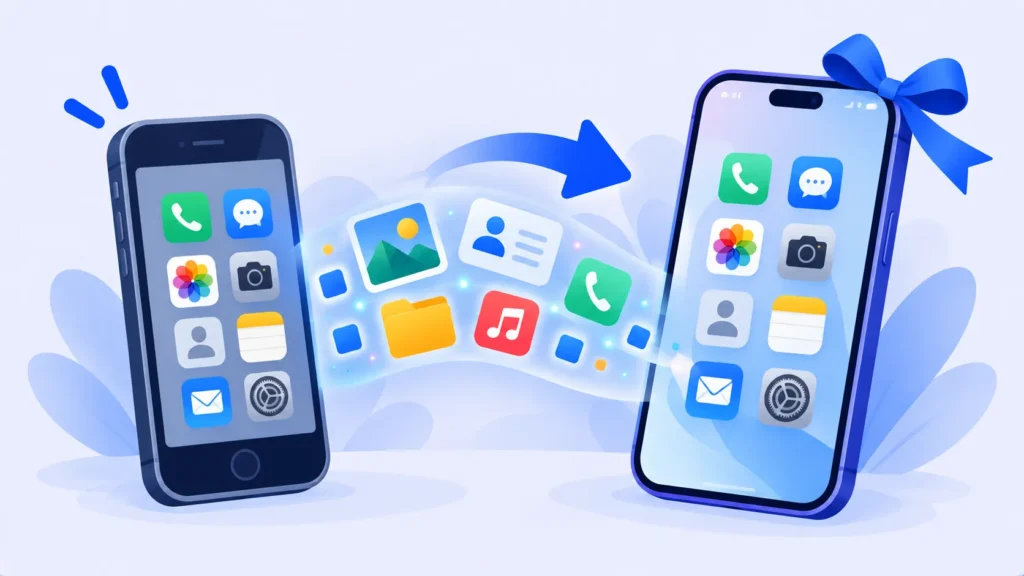
Switching phones? Here’s exactly how to move photos, contacts, messages and apps from iPhone to iPhone, Android to Android, or between the two, without losing anything.

ChatGPT, Gemini and Claude can use your chats to train their AI unless you turn it off. Here’s the exact setting to change in each app, step by step.

Move photos from your iPhone to a Windows PC using a USB cable, File Explorer or iCloud for Windows. Plus how to fix HEIC files that won’t open.
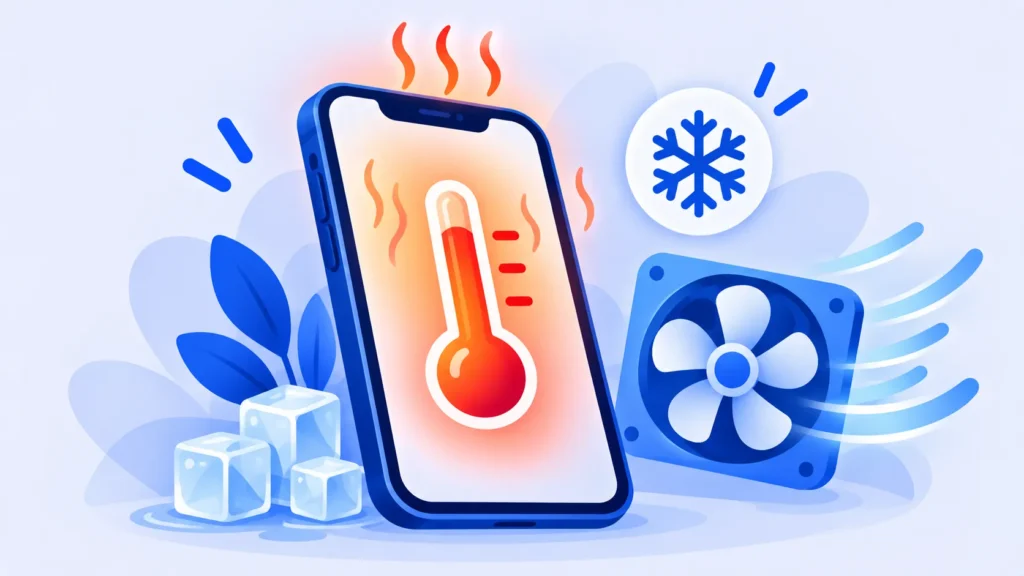
Phone getting hot? Learn the common causes and 10 simple fixes to cool down an overheating iPhone or Android phone, plus when it’s time to get help.

Stop searching for formula syntax. Use free AI tools to write, explain and fix Excel and Google Sheets formulas in plain English, with ready-to-use prompts.

Plan a trip in minutes with ChatGPT, Gemini or Perplexity. Copy-and-paste prompts for itineraries, budgets and packing lists, plus the checks you should never skip.
Use ChatGPT to tailor your resume, write stronger bullet points and draft a cover letter that sounds like you. Includes copy-and-paste prompts and mistakes to avoid.