This holiday season brings something new to online shopping: AI agents that can search for products, compare prices and even buy things for you. Tools from ChatGPT, Google and others can now handle parts of checkout on your behalf. That is convenient, but it also gives scammers new ways to steal your money. Banks and security experts are warning shoppers to be careful.
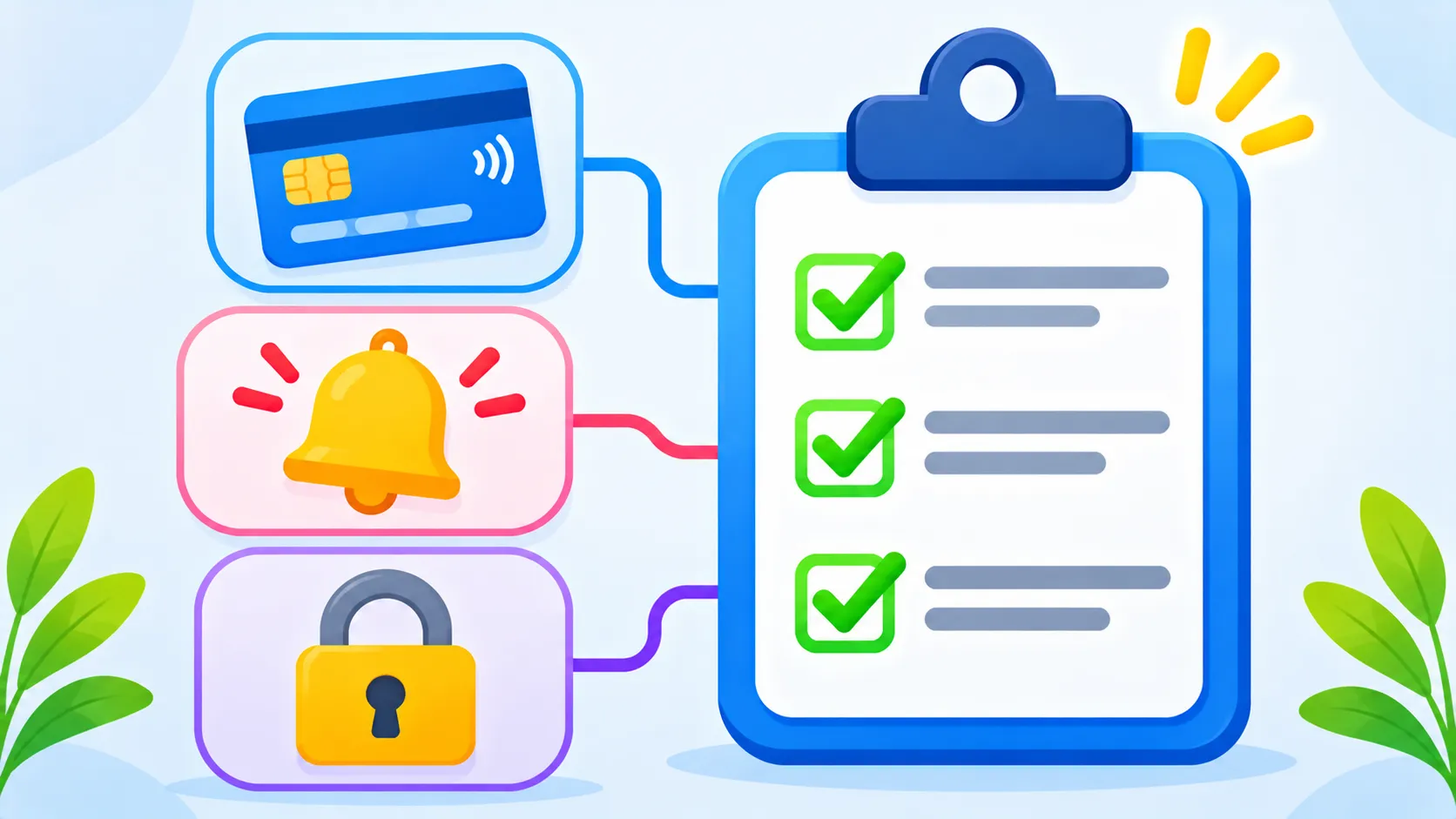
Quick answer: If you let an AI agent shop for you, use a credit card with a low limit or a virtual card, approve every purchase yourself, turn on bank alerts and only shop at stores you know. Never share one-time codes with a caller, chatbot or “agent” that claims to be helping.
Note: this is an emerging area, and details vary by bank and retailer.
Why AI shopping agents create new risks
- Agents can be tricked. A fake store or a hidden instruction on a web page can push an agent to buy from the wrong seller or share details it should not.
- Scammers can pretend to be agents. Fraudsters may contact you posing as “your shopping assistant” to get card details or codes.
- Fake stores are easier to build. Generative AI makes it quick to create convincing shop websites, product photos and reviews.
- Less human checking. When software clicks “buy,” there is less chance for you to notice something odd.
For a deeper look at these risks, read our guide to AI agent security risks in 2026.
How to protect yourself
- Keep spending limits low on any card an AI tool can use, or use a virtual card number if your bank offers one.
- Approve every purchase yourself. Turn on any setting that asks for confirmation before the agent pays.
- Use a credit card rather than a debit card. Credit cards usually offer stronger fraud protection. See our comparison of credit vs debit cards for Black Friday.
- Turn on transaction alerts in your banking app so you see every charge instantly.
- Stick to stores you know, or check unknown sites carefully before buying.
- Never share one-time codes with anyone who contacts you, even if they say they are your AI assistant or your bank.
Red flags to watch for
| Red flag | What it may mean |
|---|---|
| A deal far cheaper than everywhere else | A fake store |
| A call or text from “your shopping assistant” | An impersonation scam |
| A request for a one-time code | Someone trying to take over your account |
| A charge you do not recognise | Fraud or a mistaken agent purchase |
| Pressure to pay by gift card or crypto | Almost always a scam |
Smart ways to use AI for shopping
- Let AI research and compare products, then buy yourself from the retailer’s official site.
- Ask AI to check price history and reviews, but confirm on the store page. See how to check if a Black Friday price is real.
- Keep your saved payment methods minimal in any AI tool.
If something looks wrong
- Contact your bank using the number on the back of your card and ask to block the card.
- Dispute any charge you did not approve.
- Change the password for the AI tool and the store account.
- Report it at ReportFraud.ftc.gov.
For general warning signs, see our guide to spotting phishing emails and texts.
The bottom line
AI shopping agents can save time, but they need guard rails. Keep card limits low, approve every purchase, turn on alerts and never share codes. Used carefully, AI can help you find deals without handing scammers an easy win.
Frequently asked questions
What is an AI shopping agent?
It is an AI tool that can search for products, compare prices and complete purchases on your behalf.
Is it safe to let AI buy things for me?
It can be, with limits. Use a low-limit credit or virtual card, approve each purchase and shop only at trusted stores.
Can scammers pretend to be my AI assistant?
Yes. Be wary of any call, text or message claiming to be your shopping assistant and asking for payment details or codes.
Which card is safest for online shopping?
A credit card usually offers better fraud protection than a debit card. Check your card agreement for details.