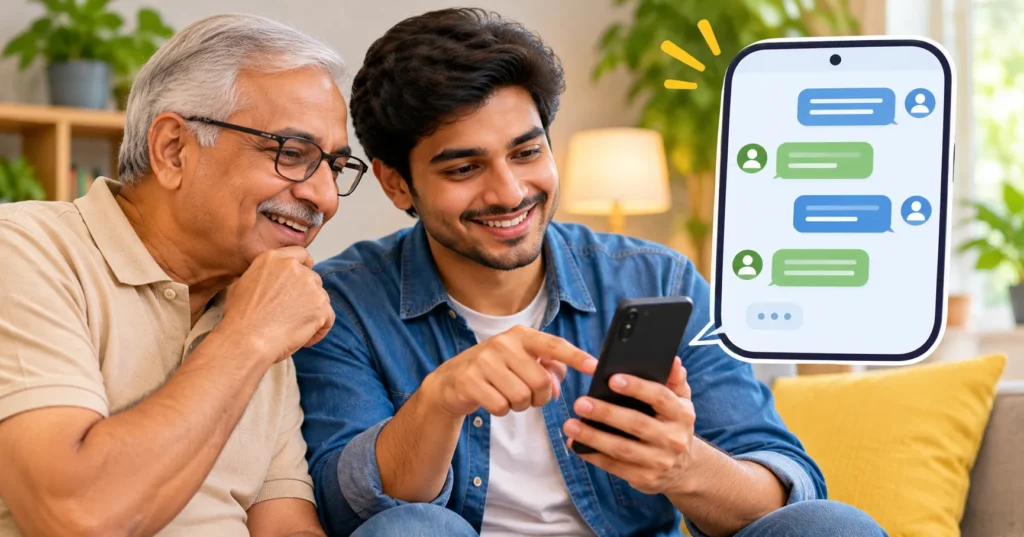
ChatGPT works a lot like a text conversation. You type or speak a question, and it replies in plain language. It can explain things, help you write messages, plan meals and much more. This guide is written for complete beginners and for anyone helping a parent or grandparent get started on their phone.
Quick answer: Install the official ChatGPT app by OpenAI from the App Store or Google Play, sign in, then type or speak your question in the message box. Keep personal details out of your chats and double-check important health, money or legal answers with a professional.
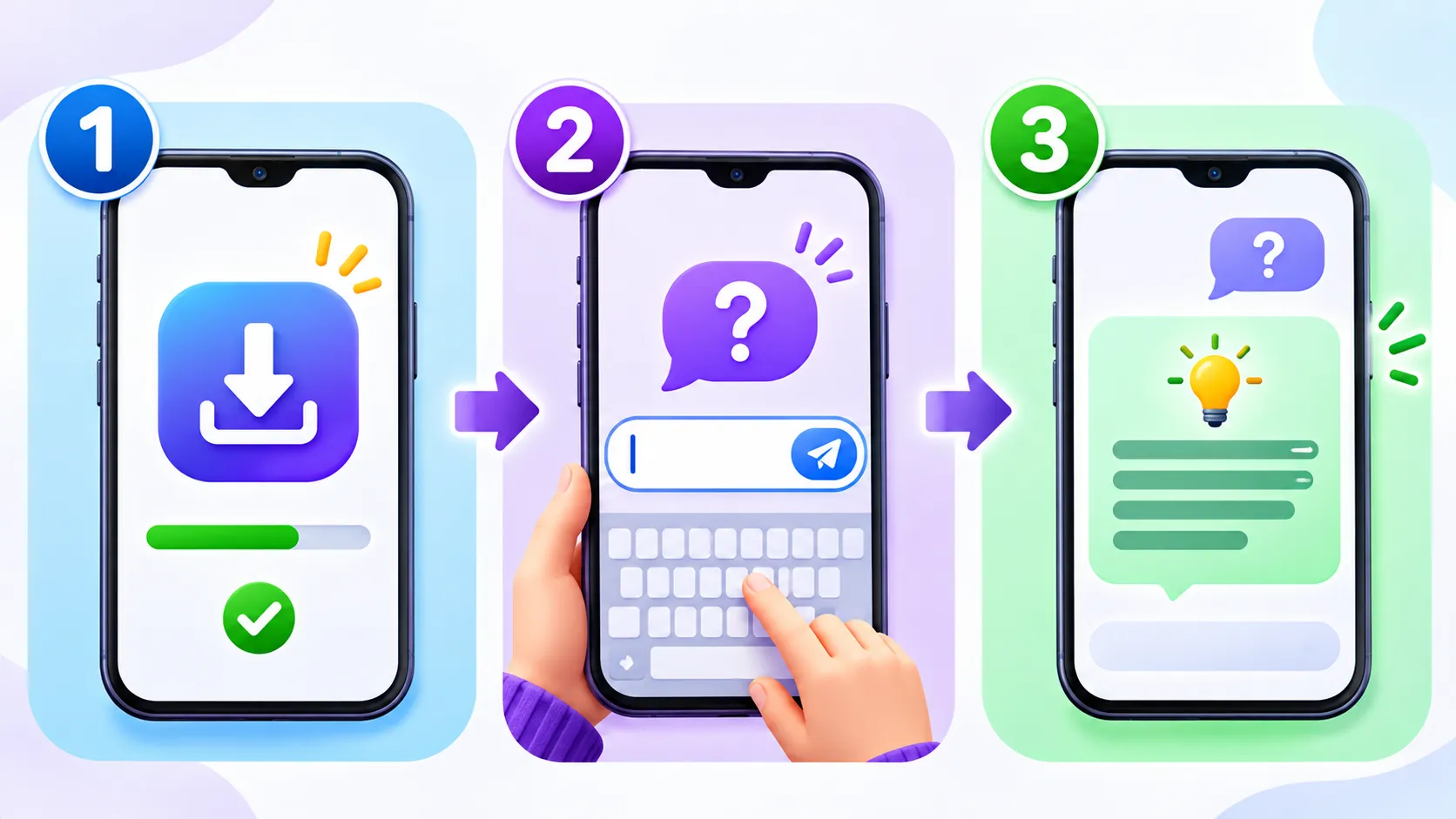
Step 1: Install the right app
- Open the App Store (iPhone) or Google Play (Android).
- Search for ChatGPT.
- Check that the publisher is OpenAI. Copycat apps with similar names exist, and some charge money for nothing.
- Tap Get or Install.
Step 2: Sign in
Open the app and sign in with an email address, or with your Google, Apple or Microsoft account. The free plan is enough to get started. You do not need to pay to try it.
Step 3: Ask your first question
Tap the message box at the bottom of the screen, type your question and tap the send arrow. The answer appears in a few seconds. You can reply to ask follow-up questions, just like a normal chat.
Typing or talking
If typing on a small screen is hard, use your voice. Tap the microphone icon to dictate a question, or use the voice option in the app (if your version offers it) to have a spoken conversation. Speaking is often the easiest way for seniors to use ChatGPT.
Good first questions to try
- “Explain this medicine label in simple words, and remind me to ask my pharmacist.”
- “Help me write a polite message to my neighbour about the noise.”
- “Give me a simple dinner plan for two using rice and vegetables.”
- “What is a good gift idea for a 10-year-old who likes science?”
- “Explain how video calling on WhatsApp works, step by step.”
How to ask better questions
The more specific you are, the better the answer. Say who it is for, how long it should be and what style you want. For example, “Write a short, friendly birthday message for my granddaughter who is turning 8” works better than “write a birthday message.” Our guide to writing better AI prompts has more easy examples.
What ChatGPT is good and not so good at
| Good at | Be careful with |
|---|---|
| Explaining things in simple words | Medical, legal or money advice |
| Writing and polishing messages | Very recent news and prices |
| Ideas for meals, gifts and trips | Exact facts, names and numbers |
| Step-by-step help with apps | Anything that needs your personal data |
Stay safe while you chat
- Never share passwords, bank details, card numbers or ID numbers in a chat.
- Double-check health, money and legal answers with a real professional.
- Watch for scams. ChatGPT will never call you or ask you to pay by gift card.
- Review privacy settings. See how to turn off personalised ads in ChatGPT.
OpenAI’s official help centre answers common account and app questions.
Tips for helping a parent or grandparent
- Put the app on the home screen so it is easy to find.
- Increase the text size in the phone’s display settings.
- Show them how to use the microphone instead of typing.
- Write down three sample questions on paper for their first try.
Note: Screens and features differ by phone, app version and plan. Menu names may look slightly different on your device.
The bottom line
Using ChatGPT on your phone takes only a few minutes to learn. Install the official app, ask a simple question and build from there. Keep private details out of your chats, and you will have a helpful assistant in your pocket.
Frequently asked questions
Is the ChatGPT app free?
Yes. The ChatGPT app has a free plan. Paid plans add more usage and features, but you do not need one to start.
How do I know I have the real ChatGPT app?
Check that the publisher listed in the app store is OpenAI. Avoid apps from other publishers that use similar names.
Can I talk to ChatGPT instead of typing?
Yes. You can tap the microphone to dictate, or use the voice option in the app if your version includes it.
Is it safe for seniors to use ChatGPT?
Yes, as long as they do not share personal or financial details and they double-check important answers with a trusted person or professional.