
What Is CapCut? Free vs Pro, AI Features and How to Use It (2026)
CapCut is a free video editor with auto captions, templates and AI tools for TikTok, Reels and Shorts. Here’s what’s free, what Pro adds and how to use it.

CapCut is a free video editor with auto captions, templates and AI tools for TikTok, Reels and Shorts. Here’s what’s free, what Pro adds and how to use it.

Canva Magic Studio adds AI tools like Magic Design, Magic Write, Background Remover and text-to-image to Canva. Here’s what’s free, what Pro adds and how to use it.

Grammarly checks your spelling, grammar and tone as you type. Here’s what the free plan includes, how to use it, and whether Grammarly Pro is worth paying for in 2026.
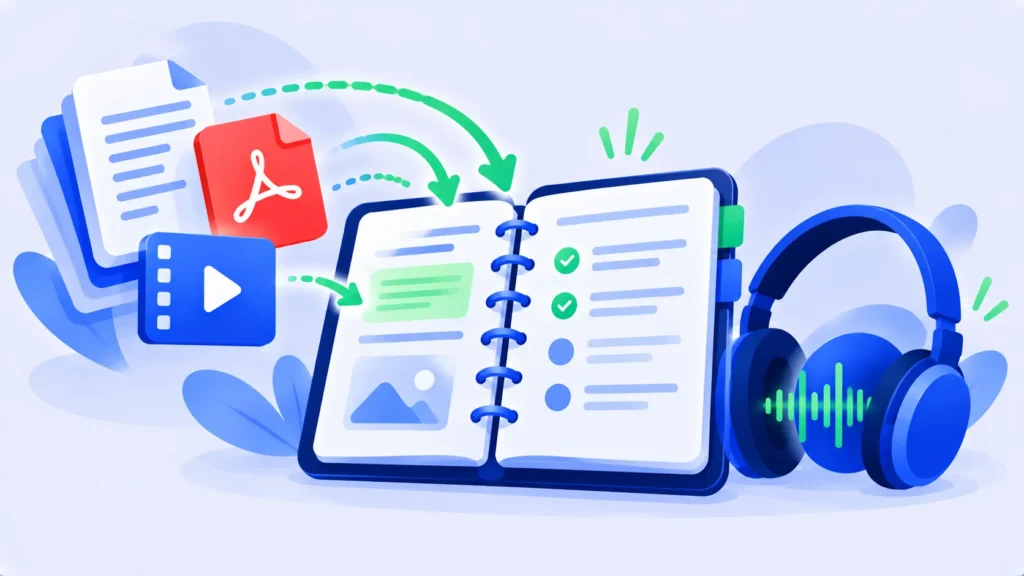
NotebookLM is Google’s free AI notebook that answers questions from your own documents and turns them into study guides and podcast-style audio. Here’s how to use it.
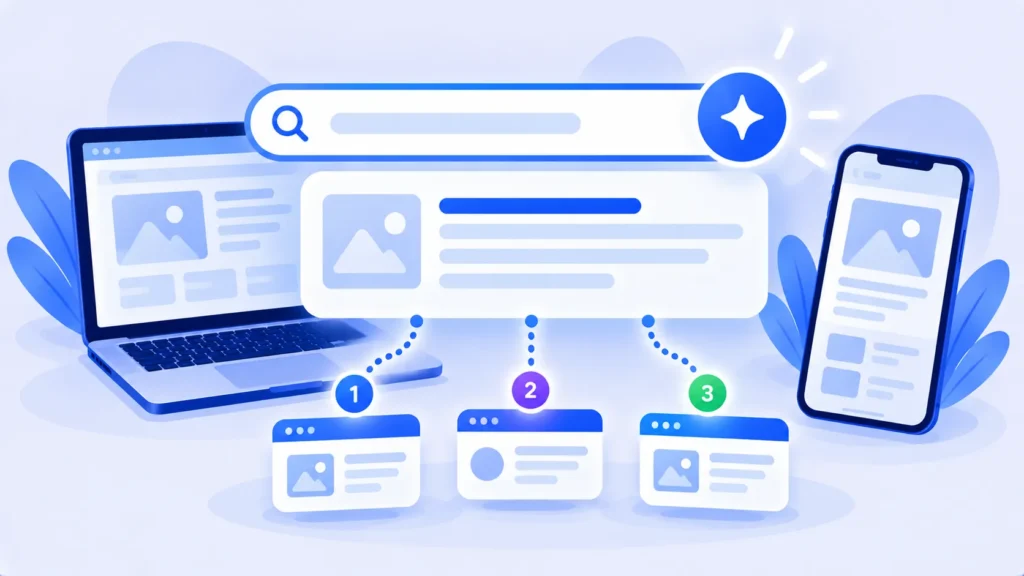
Perplexity is an AI search engine that answers your questions with sources. Learn how it works, how to use it, what’s free, and whether Pro is worth $20 a month.

Learn how to take a screenshot on Windows, Mac, iPhone, Android and Chromebook, including scrolling screenshots, full-page captures and screen recording.
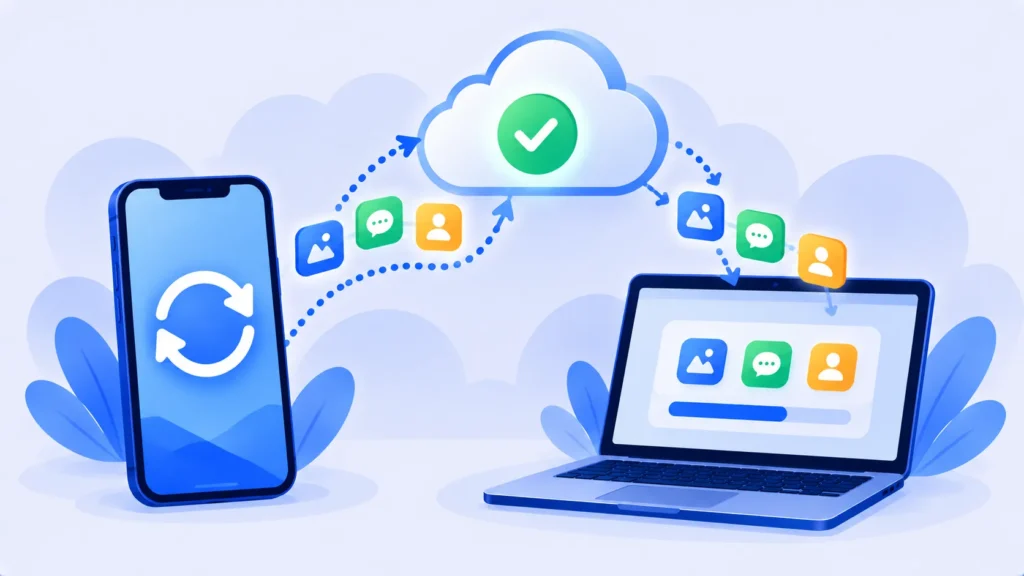
Protect your photos, messages and contacts. Here’s how to back up your iPhone to iCloud or a computer (Mac or Windows), and which method is best.

Website not loading or app acting up? Here’s how to clear cache on iPhone, Android, Chrome, Safari, Edge and Firefox, and what clearing cache actually does.
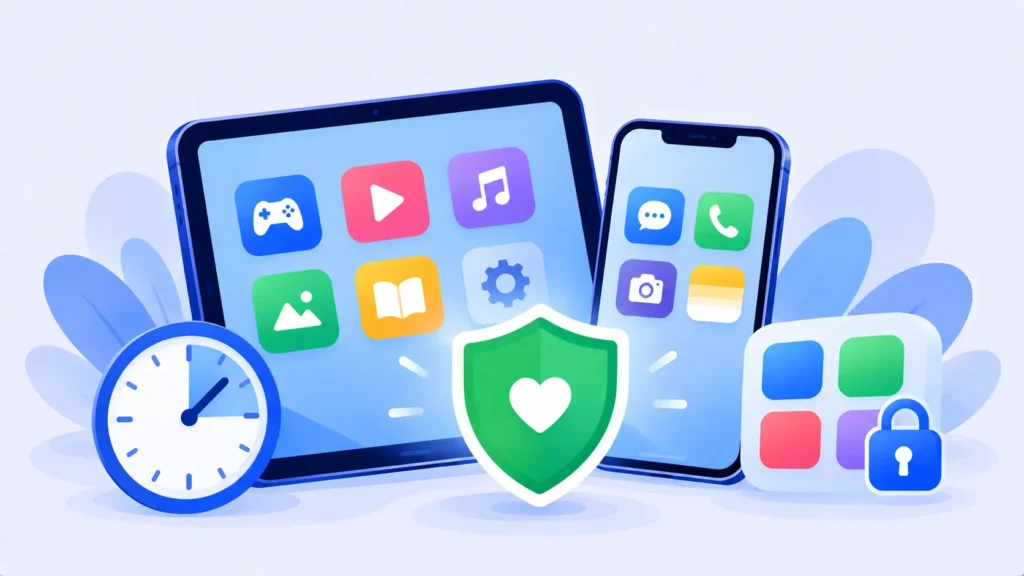
Set up free parental controls on iPhone and Android in minutes. Limit screen time, block mature content and approve app downloads with Screen Time and Google Family Link.

Learn how to screen record on iPhone, Android, Windows and Mac using built-in tools. No downloads needed, plus tips for recording audio and better videos.
Switching phones? Here’s exactly how to move photos, contacts, messages and apps from iPhone to iPhone, Android to Android, or between the two, without losing anything.

ChatGPT, Gemini and Claude can use your chats to train their AI unless you turn it off. Here’s the exact setting to change in each app, step by step.