
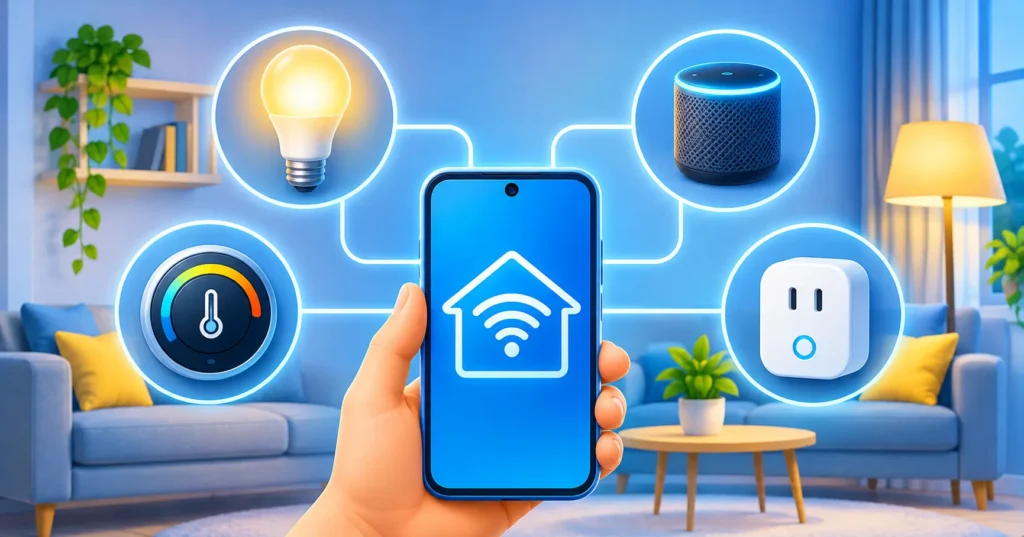
A smart home sounds fancy, but the idea is simple: everyday devices such as lights, plugs, speakers and thermostats connect to your Wi-Fi so you can control them with your phone or voice. The hard part for beginners is not the gadgets. It is choosing a system and avoiding a drawer full of devices that do not work together. This guide explains the three big platforms, what the Matter standard means, what to buy first and how to keep everything secure.
Quick answer: Choose the platform that matches your phone: Apple Home for iPhone households, Google Home for Android and Nest users, and Alexa for the widest range of budget devices. Look for the Matter logo so devices work across systems, start with smart plugs and bulbs, and secure every account with strong passwords and two-factor authentication.
The three main smart home platforms
Amazon Alexa
Alexa works with a very wide range of devices and is often the easiest to start with if you want voice control on a budget. Echo speakers and displays are common, and many plugs and bulbs support Alexa out of the box.
Google Home
Google Home pairs well with Android phones and Nest devices, and Google’s assistant is strong at answering questions. If you already use Google services heavily, it feels familiar.
Apple Home
Apple Home is built into iPhone, iPad and Mac and is known for a strong focus on privacy. It generally needs a home hub, such as an Apple TV or HomePod, for automations when you are away. It tends to support fewer brands than the other two, though that gap has narrowed.
Which one should you choose?
- Pick the platform that matches your phone and the assistant you already use.
- If your household mixes iPhone and Android, Alexa or Google Home can be easier to share.
- Prefer devices that support more than one platform, so you can switch later.
What is Matter?
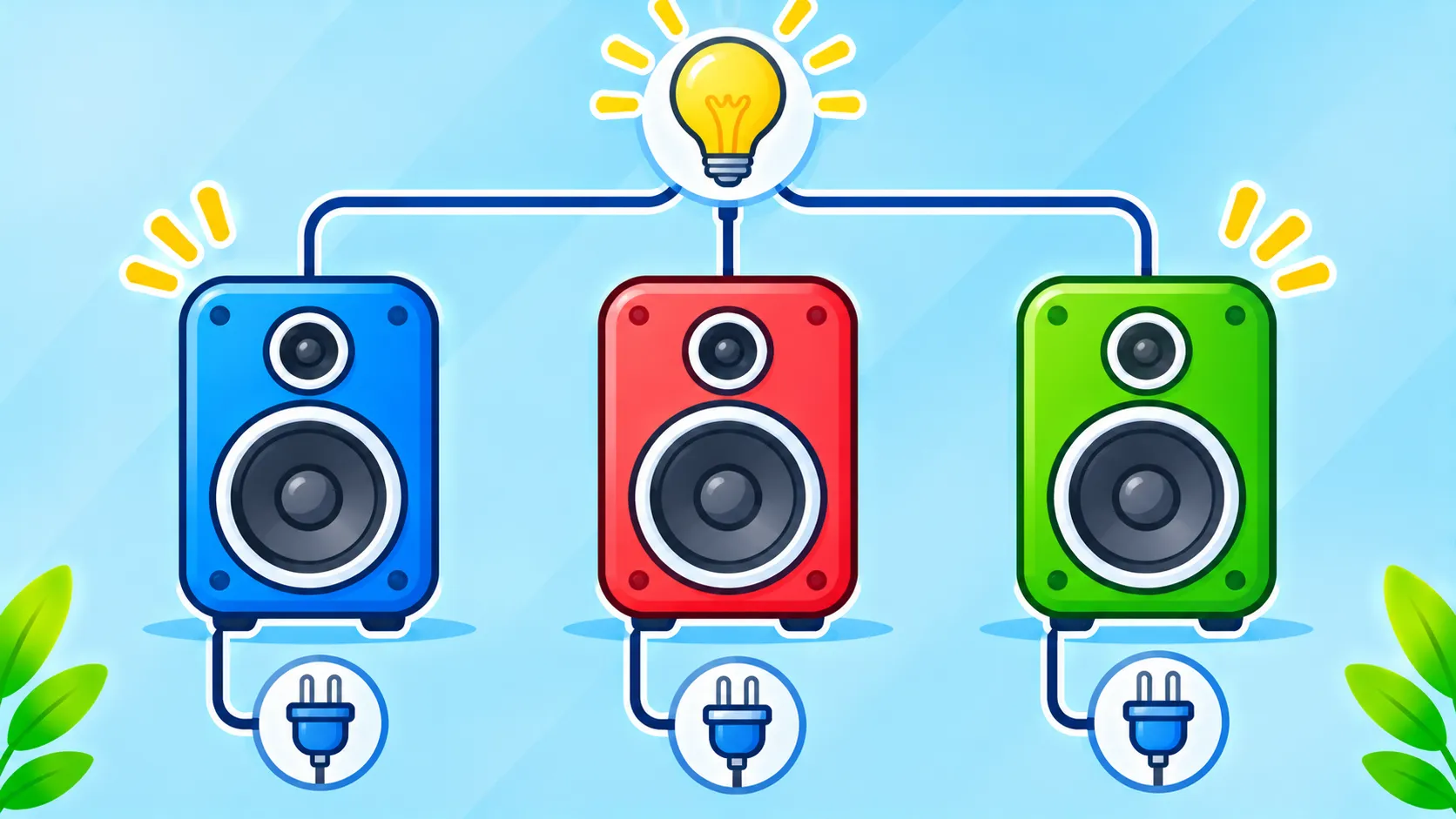
Matter is a shared standard created by major tech companies so smart devices can work across different ecosystems. A Matter-compatible plug, for example, is designed to work with Alexa, Google Home and Apple Home. It is not perfect and not every feature is supported everywhere, but looking for the Matter logo on the box is a good way to avoid getting locked into one system. You can learn more from the Connectivity Standards Alliance, which runs Matter.
What to buy first
- Smart plugs: the cheapest way to make a lamp or fan smart.
- Smart bulbs: easy to install and useful for schedules and dimming.
- A smart speaker or display: your voice control center.
- A video doorbell or camera: useful, but think about privacy and placement.
- A smart thermostat: a larger purchase that can help manage heating and cooling.
Start with one or two devices and use them for a few weeks before buying more.
Make sure your Wi-Fi can handle it
Many smart devices connect on the 2.4 GHz band, and weak signal causes most setup problems (see Wi-Fi bands explained). Place your router centrally and update it regularly. If you want help with your network, see our guide to finding a saved Wi-Fi password and learn about Wi-Fi safety.
Smart home security basics
- Change default passwords and use unique ones for each account.
- Turn on two-factor authentication for your smart home accounts.
- Install updates for devices and apps. Our update guide helps you decide when.
- Buy from known brands that provide security updates.
- Review app permissions with the app safety checklist.
- Keep cameras away from private spaces and check who has access.
Common beginner mistakes
- Buying devices from several incompatible systems.
- Choosing the cheapest unknown brand with no updates.
- Ignoring Wi-Fi coverage.
- Leaving the default settings unchanged.
Frequently asked questions
Do I need a smart speaker?
No. You can control most devices with the phone app, but a speaker makes voice control easier.
Will smart devices work if the internet goes down?
Some work locally, but many depend on the internet for voice and remote control.
Is a smart home expensive?
Not necessarily. You can begin with a few inexpensive plugs and bulbs and grow gradually.
Note: Device features, compatibility and prices change often. Check the latest product pages before buying.

