A photo of a celebrity doing something shocking. A video of a politician saying something outrageous. A “news” clip of a disaster that never happened. AI-generated images and videos now look so realistic that even careful people get fooled. There is no single magic trick to spot them, but combining a few checks, and above all checking the source, works well.
Quick answer: Look for odd hands, garbled text, warped backgrounds and inconsistent shadows. In videos, watch lip sync, blinking and flickering edges. Then check the source: run a reverse image search, look for the story on trusted news sites, check who posted it and look for AI labels or Content Credentials. Treat visual clues as hints, not proof.
Note: AI tools improve quickly, so visual clues change. Treat these as hints, not proof.
Step 1: Look closely at the image
- Hands and fingers: extra, missing or oddly bent fingers still appear.
- Text: signs, labels and logos on clothing may be garbled or nonsense.
- Backgrounds: warped lines, repeated patterns or objects that melt together.
- Skin and hair: too smooth or plastic-looking, or hair that blends into the background.
- Lighting and shadows: shadows pointing in different directions, or reflections that do not match.
- Details: mismatched earrings, odd glasses frames or teeth that look blurred together.
Step 2: Check videos for tell-tale signs
- Lip movements that do not quite match the speech.
- Unnatural blinking or stiff head movement.
- Flickering or blurring around the edges of the face or objects.
- Audio that sounds flat, robotic or oddly clean.
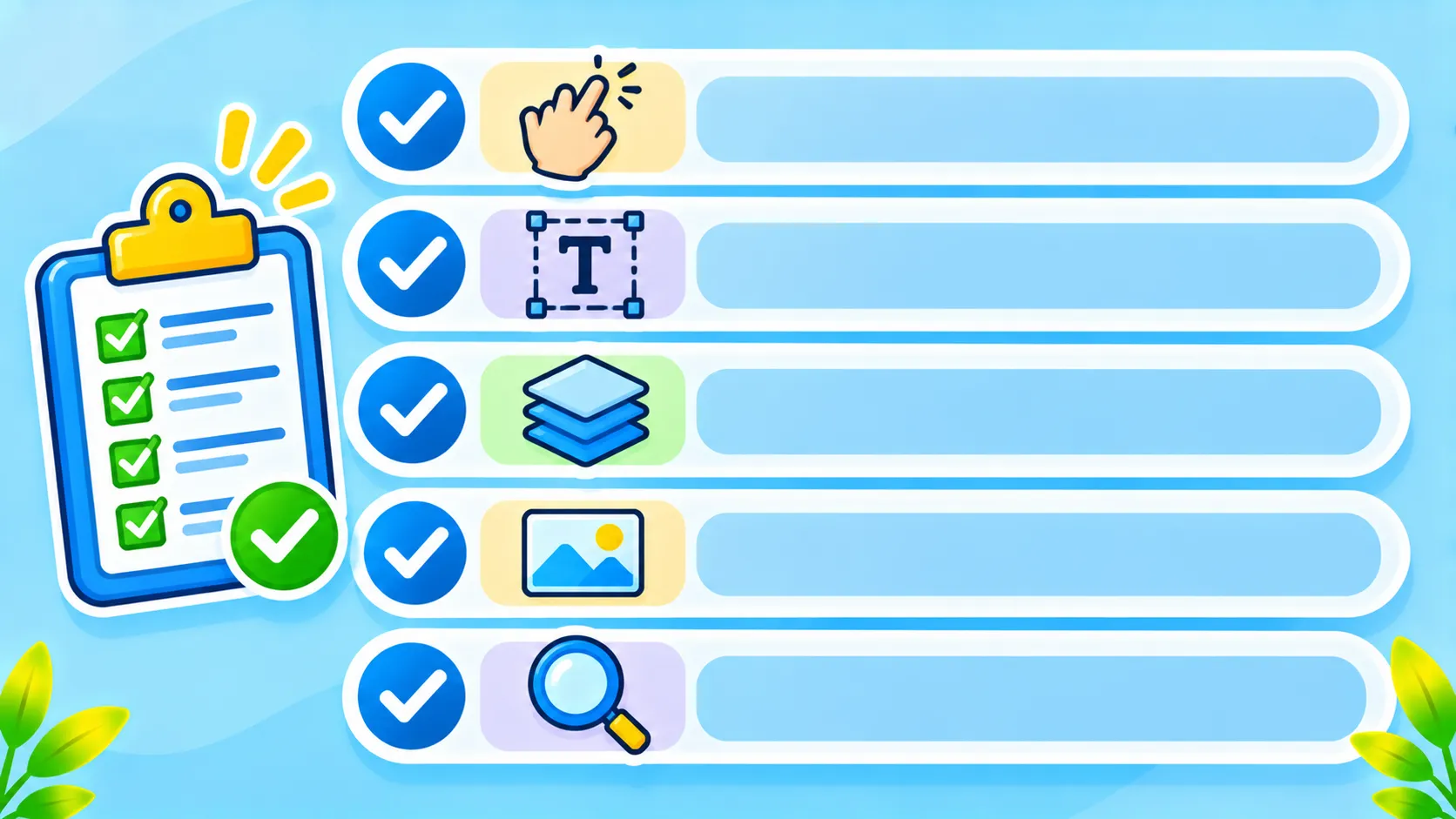
Step 3: Check the source (most important)
- Reverse image search the picture or a video screenshot. See how to use Google Lens and Circle to Search.
- Look for the same story from trusted news outlets. Big real events are widely reported.
- Check who posted it and when. New accounts making big claims are a warning sign.
- Look for labels. Many platforms add “AI-generated” or “Made with AI” tags.
- Check Content Credentials, a standard that records how an image was made. You can inspect supported files at Content Credentials.
Quick checklist
| Check | Red flag |
|---|---|
| Hands and text | Extra fingers, garbled words |
| Lighting | Shadows in different directions |
| Video | Lip sync off, flickering edges |
| Source | Only one unknown account shares it |
| Emotion | Designed to make you angry or scared fast |
Why it matters
Fake images, videos and voices are used in scams, such as fake celebrity investment ads and cloned voices of family members asking for money. Read about AI voice cloning scams and how to spot phishing. If you are unsure whether something is real, do not share it.
The bottom line
Spotting AI fakes is less about one trick and more about habits. Look closely, watch videos carefully, and always check the source before you believe or share something surprising.
Frequently asked questions
Can AI detection tools reliably spot fakes?
Not always. They can help, but they make mistakes. Combine them with source checks.
What is the easiest way to check an image?
A reverse image search, which can show where the image first appeared and whether it has been debunked.
Are AI-generated images always fake news?
No. Many are art, ads or harmless fun. The problem is when they are presented as real events.
What are Content Credentials?
A standard that attaches information about how an image or video was created and edited, including whether AI was used.