

Ever picked up your phone to check one thing and looked up 40 minutes later? You are not alone. The good news is that your phone already tracks exactly how long you spend in each app, and it can help you cut back. iPhone calls it Screen Time and Android calls it Digital Wellbeing. Here is how to use both.
Quick answer: On iPhone, go to Settings > Screen Time > App Limits, pick an app or category and set a daily time. On Android, go to Settings > Digital Wellbeing & parental controls > Dashboard, tap an app and set an App timer. Start with one or two apps that eat most of your time.
Note: menu names vary by phone brand and software version.
iPhone: how to use Screen Time
- Open Settings > Screen Time and turn it on if needed.
- Tap See All App & Website Activity to review daily and weekly use.
- Tap App Limits > Add Limit.
- Choose an app or category, such as Social or Games.
- Set a daily time and tap Add.
- Optionally, use Downtime to block most apps at night, and set a Screen Time passcode.
Android: how to use Digital Wellbeing
- Open Settings > Digital Wellbeing & parental controls.
- Tap Dashboard to see which apps you use most.
- Tap an app and set an App timer.
- Turn on Bedtime mode to grey out the screen and silence notifications at night.
- Use Focus mode to pause distracting apps while you work.
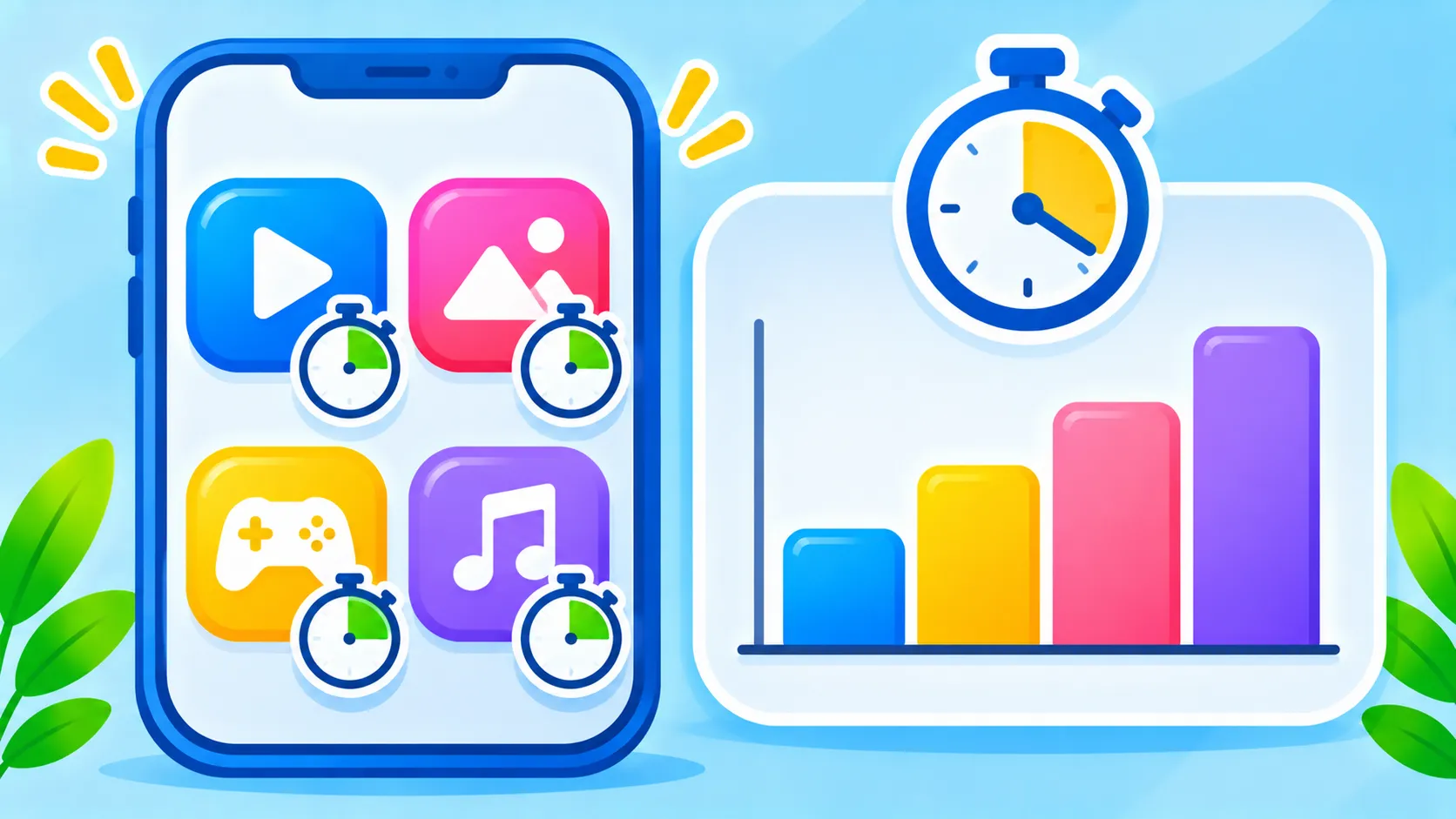
iPhone vs Android tools
| Goal | iPhone | Android |
|---|---|---|
| See usage | Screen Time activity | Digital Wellbeing Dashboard |
| Limit an app | App Limits | App timer |
| Quiet nights | Downtime and Sleep Focus | Bedtime mode |
| Block distractions while working | Work Focus | Focus mode |
| Kids’ controls | Family Sharing Screen Time | Google Family Link |
Tips to make limits stick
- Start small. Limit one or two apps first, then adjust.
- Turn off non-essential notifications, which pull you back into apps.
- Move tempting apps off your home screen.
- Pair limits with Focus or Do Not Disturb. See how to set up Focus and Do Not Disturb.
- Review your weekly report to see your progress.
Setting limits for children? Read parental controls on iPhone and Android. Google explains Digital Wellbeing in its Android Help Center.
The bottom line
Your phone can help you use it less. Check your usage, set limits on one or two time-hungry apps and turn on night-time quiet modes. Small changes add up to hours back each week.
Frequently asked questions
Can I bypass my own app limits?
Yes, you can usually ignore a limit for the day. Setting a Screen Time passcode, or asking someone else to set it, makes limits harder to skip.
Does Screen Time track websites too?
Yes. It shows website activity in Safari and lets you limit specific sites.
Where is Digital Wellbeing on Samsung phones?
Go to Settings > Digital Wellbeing and parental controls.
Can I set limits for my child’s phone?
Yes, with Family Sharing on iPhone or Google Family Link on Android.

