
“What is your Wi-Fi password?” It is the first thing many guests ask, especially over the holidays. Reading out a long, random password is awkward, and giving it to everyone is not ideal for security. There are easier and safer ways: share it with a tap, show a QR code or set up a separate guest network.
Quick answer: On iPhone, unlock your phone near a guest’s iPhone when they try to join and tap Share Password. On Android, open Wi-Fi settings, tap your network and choose Share to show a QR code. For the best security, turn on a guest network in your router’s app with a different password.
Note: router and phone menus differ by brand and model.
Option 1: Share from your phone
iPhone to iPhone
- Make sure both iPhones have Wi-Fi and Bluetooth on, and your guest is in your contacts.
- Your guest selects your network on their iPhone.
- On your unlocked iPhone, tap Share Password when the prompt appears.
Android (works with any phone)
- Open Settings > Network & internet > Internet (or Wi-Fi).
- Tap the gear next to your connected network, then Share.
- Your guest scans the QR code with their camera to join.
Android and recent iPhones can also show a Wi-Fi QR code or share via Quick Share. Our guide to finding a saved Wi-Fi password shows where it is stored.
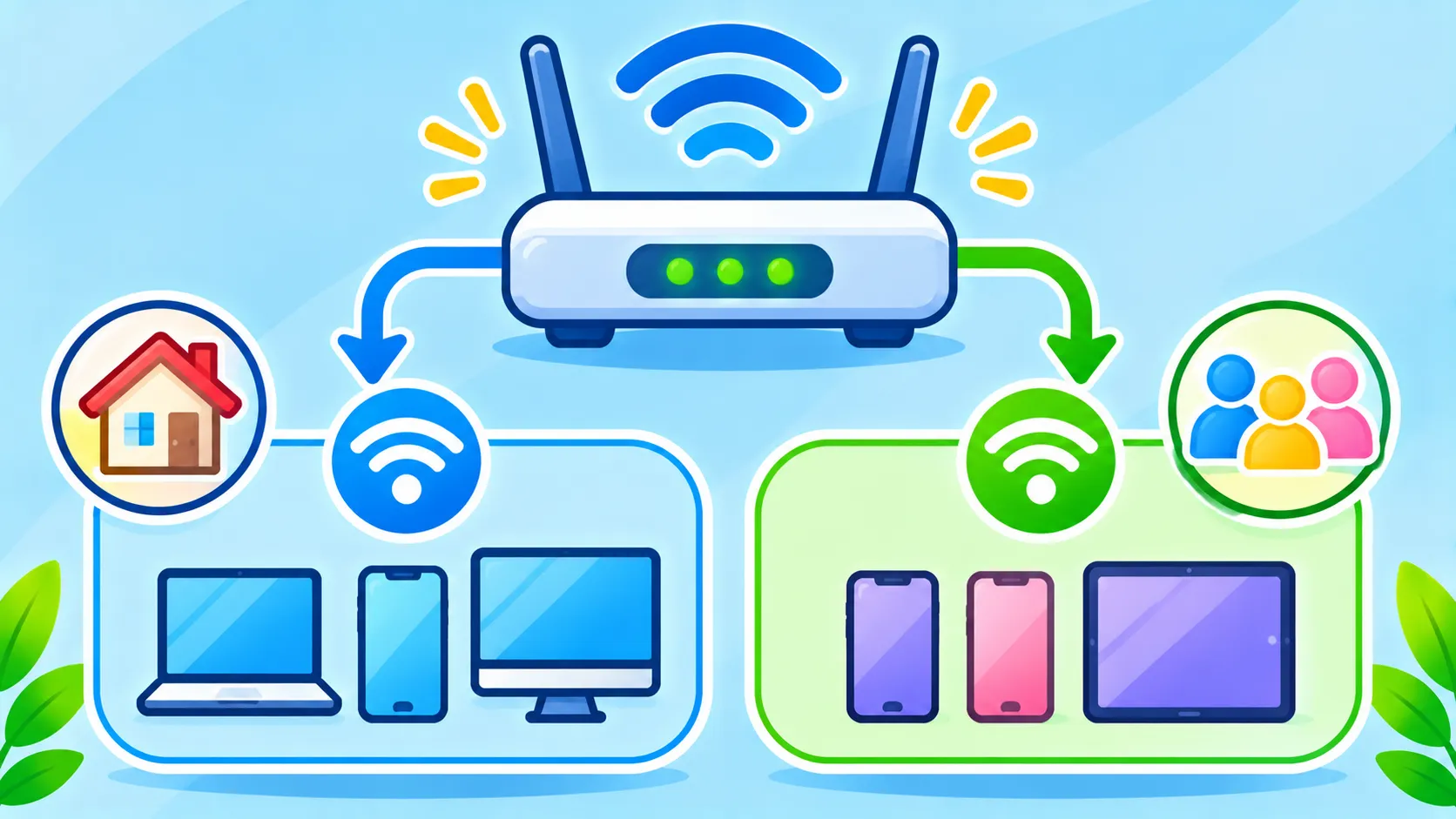
Option 2: Set up a guest network
- Open your router’s app or admin page.
- Find Guest Network and switch it on.
- Give it a different name and password.
- Turn on client isolation if available, so guests cannot see your devices.
- Turn it off when you do not need it.
Which option is best?
| Option | Easy? | Security | Best for |
|---|---|---|---|
| iPhone Share Password | Very easy | Good, password stays hidden | Friends with iPhones |
| Android QR code | Very easy | OK, code contains the password | Any guest |
| Printed QR card | Easy | Lower if left out | Guest rooms and rentals |
| Guest network | Setup once | Best, keeps guests separate | Frequent guests and smart devices |
Security tips
- Use a strong password and WPA2 or WPA3 encryption.
- Keep your router firmware updated. Our home router security checklist covers this.
- Change the password if it has been widely shared.
- Put smart TVs and gadgets on the guest network too.
Travelling instead of hosting? Read is public Wi-Fi safe?, and if your Wi-Fi itself is slow, see slow Wi-Fi fixes.
The bottom line
Skip reading out your password. Tap to share on iPhone, show a QR code on Android, and set up a guest network for the best security. Your guests get online in seconds and your main devices stay protected.
Frequently asked questions
How do I share Wi-Fi from iPhone to Android?
Show a Wi-Fi QR code or share the password manually. iPhone’s tap-to-share works only between Apple devices.
Is a guest network safer?
Yes. It keeps guests’ devices separate from your computers, phones and smart home devices.
Can someone see my password from a QR code?
Yes, a Wi-Fi QR code contains the password, so do not post it publicly.
Should I change my Wi-Fi password after guests leave?
If you shared your main password widely, changing it occasionally is a good idea.

