Gemini 4 Argon is Google’s newest top-tier Gemini model. It began reaching the Gemini app on October 13, 2026, after a limited preview for cyber defenders. If you pay for Google AI Pro or Ultra, you can probably use it today. Here is who gets it, how to switch to it and some simple prompts to start with.
Quick answer: Gemini 4 Argon is available to Google AI Pro and Google AI Ultra subscribers in the Gemini app, rolling out gradually. Open the Gemini app or gemini.google.com, tap the model picker near the message box and choose Gemini 4 Argon. Free and AI Plus users may not see it.
Who can use Gemini 4 Argon
| Plan | Gemini 4 Argon in the Gemini app? |
|---|---|
| Free | Not included |
| Google AI Plus | Not included at launch |
| Google AI Pro | Yes, gradual rollout |
| Google AI Ultra | Yes, gradual rollout |
Argon is also available in AI Mode in Google Search for paying subscribers and to developers through the paid Gemini API. Compare what each plan includes in our Gemini Free vs Plus vs Pro vs Ultra guide.
How to find Gemini 4 Argon in the app
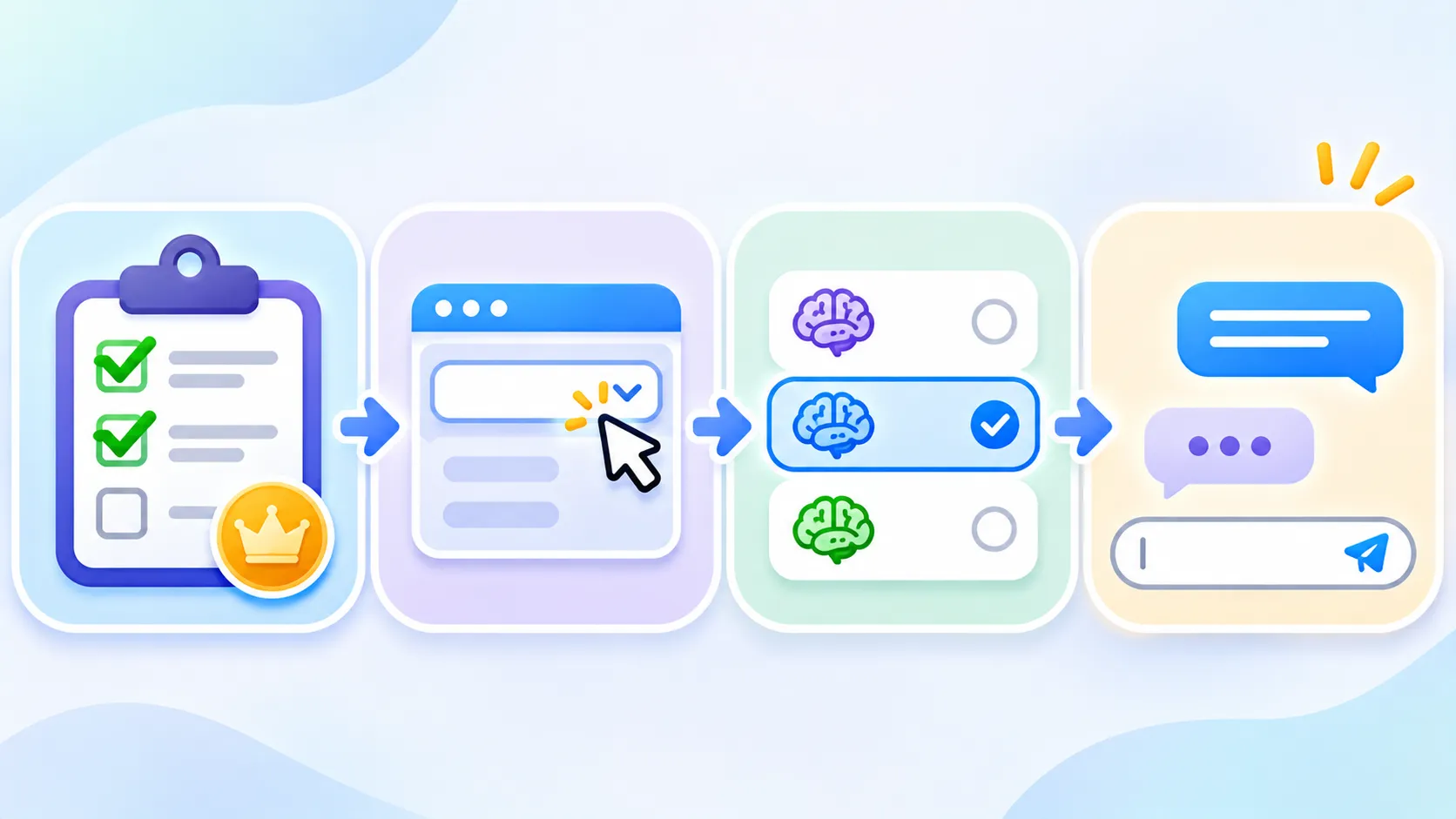
- Open the Gemini app on your phone, or go to gemini.google.com on a computer.
- Make sure you are signed in with the Google account that holds your plan. This is the most common reason people cannot see it.
- Tap the model picker near the message box. It shows the name of the current model.
- Select Gemini 4 Argon if it is listed.
- Type your question as usual.
Cannot see Gemini 4 Argon?
- Check your account. Switch to the Google account that has your Pro or Ultra subscription.
- Update the app from Google Play or the App Store.
- Sign out and back in to refresh your plan details.
- Wait a few days. Google rolls out new models gradually, by region and account.
- Check work or school accounts. Admins may control which models are available.
Starter prompts to try
- “Explain this topic like I am a beginner, then quiz me with three questions.”
- “Compare these two options in a table and recommend one with reasons.”
- “Turn these notes into a clear checklist with deadlines.”
- “Read this long email and tell me what I need to do, in three bullet points.”
- “Plan a three-day trip to a city with a budget, a daily schedule and food tips.”
For better results, read how to write better AI prompts.
When to use Argon and when not to
Argon is Google’s most capable model, so it shines on harder tasks: long documents, step-by-step reasoning, detailed comparisons and planning. For quick everyday questions, a faster model may answer sooner and save your usage limits. Switch between them in the model picker depending on the job.
Want the full background on the model itself, including API pricing? See our Gemini 4 Argon overview.
Note: Availability, limits and features can change by region and plan. Check Google’s official pages.
The bottom line
If you pay for Google AI Pro or Ultra, Gemini 4 Argon is a tap away in the model picker. Make sure you are on the right account, keep the app updated and try it on your harder tasks first.
Frequently asked questions
Is Gemini 4 Argon free?
No. In the Gemini app it is available to Google AI Pro and Ultra subscribers. Free users do not get it.
When did Gemini 4 Argon come to the Gemini app?
Google made it generally available to paying users on October 13, 2026, with a gradual rollout.
Why can I not see Argon in the model picker?
You may be signed in with a different Google account, on an older app version, or still waiting for the gradual rollout to reach you.
Can I use Gemini 4 Argon in Google Search?
Yes. Paying Google AI Pro and Ultra subscribers can use it in AI Mode in Search.