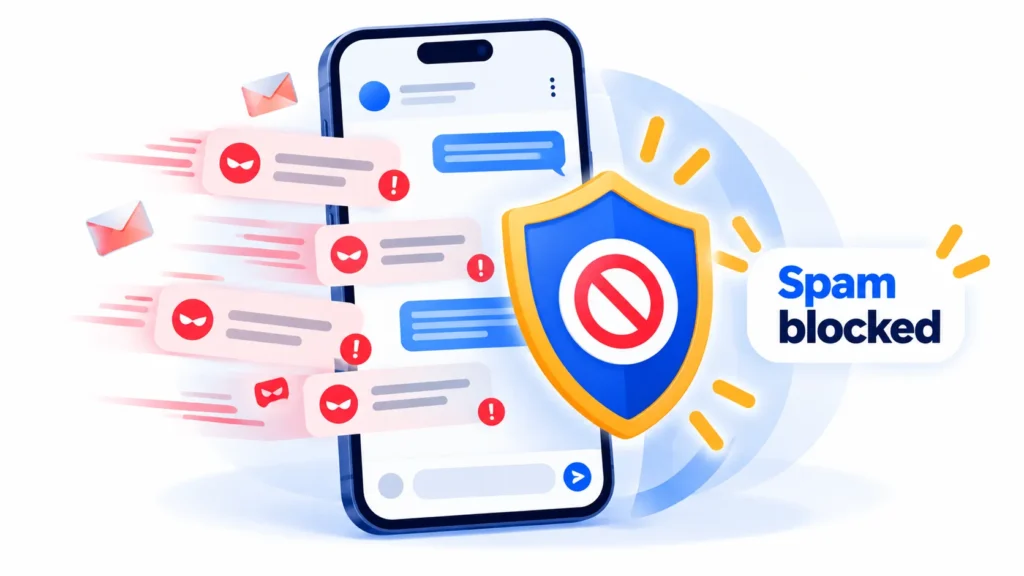
So blockieren Sie Spam-Texte auf iPhone und Android (2026-Anleitung)
Stop spam and scam texts with built-in tools: filter unknown senders on iPhone, turn on spam protection in Google Messages, block numbers and report to 7726.



Computer feeling slow? Learn how to check memory use in Task Manager or Activity Monitor, close memory hogs, trim startup apps, tame browser tabs and know when more RAM is the real fix.

Six real Chrome extensions that track prices, show price history, find coupons or earn cash back, plus Chrome’s built-in price tracking and privacy tips before you install.

An honest, no-hype look at what a VPN does and does not do, when it can help (like public Wi-Fi), when it won’t, and what to check before choosing one.
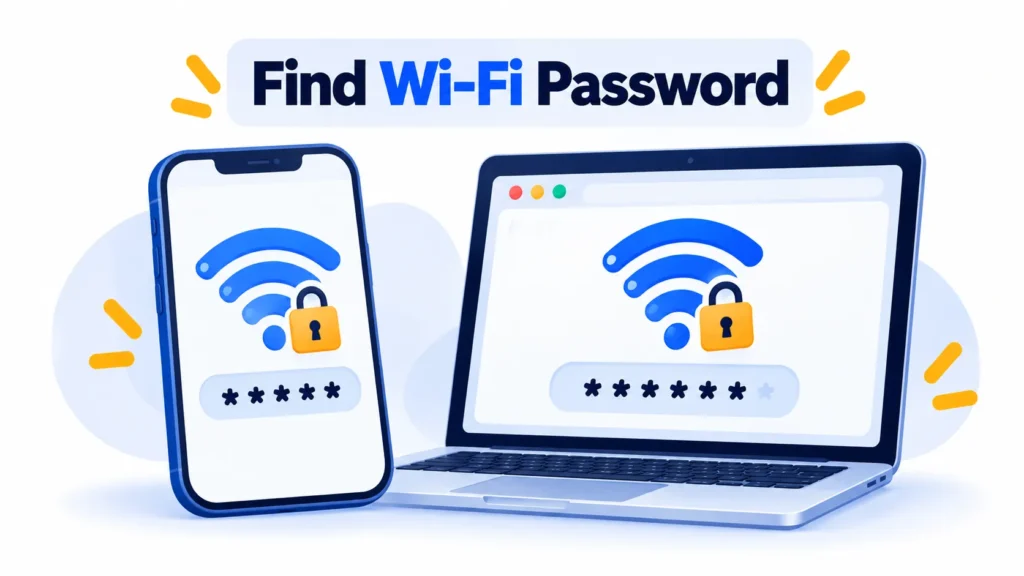
Forgot your Wi-Fi password? Here is how to find a saved Wi-Fi password on iPhone, Android, Windows 11 and Mac, step by step, for networks you own or have permission to use.

A beginner-friendly guide to adding, pinning, controlling and removing Chrome extensions, including site access, Incognito and safety checks.
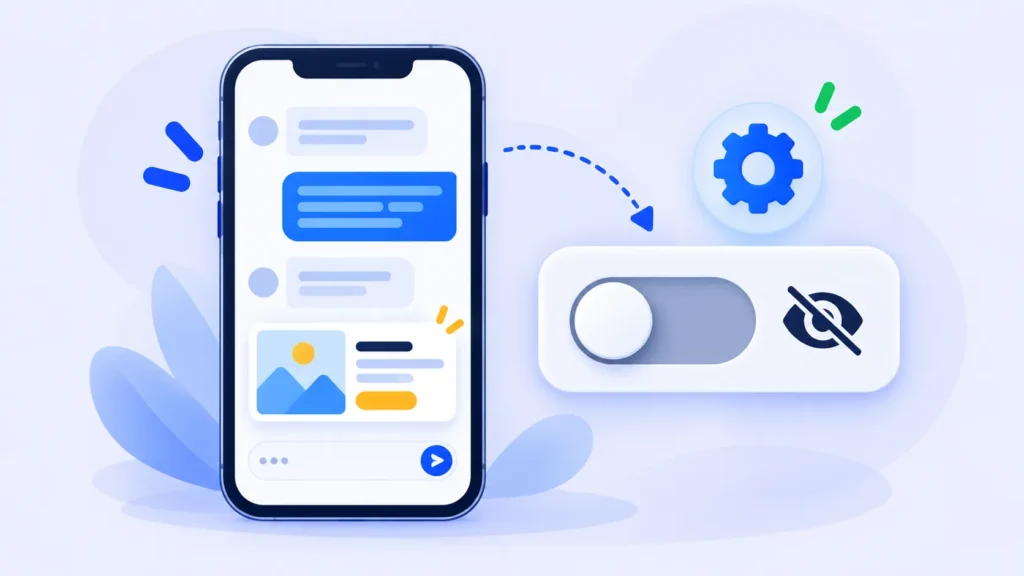
Free and Go ChatGPT users now see ads, and they can be personalized using your chats and memory. Here’s how ChatGPT ads work and how to turn off personalized ads and delete your ad data.

Slow tabs and high memory use? Learn how to find the browser extension dragging Chrome, Edge or Firefox down in a few minutes, and what to do about it.

Google is replacing Gemini Gems with Skills. Here’s what Skills are, key dates, what happens to your existing Gems, and how to create and use Skills with a simple slash command.

Android’s Advanced Protection mode switches on Google’s strongest device security in one place. Here’s where the setting is, what it blocks, and the trade-offs to know before you enable it.

WhatsApp guest calling lets anyone join a WhatsApp call from a computer browser, no account needed. Here’s how to create a call link, what guests can do, limits and privacy.

McAfee found more than 1,900 fake apps on Google Play pushing adware and subscription traps. Here’s how to spot fake apps, check your phone, remove them and use Play Protect.