Does your phone die by mid-afternoon, or shut down at 20 percent? The cause may not be your apps. All phone batteries are consumables: every time you charge them, they lose a tiny bit of their ability to hold power. Checking your battery health takes less than a minute and tells you whether a new battery would help.
This guide shows where to find battery health on iPhone, Google Pixel and Samsung Galaxy phones, how to read the results, and when to replace the battery. Menu names may differ slightly by phone brand and version, and not every Android phone shows battery health.
Quick Summary
- iPhone: Settings > Battery > Battery Health (on iPhone 11 to 14 it is Battery Health & Charging).
- Pixel 8a and later: Settings > Battery > Battery health.
- Samsung Galaxy: Use the Samsung Members app > Support > Battery status.
- Other Android phones: Check your brand’s settings or diagnostics app, or ask a service centre.
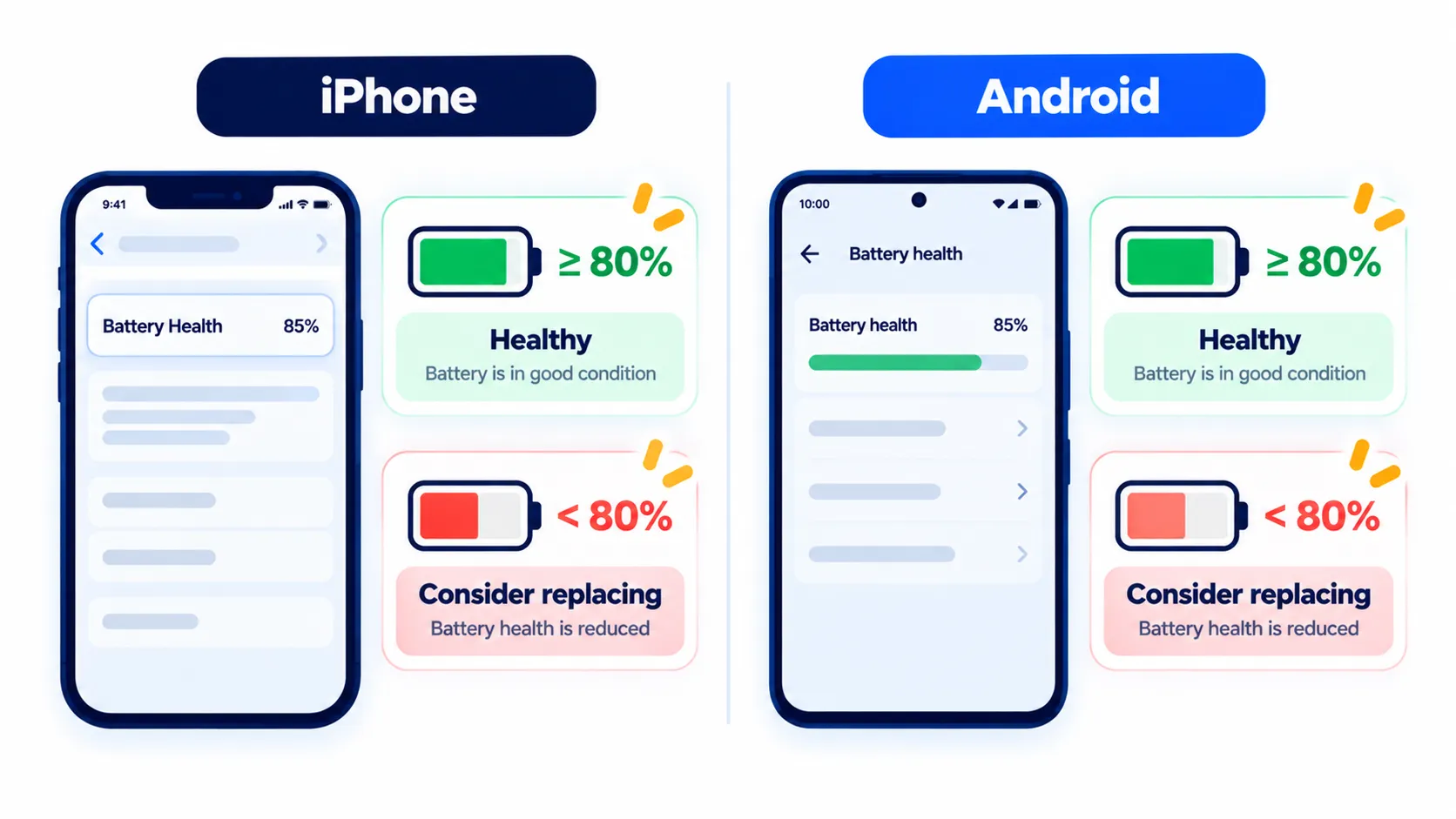
- Rule of thumb: Many makers suggest considering a replacement when capacity falls below about 80 percent.
How to Check Battery Health on iPhone
Apple says to open the Settings app, tap Battery, then tap Battery Health. The exact label depends on your model.
- iPhone 15 and later (iOS 17.4 or later): Settings > Battery > Battery Health
- iPhone 11, 12, 13 and 14: Settings > Battery > Battery Health & Charging
What you will see
| Item | What it means |
|---|---|
| Maximum Capacity | Your battery’s capacity compared with when it was new. A lower percentage means fewer hours between charges. |
| Cycle count (iPhone 15 and later, iOS 17.4+) | How many full charge cycles the battery has gone through. |
| Peak Performance Capability | Whether the battery can deliver the power the phone needs at peak moments. |
| Service message | If battery health has degraded significantly, you will see a message saying so. |
Apple says iPhone 14 models and earlier are designed to retain 80 percent of original capacity at 500 complete charge cycles, and iPhone 15 models at 1,000 cycles, under ideal conditions. Real results depend on how you use and charge your phone. A new phone can also show slightly below 100 percent.
Note: These details come from the company’s own announcements and have not been independently verified by Next DigiTech.
If Peak Performance Capability says performance management has been applied, iOS has limited peak performance after an unexpected shutdown to help prevent another one. If you see “Unable to verify”, iOS cannot confirm the battery is a genuine Apple battery, so the health information may not be accurate. Apple recommends getting that checked through service.
How to Check Battery Health on Google Pixel
On a Pixel, Google says to open Settings > Battery > Battery health. It shows a status of Normal or Reduced, based on estimated remaining capacity.
- This feature is on Pixel 8a and later. Google says Pixel 6a, 7, 7 Pro, 7a, 8 and 8 Pro do not show a status, and Pixel Tablet does not either.
- On Pixel 8a and later, go to Settings > About phone > Battery information to see the cycle count, manufacture date and first-use date.
- Google explains that a cycle is one full discharge and recharge, and partial use adds up. Going from 100 percent to 50 percent and back counts as half a cycle.
Google says to consider a replacement when capacity drops below 80 percent or the battery reaches roughly 800 cycles (Pixel 3 to 8 Pro and Pixel Fold) or roughly 1,000 cycles (Pixel 8a and later). A Reduced status means capacity is below 80 percent.
Note: Features and policies may vary by plan, region and app version, and can change at any time. Check the official help center for the latest information.
How to Check Battery Health on Samsung Galaxy
Samsung’s support page points to the Samsung Members app for battery checks:
- Open the Samsung Members app and tap Support.
- Tap Get Started. Samsung says to run the full diagnostics first, stop the test, then pick the item you want to test.
- Tap Battery status.
- Review the results.
Menu names and screen layouts can vary by model and software version. If you see a battery performance degradation alert, Samsung suggests visiting a service centre for a battery inspection. Signs of ageing include the battery draining quickly after charging and the phone shutting off unexpectedly, especially in cold weather.
Other Android Phones
Not every Android phone shows a battery health percentage in its settings. Some brands have a built-in diagnostics or battery menu, others do not. Search your phone’s Settings for “battery health” or “battery information”, look for the manufacturer’s support app, or ask an authorized service centre to test it. We recommend against third-party apps that promise exact battery percentages, since many of them only guess.
When Should You Replace Your Phone Battery?
Consider a replacement if you see several of these:
- Maximum capacity or battery health is below roughly 80 percent, or the status says Reduced or Degraded.
- Your phone drops sharply from, say, 30 percent to 5 percent, or shuts off unexpectedly.
- You charge it more than once a day with normal use.
- The phone has become slow or hot while charging. See why your phone is overheating.
- The battery looks swollen or the back panel is lifting. Stop using and charging it, and take it to a professional right away.
Replacing a battery is often cheaper than buying a new phone, but compare costs. Apple says the one-year warranty covers a defective battery, and outside warranty it offers battery service for a fee. Samsung says replacement may be covered under warranty or may need paid service, depending on warranty conditions. Use the manufacturer or an authorized service provider, so you get a genuine part.
Note: Prices are based on official announcements at the time of writing and may vary by country, retailer, taxes and promotions. Always check the latest pricing on the official website before buying.
How to Slow Down Battery Ageing
- Avoid leaving your phone in a hot car or under a pillow while charging. Heat is hard on batteries.
- Use the optimized or adaptive charging features your phone offers. Apple, for example, documents Optimized Battery Charging and Charge Limit on iPhone.
- Do not worry about partial charges. They are fine, and they count as part of a cycle.
- Use quality chargers and cables from your phone maker or reputable brands.
- Cut battery drain with our list of phone settings that quietly save battery.
Before any battery service, back up your phone. Here is how to back up your iPhone, and how to transfer everything to a new phone if you decide to upgrade instead.
Frequently Asked Questions
What is a good battery health percentage?
Above about 80 percent is generally considered fine. Below that, you may notice shorter battery life and could consider a replacement.
Why does my Android phone not show battery health?
Not all phones include it. On Pixel, Google says it is on Pixel 8a and later. Other brands vary, so check settings or the manufacturer’s diagnostics app.
Does fast charging damage the battery?
Heat is the bigger concern. Use the charger your phone maker recommends and avoid charging in hot places.
Is it dangerous to keep using a degraded battery?
Apple says a significantly degraded battery message is not a safety issue, but expect more battery and performance problems. A swollen battery is different and needs urgent professional attention.
How much does a battery replacement cost?
It depends on your model, country and provider. Check the manufacturer’s official service page for current pricing.
The Bottom Line
Checking battery health is quick: Settings > Battery on iPhone and Pixel (8a and later), and Samsung Members on Galaxy. If capacity is below about 80 percent and the phone struggles through the day, a replacement can give it a new lease of life. If your battery is fine, small habit changes can keep it that way.
Related Guides
- 10 Simple Phone Settings That Quietly Save Battery
- Why Is My Phone Overheating? 10 Easy Fixes for iPhone and Android
- How to Back Up Your iPhone (iCloud and Computer Methods)
- How to Transfer Everything to a New Phone (iPhone and Android)
Explore more in our Tech Tips hub.
Disclaimer: This article is for general information only and is based on details available at the time of writing. Prices, plans, features, release dates, policies and availability can change at any time and may vary by country. Please verify the latest information on the official website of the company or product mentioned before making any decision or purchase. Next DigiTech is an independent website and is not affiliated with or endorsed by the companies mentioned; all trademarks belong to their respective owners. We are not responsible for any loss or decisions made based on this content.