
You have probably seen the headline: another company has been hacked and millions of accounts were exposed. It is natural to wonder whether your own email or password was part of it. The good news is that you can check in a minute or two, and if you were affected, the fix is a short list of steps. This guide explains how data breaches work, how to see whether you appear in one, and what to do afterward.
Quick answer: Type your email address at Have I Been Pwned to see known breaches, and run Password Checkup in Chrome or your password manager to find exposed passwords. If a password was leaked, change it everywhere you used it, make every password unique, turn on two-factor authentication and watch for follow-up scams.
What is a data breach?
A data breach happens when attackers or a mistake expose information held by a company, such as email addresses, passwords, phone numbers or other details. Stolen data is often shared or sold online. Criminals then try the same email and password combinations on other sites, a method called credential stuffing. That is why reusing passwords is risky: one leak can open several accounts.
How to check if you were in a breach
Use a breach lookup service
Have I Been Pwned is a well-known free service that lets you enter your email address to see which publicly known breaches included it. You can also sign up for notifications. Only use the official site and type the address yourself. Never follow a link from an email that says you were breached. Scammers sometimes copy these alerts, as explained in our guide to spotting phishing emails and texts.
Use your browser or password tool
Chrome, Google Password Manager, Apple Passwords and several other password tools can warn you when a saved password appears in a known leak. In your Google Account, Password Checkup shows weak, reused and compromised passwords. Our Google Account security checkup guide walks you through it.
What the results mean
- No breaches found: good news, but it only covers breaches that are publicly known. Keep using good habits.
- Email found in a breach: your address was exposed. You may get more spam or phishing, so be careful.
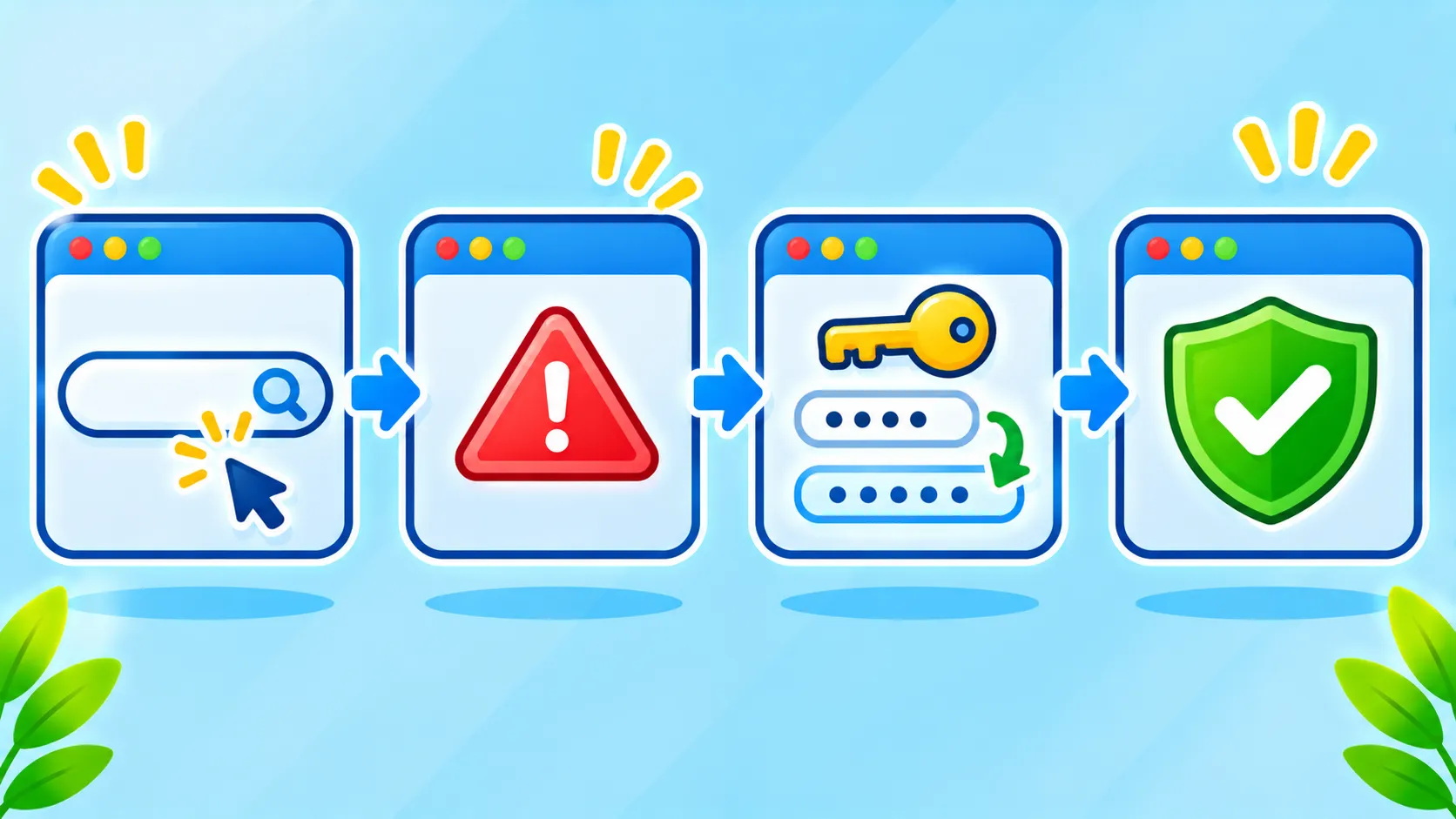
- Password found in a breach: change that password everywhere you used it, right away.
What to do if you were affected
- Change the password for the breached account and for any other account that used the same or a similar one.
- Make each password unique. A password manager makes this practical.
- Turn on two-factor authentication. Follow our guide to turning on two-factor authentication.
- Consider passkeys where available. Learn how they work in passkeys explained.
- Watch your accounts and statements for activity you do not recognize, especially if financial details were involved.
- Be alert for scams that use your leaked details to sound convincing.
If financial or ID details were exposed
If a company says card numbers or identity documents were exposed, follow its official instructions. Contact your bank or card issuer, and consider placing a fraud alert or credit freeze with credit bureaus where that option exists in your country. Official government consumer websites explain the process.
Spot follow-up scams
After a breach, criminals may email or text you pretending to be the affected company or your bank. Do not click links or share verification codes. Go to the company’s website or app directly. For calls, see how to stop spam calls and how to block spam texts.
Habits that reduce the damage of future breaches
- Use a different password for every account.
- Use a long passphrase for your email and main accounts.
- Limit what you share with websites, and delete old accounts you no longer use.
- Keep your devices updated. See should you update now?
Frequently asked questions
Is it safe to enter my email on a breach checker?
Reputable services are designed for this, but use only the official site and never enter your password into a checker unless the service explains clearly how it protects it.
Does being in a breach mean I was hacked?
Not directly. It means some data was exposed. Your account is at risk mainly if the password was reused or is still unchanged.
How often should I check?
Every few months, or when you hear about a breach in a service you use. Notifications can do this for you.
Note: Breach databases only include known incidents, and tools and menu names may change.

