

Landing in a new city with no signal, expensive roaming or a weak hotel Wi-Fi is stressful, especially when you need directions or have to ask for help in another language. The fix is simple: download maps and translation languages at home on Wi-Fi, before you travel. Then the most important tools work even with no data at all.
Quick answer: In Google Maps, tap your profile picture, choose Offline maps and select an area. In Apple Maps, tap your profile and choose Offline Maps > Download New Map. In Google Translate or Apple’s Translate app, download the languages you need. Do it on Wi-Fi and check your storage first.
Note: offline features, map sizes and expiry rules vary by app and region.
How to download offline maps
Google Maps (Android and iPhone)
- Connect to Wi-Fi and open Google Maps.
- Tap your profile picture > Offline maps.
- Tap Select your own map and adjust the blue box to cover your destination.
- Tap Download. The app shows how much storage it needs.
Apple Maps (iPhone)
- Open Maps on Wi-Fi.
- Tap your profile picture > Offline Maps > Download New Map.
- Choose the area and tap Download.
Offline maps support driving directions and place details. Live traffic and some transit info need a connection.
How to download offline translation
- Google Translate: tap your profile picture, then Downloaded languages, and download the languages you need.
- Apple Translate (iPhone): go to Settings > Apps > Translate > Downloaded Languages and download them, then turn on On-Device Mode.
- Camera translation works offline for many languages, which is handy for menus and signs.
Google’s help page on offline maps has more detail.
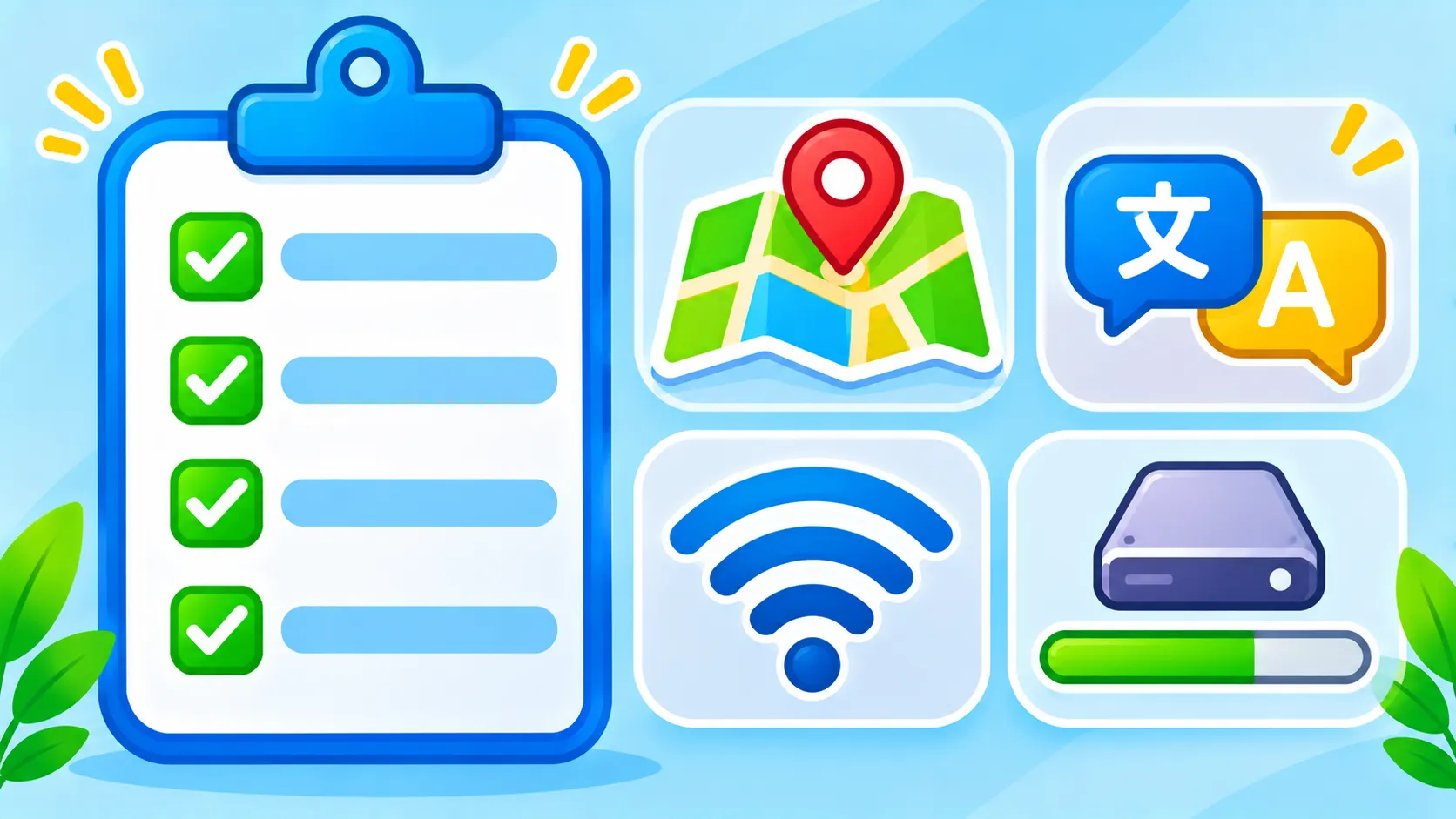
Pre-travel phone checklist
| Task | Why |
|---|---|
| Download offline maps | Navigation without data |
| Download languages | Translate menus, signs and conversations |
| Free up storage | Maps and languages need space |
| Back up your phone | Protects photos if the phone is lost |
| Set up a travel eSIM | Cheaper data than roaming |
| Save tickets and bookings offline | Access them without signal |
More tips
- Free storage first. See freeing up storage on Android or iPhone storage fixes.
- Back up your phone before you go. iPhone users can follow how to back up an iPhone.
- Be careful on airport and hotel Wi-Fi. Read is public Wi-Fi safe?
- Planning the trip? Try planning a trip with AI.
The bottom line
Ten minutes on Wi-Fi before you leave saves a lot of stress abroad. Download offline maps and languages, free up storage and back up your phone, and you will be ready even without signal.
Frequently asked questions
Do offline maps work without any internet?
Yes. Downloaded maps let you search and get directions without data, though live traffic needs a connection.
Do offline maps expire?
Google Maps offline areas update automatically on Wi-Fi and may expire if not updated for a long time. Refresh them before trips.
Can I translate a conversation offline?
Yes, with downloaded languages in Google Translate or Apple Translate, though offline quality may be slightly lower.
How much storage do offline maps use?
It depends on the area. A city may need a few hundred megabytes; a large region can need more.

