
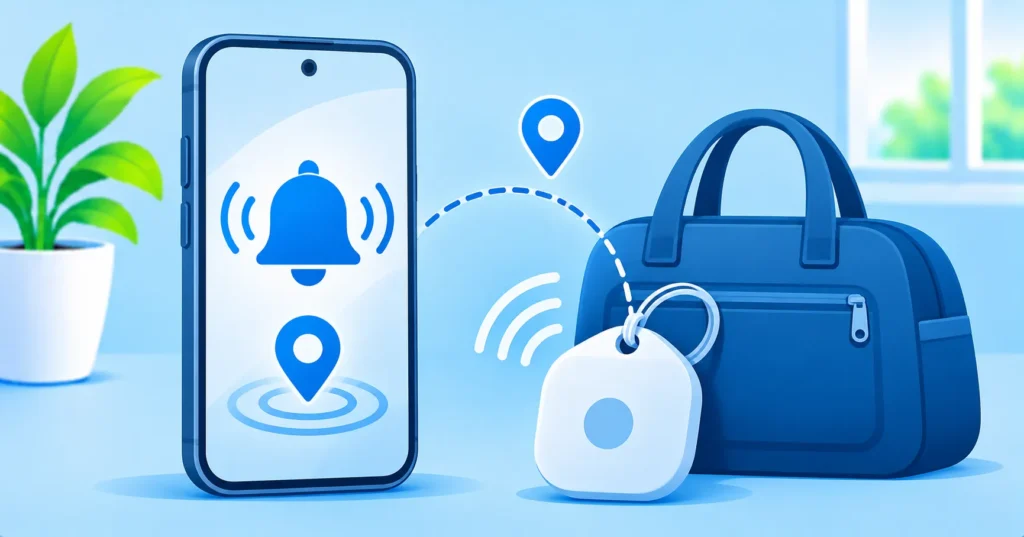
Both iPhone and Android phones can warn you when a small Bluetooth tracker, like an AirTag or another tag, that does not belong to you seems to be travelling with you. Getting that alert can be scary. Most of the time it is harmless, like a friend’s keys in your car or a family member’s bag. But it is always worth checking properly. Here is a calm, step-by-step checklist.
Quick answer: If you feel unsafe, go to a public place and contact local emergency services first. Otherwise, open the alert, use Play Sound to locate the tracker, check bags, pockets and your car, then follow the on-screen steps to see its details and disable it. Take photos before you disable it, and report it to police if you suspect stalking.
Note: alert wording and menu names differ by phone model and software version.
Why you might get an alert
- A tracker in a borrowed bag, jacket or car.
- A tracker belonging to a family member or friend travelling with you.
- A second-hand item that still has the previous owner’s tracker inside.
- In rare cases, someone placed a tracker to follow you.
Step 1: Stay safe
If you feel in danger, go to a busy public place and contact local emergency services. Do not go home if you think someone may be following you, and do not confront anyone.
Step 2: Find the tracker
- Tap the alert to open it.
- Use Play Sound if offered and listen for a beep.
- Check bags, coat pockets, car seats, the boot, wheel wells and anything you were given recently.
- Look for a small coin-shaped, square or card-shaped device.

Step 3: Learn about it and disable it
- Take photos of the tracker and where you found it.
- Follow the alert’s instructions to see its details, such as a partial serial number. Some trackers can be identified by holding them near your phone.
- Disable it by following the on-screen steps, usually by removing the battery.
- Keep the tracker and your photos in case you report it.
Make sure tracker alerts are on
| Phone | What to check |
|---|---|
| iPhone | Location Services and Bluetooth on, and Tracking Notifications turned on in Find My settings |
| Android | Unknown tracker alerts turned on in Settings > Safety & emergency (or Google settings), with Bluetooth and location on |
You can also run a manual scan for nearby trackers on Android if you are worried, even without an alert.
When to report it
- You found a tracker you cannot explain.
- You keep getting alerts in different places.
- You think someone you know may be tracking you.
Contact local police and bring the tracker and your photos. Apple’s Personal Safety User Guide explains more about tracking and device safety. In the US, the National Domestic Violence Hotline offers confidential support if tracking is part of an abusive situation.
Other privacy checks
If someone has access to your trackers, they may also have access to your phone or accounts. Read our guides on warning signs your phone is hacked and checking which apps use your location.
The bottom line
An unknown tracker alert is usually innocent, but always check. Put your safety first, find the tracker with Play Sound, photograph it, disable it and report it if you cannot explain it.
Frequently asked questions
Can an AirTag track me if I have an Android phone?
Android phones can detect unknown trackers, including AirTags, and alert you if one seems to be moving with you.
Should I destroy the tracker?
No. Disable it by removing the battery, but keep it and your photos in case you need to report it.
Why did I get an alert for my family’s tracker?
If a tracker is not linked to your account, your phone treats it as unknown, even if it belongs to someone you live with.
Can I scan for trackers without an alert?
Yes. Android offers a manual scan in its safety settings, and some apps can also scan for nearby trackers.

