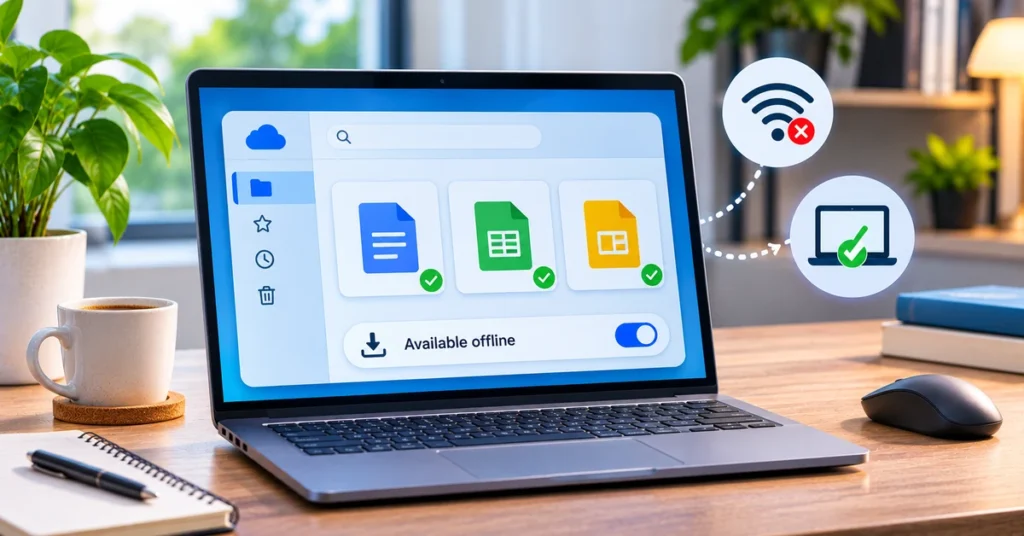
Cómo usar Google Drive Offline: acceder y editar archivos sin Internet
Learn how to enable Google Drive offline access, make Docs, Sheets and Slides available without internet, use Drive for desktop, and fix sync problems.

Learn how to enable Google Drive offline access, make Docs, Sheets and Slides available without internet, use Drive for desktop, and fix sync problems.
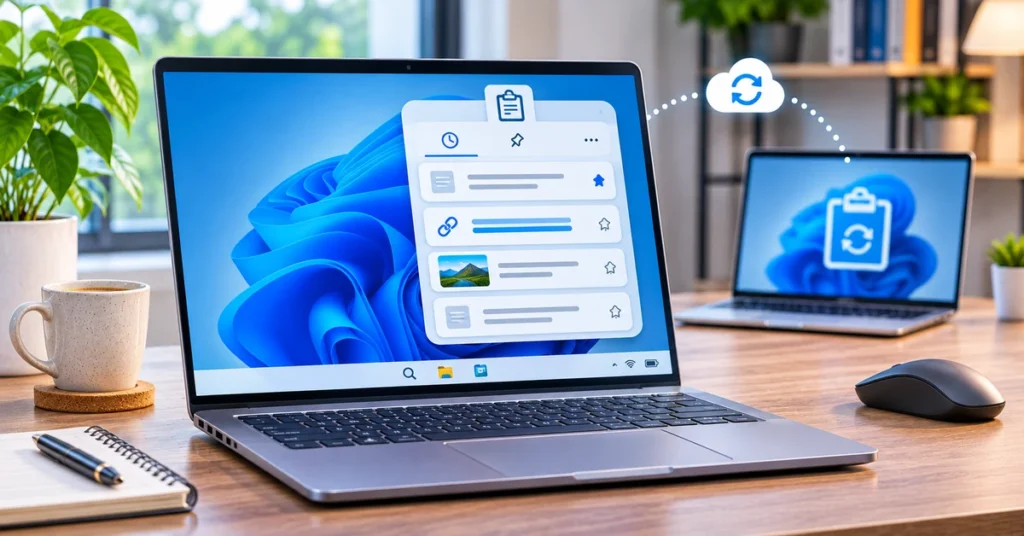
Learn how to turn on Windows 11 clipboard history with Windows + V, pin copied items, sync text across devices, clear entries, and fix common issues.

Learn how to back up Windows 11 files and settings with Windows Backup, restore them on a new PC, and add an external-drive backup for extra protection.
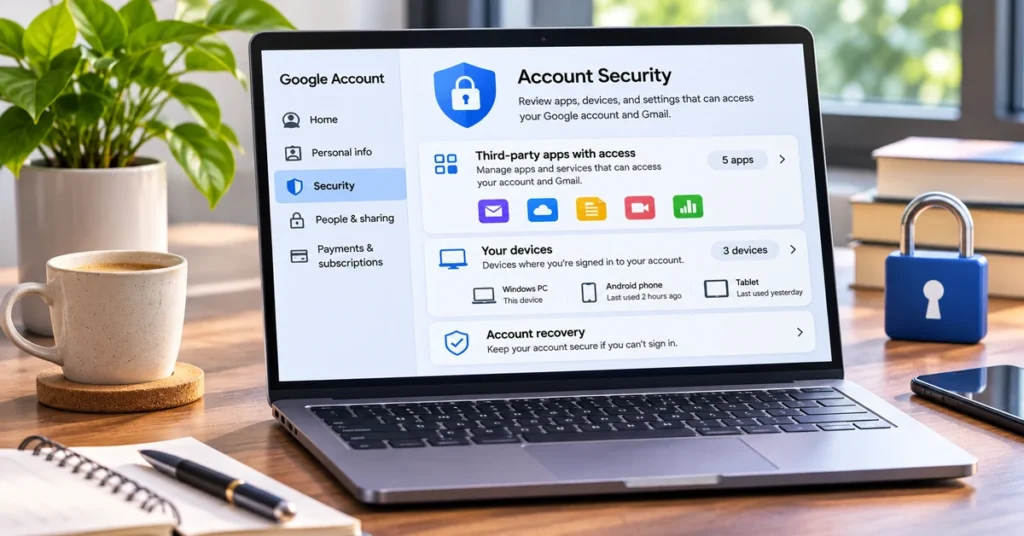
Find out which apps and devices can access your Google Account, remove old connections, review Gmail permissions, and run Google Security Checkup.
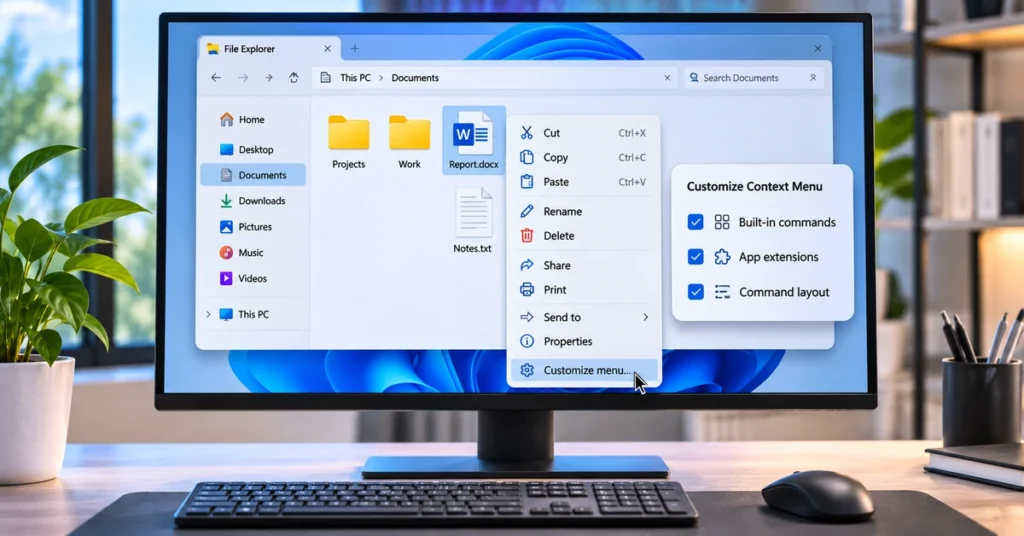
Learn how to customize the Windows 11 File Explorer right-click menu, manage app extensions, add commands, change layouts, and fix missing settings.

Learn how to remap the dedicated Copilot key in Windows 11 to Right Ctrl or Context Menu, check update eligibility, and fix common keyboard issues.
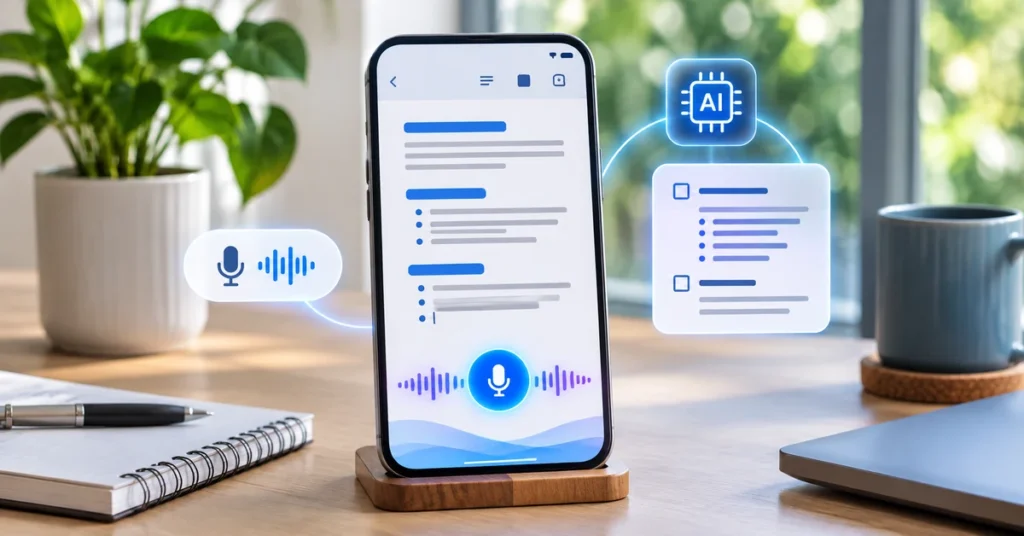
Learn how Google Docs Live uses voice prompts and Gemini to plan, draft and refine documents on Android and iPhone, plus eligibility, setup tips and limitations.
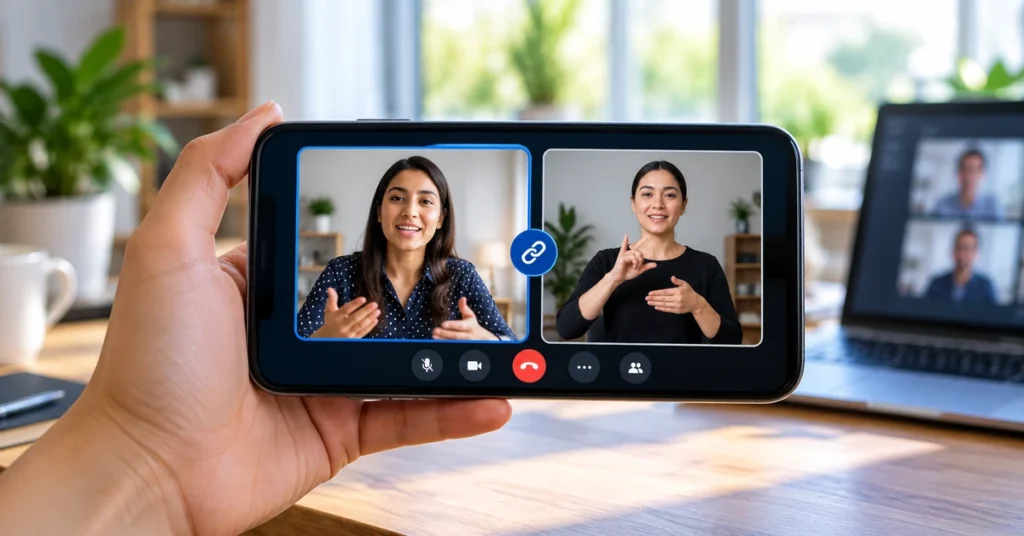
Learn how Google Meet video tile pairing works on Android and iPhone, how to pair or unpair participants, rollout dates and key limitations.
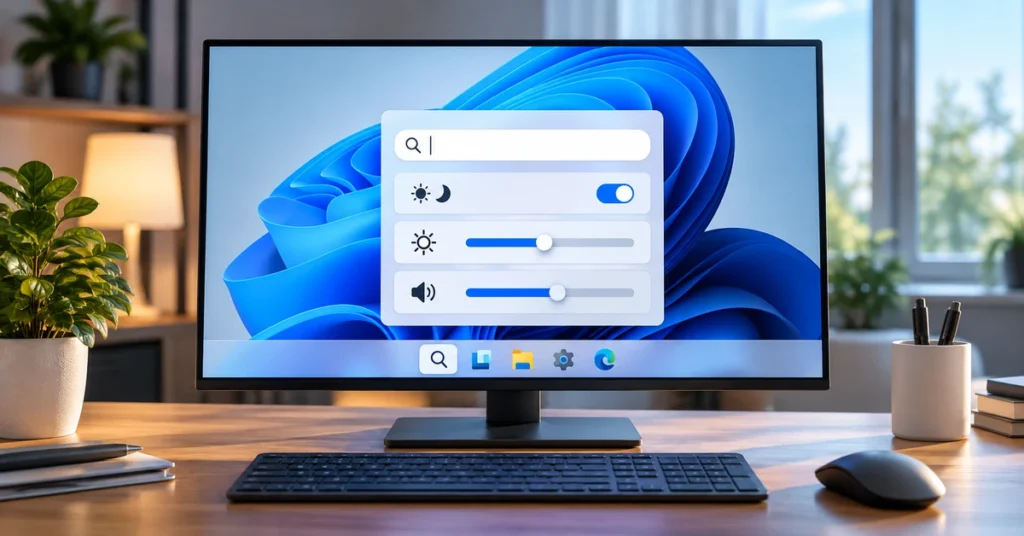
Windows 11 Search Actions can change settings, adjust sliders and manage windows from taskbar search. Learn what works, Insider requirements and rollout status.
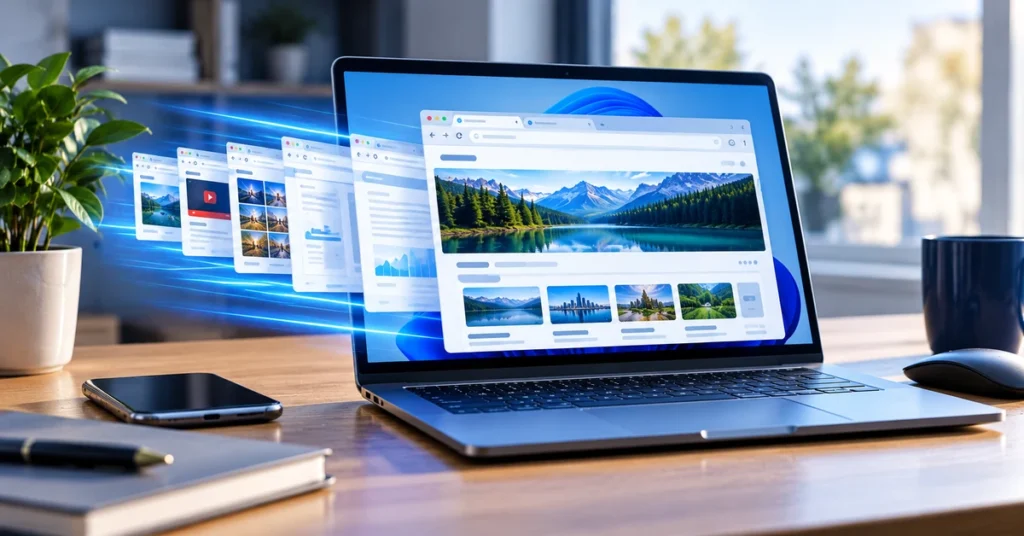
Microsoft Edge can now reopen faster on supported Windows 11 PCs. Learn how Accelerated App Launch works, its requirements and how to check your versions.

Google Chrome 156 fixes 21 security issues, including one Critical vulnerability. Check the latest versions and learn how to update Chrome on desktop and Android.

Explore the Windows 11 KB5127936 October 2026 preview update, including File Explorer changes, Cloud rebuild, accessibility improvements, known issues and safe installation steps.