
Best Free AI Tools for Everyday Life: Home, Family and Small Business
Free AI tools can save you time on everyday jobs at home, with your family and in a small business. Here are practical uses, prompts you can copy and simple safety tips.

Free AI tools can save you time on everyday jobs at home, with your family and in a small business. Here are practical uses, prompts you can copy and simple safety tips.

Google Opal shuts down on November 17, 2026, Gemini Gems are becoming Skills and Firebase Studio closes on March 22, 2027. Here are the confirmed dates, what to use instead and a checklist to move your work safely.

Scammers often target parents and grandparents with urgent calls and texts. This simple family checklist covers the five warning signs, three safety rules, a family code word and what to do if they already clicked or paid.

A plain-language guide to using the ChatGPT app on iPhone or Android: how to install the real app, type or talk to it, good first questions to try and simple safety tips for beginners and seniors.

You do not need to code to be good with AI. This beginner roadmap covers the five AI skills worth learning in 2026: clear prompts, checking answers, privacy habits, real tasks and simple workflows.
Firebase Studio shuts down on March 22, 2027. Here are the best free AI app builders for beginners, what their free plans usually limit and how to pick one without writing code.

macOS 27.3 lets Quick Look show Markdown files with proper formatting instead of raw symbols. Here is how to preview .md files in Finder and who benefits most.

Microsoft is testing two new ways to play Xbox Cloud Gaming: the $50 Xbox Nano Controller that connects straight to Wi-Fi, and using your phone as a controller on smart TVs. Here is how both work.

Découvrez comment vérifier la santé de la batterie d'un ordinateur portable dans Windows 11 avec le rapport de batterie intégré. Comparez la conception et la capacité de charge complète, lisez l'historique d'utilisation et comprenez quand chercher un service.
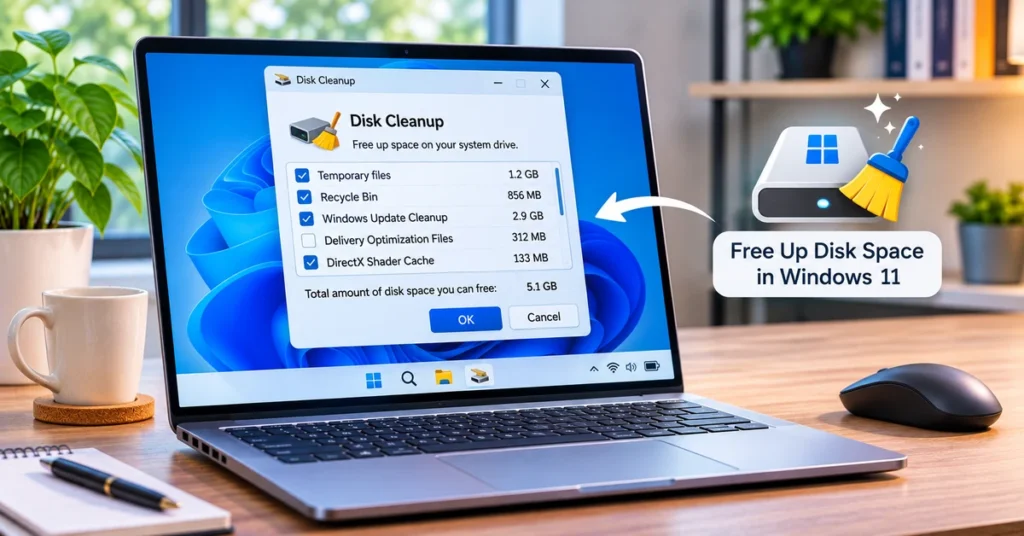
Découvrez comment libérer de l'espace disque dans Windows 11 à l'aide de Storage Sense, des recommandations de nettoyage, du nettoyage des disques, de la suppression d'applications et de la gestion sécurisée des fichiers.
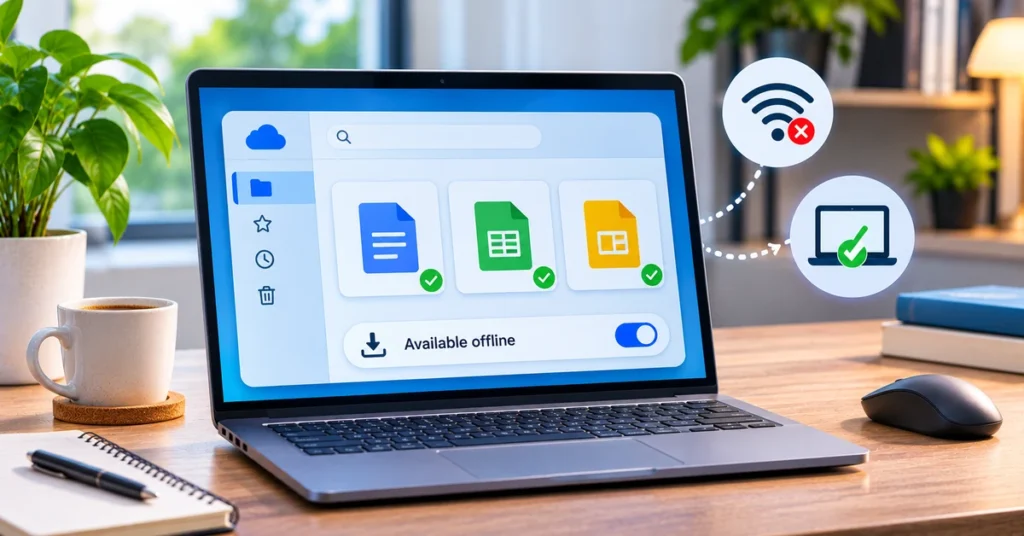
Découvrez comment activer l'accès hors ligne de Google Drive, rendre disponibles des documents, des feuilles et des diapositives sans Internet, utiliser Drive pour le bureau et résoudre les problèmes de synchronisation.
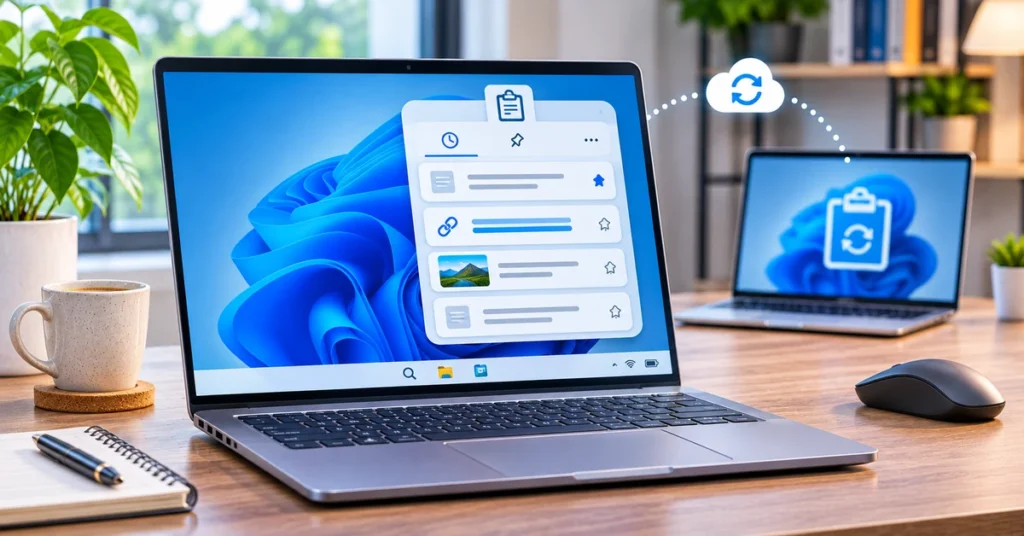
Découvrez comment activer l'historique du presse-papiers Windows 11 avec Windows + V, épingler des éléments copiés, synchroniser du texte sur les appareils, effacer les entrées et résoudre les problèmes courants.